SpaceCraft: Best Settings for More FPS (2026)
If you want more SpaceCraft FPS, set up DLSS properly first and keep the game up to date. Since the Early Access launch on June 11, 2026, Shiro Games has fixed several performance problems, including FPS drops with many ships around and memory leaks.
This guide separates what the official patch notes confirm from general PC tips that help in any game. That way you know which slider really makes a difference.
📉 Where SpaceCraft FPS typically drops
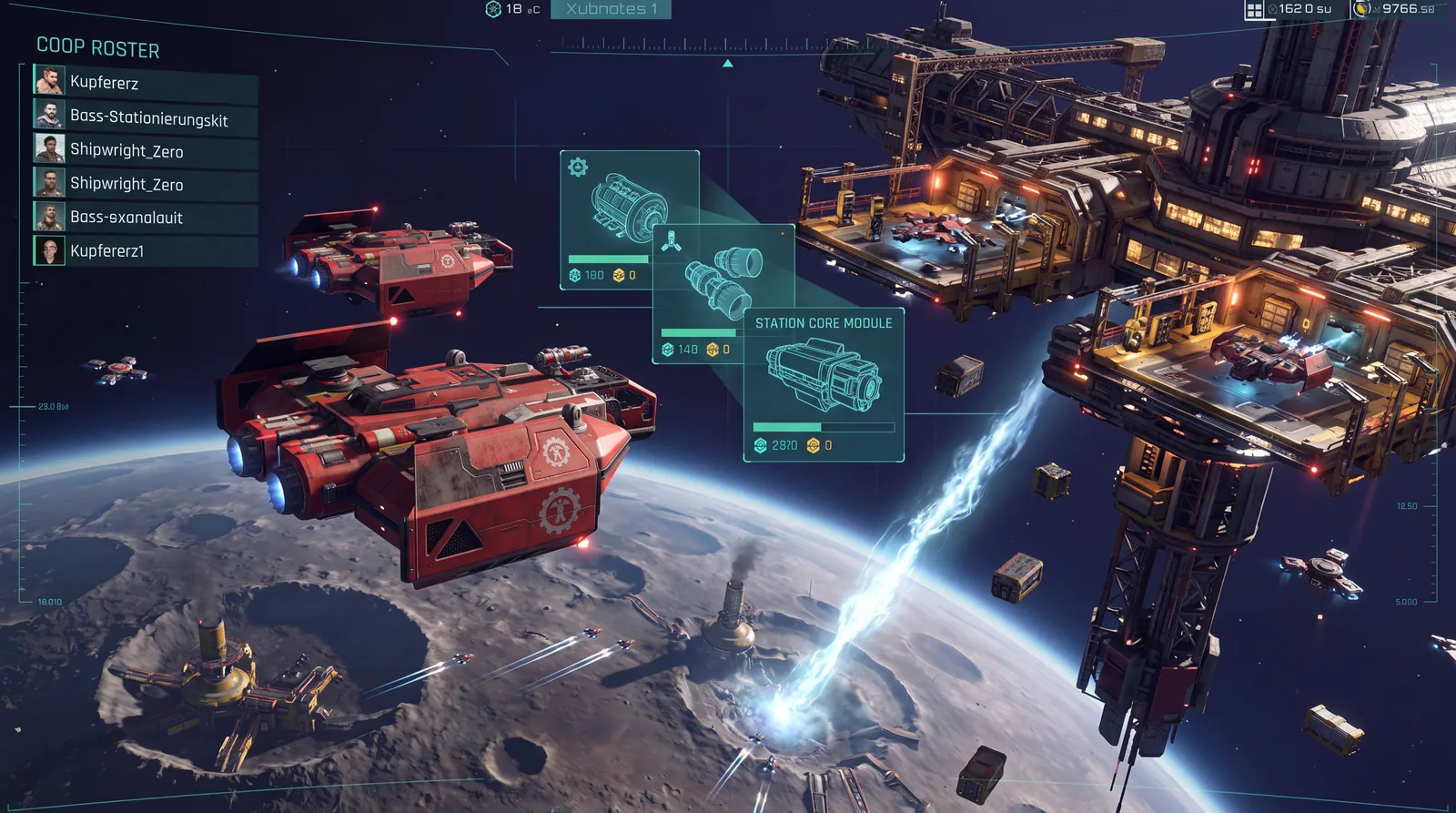
The patch notes themselves name the spots where things get tight. On June 12, patch v0.3.22077 fixed audio stutter and FPS drops when many ships are in the same system. Busy stations and crowded Trade Nexus locations are classic load spikes.
A second hotspot is the Restricted Areas. Major Update #1 on October 8, 2026 reworked all 19 Restricted Areas, and the following hotfix v0.5.25570 improved performance in several of them. If it stutters right there, check first whether your game is up to date.
🎮 Setting up DLSS properly
Since patch v0.3.22491 on July 6, SpaceCraft has offered three DLSS modes. The same patch closed several memory leaks and brought general performance improvements.
| DLSS mode | When it makes sense |
|---|---|
| Max Quality | Strong Nvidia card, you mainly want a stable image |
| Balanced | Good starting point for mid-range PCs |
| Max Performance | Weaker card or high resolution, FPS over sharpness |
Important: the v0.3.23019 patch notes of July 29 list DLSS as a known issue. It can crash the game, and Shiro Games recommends turning DLSS off until a fix. No fix is reported in the patch notes up to Major Update #1. If your game crashes, disable DLSS first. More in the crash fix guide.
⚙️ General settings that almost always help
The following tips aren't confirmed specifically for SpaceCraft, but they work in most current PC games:
- FPS cap just below your monitor's refresh rate: gives more even frame pacing. One limiter is enough; two or three stacked limiters tend to make things worse.
- V-Sync off when a limiter is active: double syncing increases input lag.
- Lower shadows and motion blur first: shadows usually cost a lot, and motion blur adds little during fast camera turns.
- Power profile on maximum performance: in the graphics driver and in Windows, this stops the card from clocking up too late during load changes.
- SSD instead of HDD: when switching between systems and stations, the game loads new content, and an SSD shortens those waits.
🧰 Overlays and background programs
Steam overlay, Discord overlay, recording software or a second monitor playing videos all take GPU and CPU power. Before testing, take a look at Task Manager (Ctrl+Shift+Esc). If something there is using noticeable resources that you don't need right now, close it and compare again.
If it stutters more than before after a driver update, a corrupted shader cache can be the cause. You can clear the DirectX shader cache with Windows Disk Cleanup. The first few minutes afterwards may hitch briefly until the shaders are rebuilt.
🚫 What you're better off avoiding
- No "FPS boost" packs from unknown sources.
- Don't force real-time priority in Task Manager, it can make Windows unstable.
- Don't copy config commands from other games. Whether they work in SpaceCraft isn't documented.
🌐 Stutter or network?
SpaceCraft runs in a persistent online galaxy by default. Delayed actions, rubberbanding or jumping players point to your connection rather than your graphics card, especially if your SpaceCraft FPS counter looks fine.
The solo offline mode, available since patch v0.3.22399 on June 26, works well as a cross-check. You'll find it under Options → Change Region → Offline Mode. If the game runs smoothly offline, the problem is more likely the network. Note: offline progression is separate from your online save. More in the guide to SpaceCraft solo and offline.
🎮 Steam Deck
On the Steam Deck, the interface was the main issue. Patches v0.3.22866 (July 21) and Community Update #1 (September 16) fixed several scaling bugs at 1280×800, especially in the base menus. If text looks cut off, check first whether you're up to date.
💡 Test first, then optimize
Change only one setting at a time and test at the same spot, for example when approaching a busy station. That way you see which slider really helps. Shiro Games named optimization one of its top priorities in the "Our Priorities" blog of July 3. So it's worth testing again after bigger updates.
More on SpaceCraft: understand the ship module system or automate your base without losing track.
❓ FAQ: SpaceCraft FPS
Why does SpaceCraft stutter at stations?
Many ships in the same system create load. Patch v0.3.22077 fixed FPS drops in that situation, but load spikes at crowded places don't disappear completely.
Which DLSS mode should I use?
Balanced is a good start for most systems. If the game crashes, turn DLSS off, since that's a known issue according to the July 29 patch notes.
Is there FSR for AMD cards?
The patch notes up to Major Update #1 only mention DLSS. Whether and which upscalers exist for AMD, you'll see directly in your client's graphics options.
Is there Frame Generation?
Yes, since Community Update #1 on September 16, Frame Generation is in the quality settings. It works best when your base frame rate is already stable.
Does an SSD help?
Yes, mainly with loading times between systems and stations. It changes little about the raw frame rate in flight.
As of October 2026, SpaceCraft Early Access v0.5.25674. Checked against Shiro Games' patch notes (v0.3.22077, v0.3.22399, v0.3.22491, v0.3.22866, v0.3.23019, Community Update #1, Major Update #1, hotfix v0.5.25570) and the "Our Priorities" blog. General PC tips are marked as such. Performance and settings can change with patches.