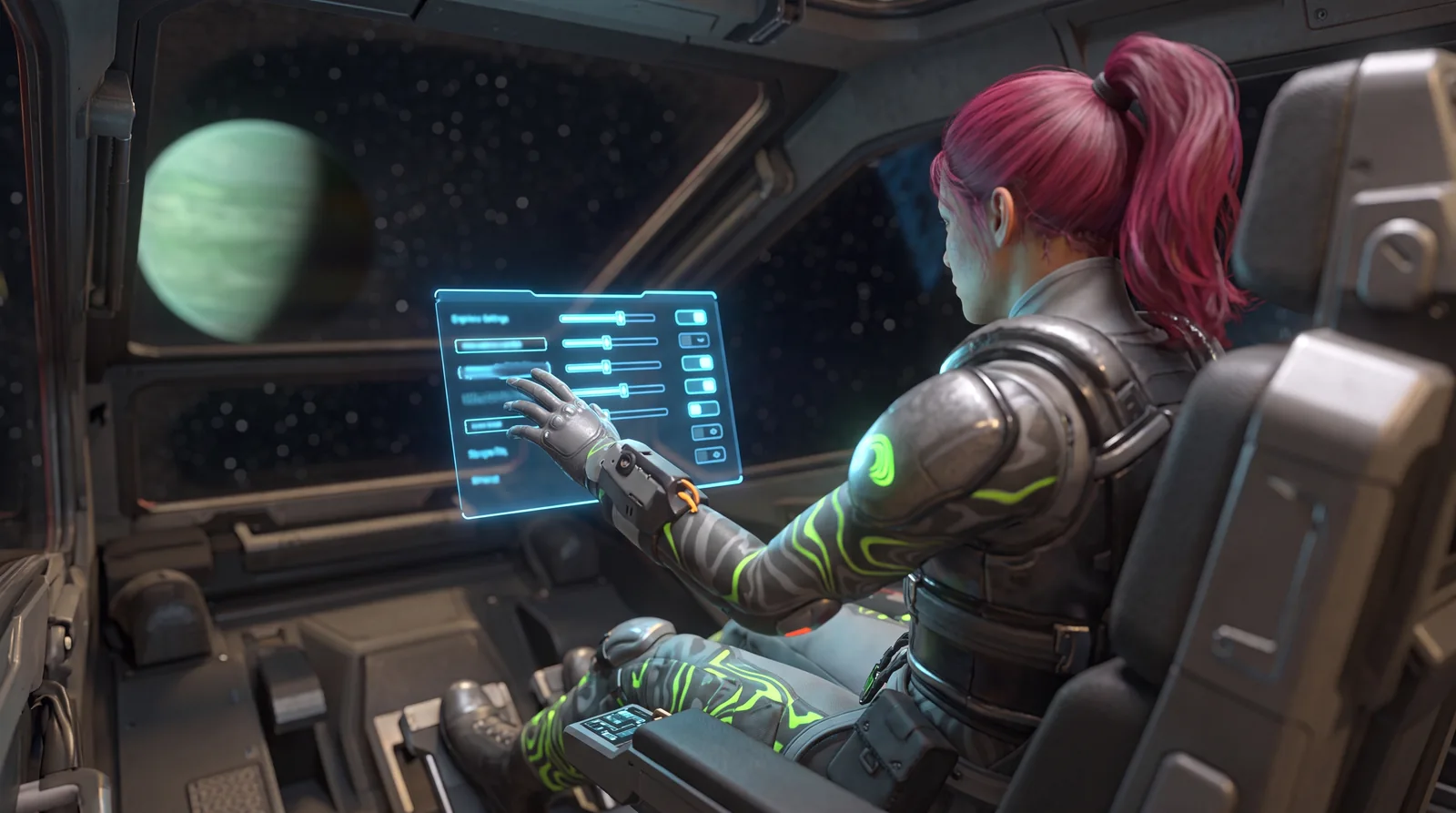
SpaceCraft Crash Fix 2026: Turn Off DLSS and Every Known Crash Fix
SpaceCraft crashing? The first crash fix is to turn off DLSS. Since the v0.3.23019 patch notes of July 29, 2026, Shiro Games has listed DLSS as a known crash cause and recommends disabling it until a fix arrives. No fix has been announced in the patch notes up to October 2026.
Step two: check your game version. Many crash reports in forums and videos are about bugs that were fixed long ago. The current version is v0.5.25674.
⚠️ SpaceCraft crash fix #1: DLSS is the officially named cause
DLSS came to the game with patch v0.3.22491 on July 6, 2026, with the modes Max Quality, Balanced and Max Performance. A little over three weeks later it was listed as a known issue in the patch notes: DLSS can crash the game. Neither Community Update #1 nor Major Update #1 nor the October patches report a fix.
Here's what to do:
- Open the graphics settings in the game menu and find the DLSS option.
- Set it to off and play at native resolution.
- If you're short on frame rate afterwards, lower shadows and other expensive sliders first. Since Community Update #1 there's also Frame Generation in the quality settings.
- Restart the game completely after the change.
How to get performance without DLSS is covered in the SpaceCraft FPS guide.
📊 Step 2: are you on the current version?
SpaceCraft has been in Early Access since June 11, 2026, and Shiro Games has already fixed many crashes. The crash-related entries from the patch notes:
| Date | Version | Crash-related |
|---|---|---|
| June 12, 2026 | v0.3.22077 | several server crashes fixed |
| June 15, 2026 | v0.3.22127 | several crashes fixed |
| June 19, 2026 | v0.3.22243 | black screens on startup and several crashes fixed |
| June 26, 2026 | Balance patch | getting stuck in the "INVALID LOC" state fixed |
| July 6, 2026 | v0.3.22491 | memory leaks and another "INVALID LOC" login bug fixed |
| July 8, 2026 | Trade Nexus hotfix | crash when opening the Trade Nexus fixed |
| July 21, 2026 | v0.3.22866 | crash when opening the Galaxy Map fixed |
| July 22, 2026 | v0.3.22949 | respawn bug and connection problem to some servers (including Ascanent) fixed |
| July 29, 2026 | v0.3.23019 | crash when setting a Cosmic Route to an undiscovered system fixed, DLSS listed as a known issue |
| August 18, 2026 | v0.3.23424 | crash on right-clicking unexplored systems and two hardlocks fixed |
| September 16, 2026 | Community Update #1 | several crashes fixed |
| October 8, 2026 | Major Update #1 | several crashes fixed, server stability improved |
| October 2026 | Hotfix v0.5.25570 | hardlock in Restricted Areas fixed |
You can see your version in the main menu. Steam normally updates Early Access games automatically. If you see an older number, force the update through your library and restart Steam.
🎯 The documented triggers one by one
Everything below comes from the official patch notes:
- Opening the Trade Nexus: a guaranteed crash until the July 8 hotfix. If it still happens today, your client is outdated. More in the Trade Nexus guide.
- Opening the Galaxy Map: fixed in v0.3.22866.
- Setting a Cosmic Route to an undiscovered system: fixed in v0.3.23019.
- Right-clicking unexplored star systems: fixed in v0.3.23424.
- Wanderback teleport: getting stuck afterwards fixed in v0.3.23019, a hardlock afterwards fixed in v0.3.23424.
- Corporation ship after leaving: hardlock if you were still in the ship after leaving the corporation, fixed in v0.3.23424.
- Restricted Areas: a hardlock that prevented playing there has been fixed since hotfix v0.5.25570.
Shiro Games links a "Known Issues Hub" in every patch post where the status of open problems is kept up to date. That's the most reliable place to check.
💡 If it's neither DLSS nor your version
From here on you leave the officially documented ground. The following steps are general troubleshooting for PC games, not statements from Shiro Games:
- Verify game files: in Steam under Properties and "Installed Files". One interrupted patch download is enough for recurring crashes.
- Update your graphics driver: precisely because the only officially named trigger is an Nvidia technology, a clean driver install is worth it.
- Undo overclocking: remove GPU and memory overclocks, including mild undervolting profiles.
- Start without overlays: close overlay and recording software in the background as a test.
- Test solo offline: if the game runs stable offline and only crashes online, the server or connection is the more likely cause. How to get into that mode is in the guide to SpaceCraft solo and offline.
📦 What each step costs you
| Step | Time | Basis |
|---|---|---|
| Turn off DLSS | under 1 minute | official patch notes |
| Update to the current version | a few minutes | official patch notes |
| Verify game files | 5 to 15 minutes | general practice |
| Clean graphics driver install | 15 to 30 minutes | general practice |
| Remove overclocking | about 10 minutes | general practice |
The order is deliberate: the officially confirmed SpaceCraft crash fix costs you the least time. Everything that takes longer comes after.
🧪 FAQ: SpaceCraft crash fix
Has the DLSS crash in SpaceCraft been fixed?
Not according to the patch notes up to v0.5.25674. DLSS has been a known issue since July 29, 2026, and no fix has been reported so far. Until then, the developers' advice stands: turn DLSS off.
Why does SpaceCraft crash when I open the Trade Nexus?
That was a confirmed bug that Shiro Games fixed with a hotfix on July 8, 2026. If it still happens, your client is on an old version.
Does SpaceCraft crash on startup or in game?
The documented cases are mostly about actions during play. Black screens on startup were fixed in June. If it crashes on startup today, verifying files and your driver are the first suspects.
Does reinstalling help?
Rarely, and only at the end of the list. Verifying game files almost always achieves the same in much less time.
As of October 2026, SpaceCraft Early Access v0.5.25674. Checked against Shiro Games' official patch notes in the SpaceCraft Steam news feed (app 3276050) from v0.3.22077 to v0.5.25674. The general troubleshooting steps are clearly marked as common practice.