SpaceCraft Scanning: Scanalyzer, Detectors and Wrecks (2026)
- 📡 SpaceCraft Scanning: Detector vs. Scanalyzer
- 🔬 SpaceCraft Scanning with Scanalyzer Alpha and Beta
- 🛰️ SpaceCraft Scanning Radars: The Resource Detectors
- 🏛️ Mining Bureau: Let Someone Else Find the Deposits
- 🚀 Shipwrecks: Black Box and Blueprints
- 🔒 Restricted Areas and Data Disks
- 🧭 SpaceCraft Scanning on a New Planet
- ❓ Frequently Asked Questions about SpaceCraft Scanning
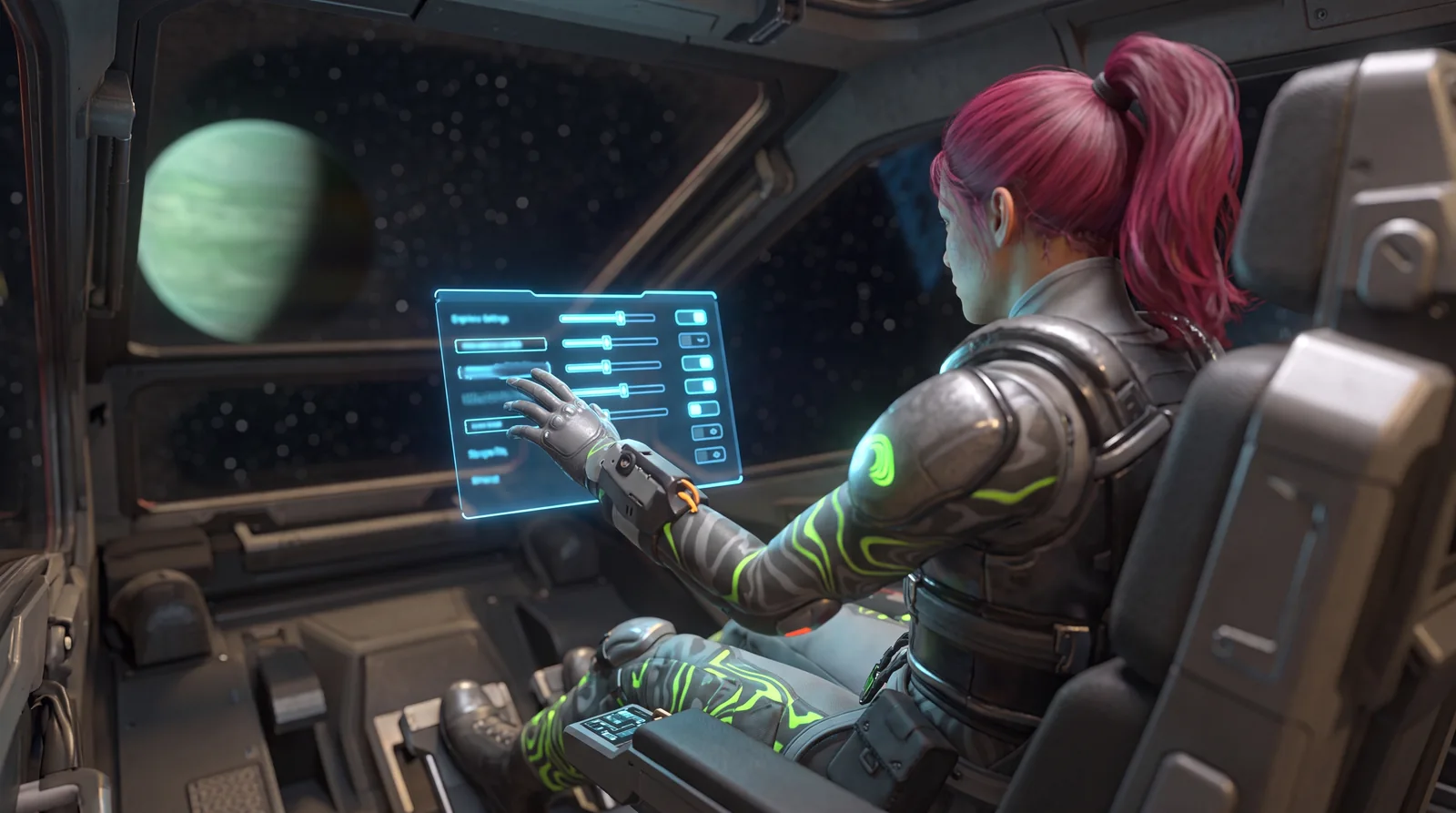
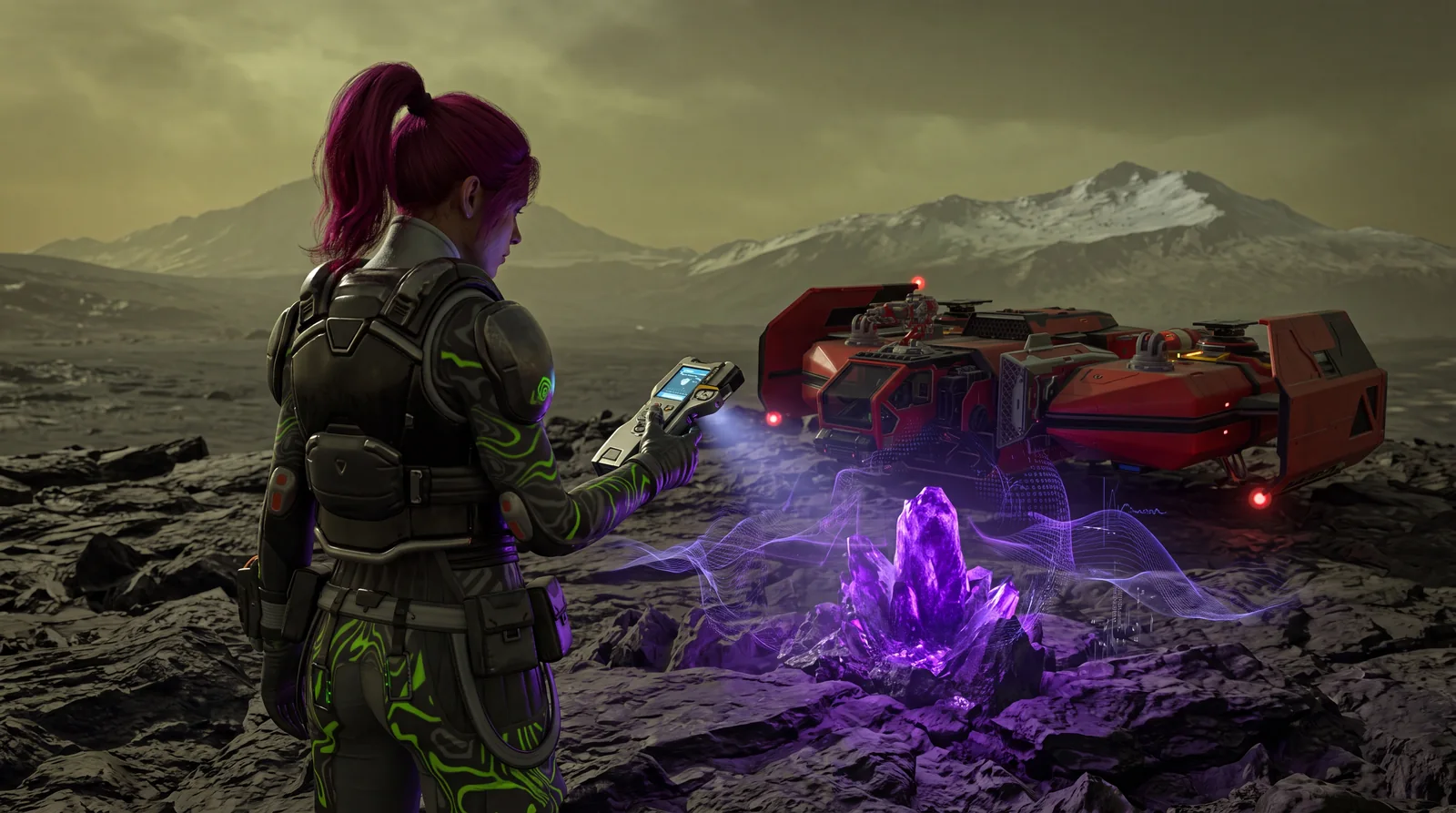
SpaceCraft scanning means two things: a radar module, the resource detector, shows you deposits and nodes around you, and the Scanalyzer identifies what an unknown node contains. Only after that scan can your mining laser get to work. "Anomalies" as a game object, on the other hand, don't exist in SpaceCraft.
This guide covers which detectors and Scanalyzers there are, what they cost and unlock, where the Mining Bureau helps, and how shipwrecks and Restricted Areas fit into exploring. Values come from the spacecraft.tools game database (v0.5.25674) and from official Shiro Games patch notes and announcements.
📡 SpaceCraft Scanning: Detector vs. Scanalyzer
The game has two separate module types that people often lump together. The resource detector is a radar: according to its item text it sends out electromagnetic waves to detect objects within range. The Scanalyzer is a specialist tool: it identifies the composition of a sample via mass spectrometry. The item text is clear: "Mining lasers can only be used on resources that were identified through this process."
So an unknown node isn't a bug, it just hasn't been through SpaceCraft scanning yet. Scanning also adds unknown resources and rare finds to your database. Both modules sit on your ship and take up System Support (SP).
🔬 SpaceCraft Scanning with Scanalyzer Alpha and Beta
You build your first Scanalyzer early in the Workshop. The databases list exactly two tiers:
| Module | Scanning Tier | Scanning Power | Power | System Support | Unlock |
|---|---|---|---|---|---|
| Scanalyzer Alpha | 3 | 20 MJ | 30 MA | 50 SP | Permit Modular Systems |
| Scanalyzer Beta | 7 | 30 MJ | 50 MA | 200 SP | Exploration unlock Advanced Spectrometry (Exploration level 2) |
The Alpha recipe: 1 Small Module Kit, 4 Nut and Bolt and 2 Wire. The Beta is made from 1 Scanalyzer Alpha, 5 Diffraction Grating and 1 c-Crystal Matrix. Their base values are 51 and 95 credits.
For SpaceCraft scanning, the Scanning Tier decides which nodes you can identify. Players in the Steam forum report that the game shows a message when your scanner is too weak for a node, and that you then need to raise your Exploration level. That's a community report, not an official one.
🛰️ SpaceCraft Scanning Radars: The Resource Detectors
To locate anything at all, you need a radar module. Five of them are in the game data:
| Detector | Max Range | Power | System Support | Source |
|---|---|---|---|---|
| Crude Resource Detector | 9 np | 40 MA | 100 SP | not craftable, starter module |
| Simple Resource Detector | 12 np | 40 MA | 100 SP | Permit Electromagnetism |
| Spectral Resource Detector | 12 np | 50 MA | 300 SP | Exploration unlock Advanced Spectrometry (level 2) |
| Mimetic Detector | 50 np | 40 MA | 200 SP | Exploration unlock Refined Superluminal Travel (level 4) |
| Gravitron | – | – | – | blueprint (loot level 8), gravite only |
The differences are in what they're for. The Spectral Resource Detector identifies known resources from a distance. The Mimetic Detector uses a sample of a specific resource to locate nearby deposits that contain the same element, and at 50 np it has by far the longest range. The Gravitron is the odd one: it locates gravite stones, which according to its item text all other detectors can't find. Once you have the blueprint, you craft it in the Workshop from 1 Simple Resource Detector, 1 Diamond, 2 Calcified Invariant and 3 Diffraction Grating.
The Simple Resource Detector is made in the Workshop from 1 Small Module Kit and 2 Magnetic Coil and has one patch slot. The Spectral Resource Detector builds on it (plus 1 Crystalline Focuser and 3 Diffraction Grating), and the Mimetic Detector needs two Simple Resource Detectors, 2 Diffraction Grating, 1 Microchip and 3 Wire. For more range, there's also a Radar Patch.
🏛️ Mining Bureau: Let Someone Else Find the Deposits
The Mining Bureau runs its own quest line. In "MB#04: Deposit Location" you have to find an iron or copper deposit on a planet, and the Bureau helps you locate it. Then you fly there, scan the deposit, land next to it and deploy a Quantum Beacon. The quest also asks for 4 Calcified Invariant, which you study in the Laboratory. The reward is listed as 500.
Deposits are different from single nodes: the map on spacecraft.tools lists them separately, including mixed deposits like coal and iron or aluminum and copper. For the full search routine, see our guide to finding resources in SpaceCraft.
🚀 Shipwrecks: Black Box and Blueprints
Shipwrecks show up on the map as their own node type. In the game data their parts give, among other things, Hull Steel Scraps, Structural Beam, Magnetic Coil, Microchip and the Black Box. Since Major Update #1, collecting from shipwrecks is faster.
Wrecks are one source of blueprints, each assigned a loot level on spacecraft.tools. The data shows no link between SpaceCraft scanning and blueprint drops.
🔒 Restricted Areas and Data Disks
According to Shiro Games, Restricted Areas are mysterious structures where you explore, solve puzzles and find out what happened there. You find them yourself on some planets or buy their location at the Mining Bureau. The quest "MB#S1: Restricted Areas" asks you to complete more of them and buy one location.
Before October 2026 there were 8 in the game. Major Update #1 on October 8, 2026 added 11 more, including two new types: pitch-black abandoned ships and processing plants with low gravity. All existing areas were overhauled and can be completed one more time. Every completion grants experience, the first one guarantees a blueprint, and secret chests always hold a blueprint or a patch.
Each area also rewards you with its own Data Disk. Since the update, Data Disks are turned in to the new UCG Agent at the Mining Bureau, which unlocks an encyclopedia entry with tips, such as where to find vanadium.
🧭 SpaceCraft Scanning on a New Planet
- Use your detector and fly to the nodes it reports.
- Identify unknown nodes with the Scanalyzer, then start your mining laser.
- If the game says your scanner is too weak, work toward Exploration level 2 (Advanced Spectrometry) and the Scanalyzer Beta.
- Check shipwrecks on the map, grab the Black Box and open the crates.
- Plan the Mimetic Detector for specific ores and the Gravitron for gravite.
❓ Frequently Asked Questions about SpaceCraft Scanning
Are there anomalies in SpaceCraft?
No. Neither the item and map data on spacecraft.tools nor the official announcements know anomalies as a game object. SpaceCraft scanning is about identifying resources.
Why can't I mine a node?
Mining lasers only work on resources the Scanalyzer has identified first. If your Scanning Tier is too low, you need the Scanalyzer Beta.
What's the difference between a detector and the Scanalyzer?
The detector is a radar that locates resources within range. The Scanalyzer determines a node's composition and clears it for mining.
Do I get blueprints from SpaceCraft scanning?
No. Blueprints come from loot, for example from shipwrecks and, since Major Update #1, guaranteed from every Restricted Area on first completion.
Where do I find Restricted Areas?
On some planets yourself, or by buying a location at the Mining Bureau. Since October 8, 2026, there are 19 instead of 8.
Checked against the spacecraft.tools game database (v0.5.25674: module stats, recipes, quests and wreck parts) and against the official Shiro Games update preview of October 1, 2026 and the Major Update #1 notes, as of October 2026. SpaceCraft is in Early Access, so values can change with patches.