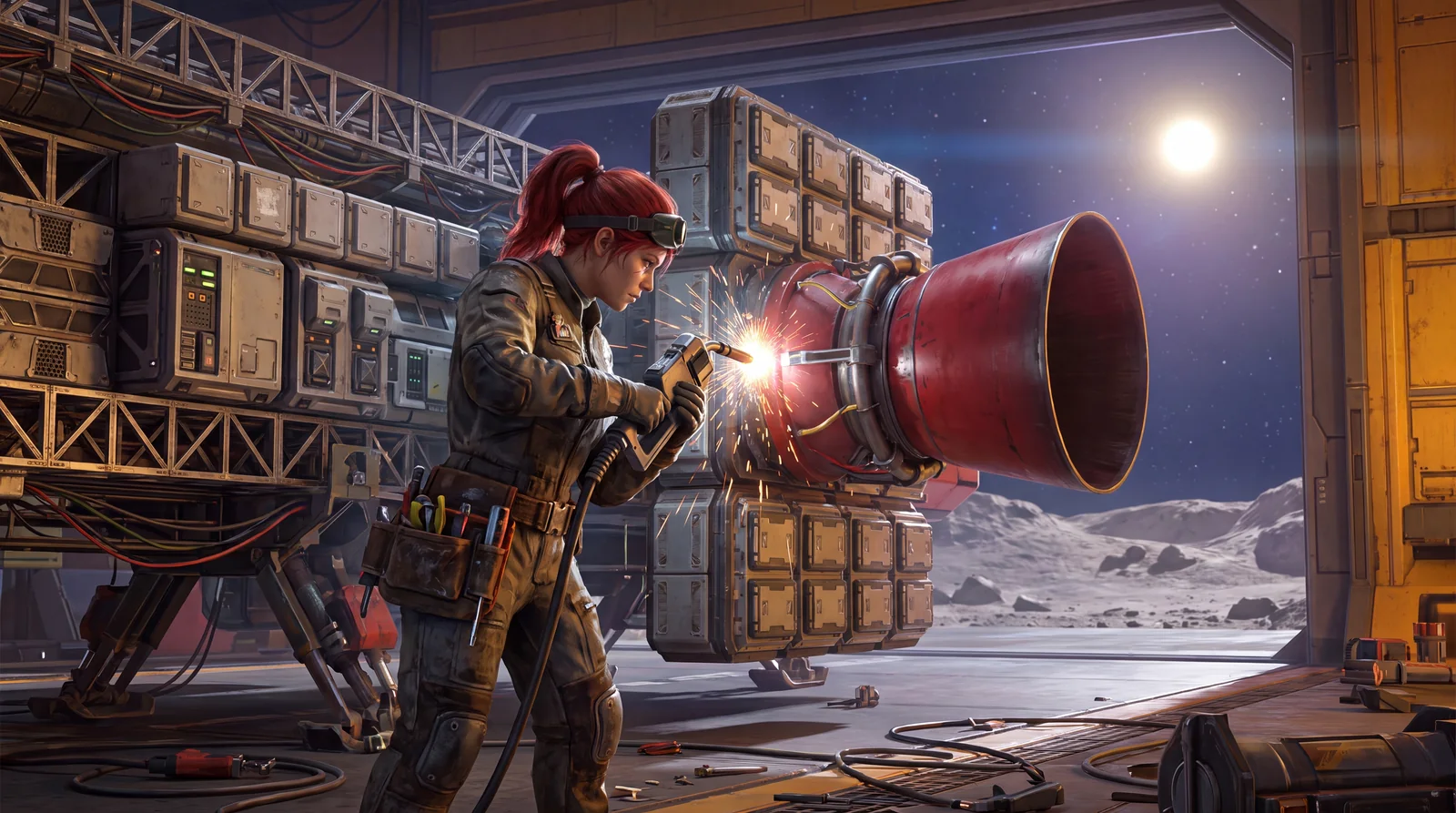
SpaceCraft Base Automation: Extractor, Smelter and Drones (2026)

SpaceCraft base automation follows a fixed chain: find a free deposit, place the Base Deploy Kit, put the Extractor on the deposit and the Smelter next to it, and connect everything to power. With the Automated Factories permit, drones then join in and carry the supply.
🏭 From base to factory
Your first base is up, but it doesn't do anything on its own yet. The step from mining game to builder is automation: the Extractor mines, the Smelter smelts, drones carry.
This guide builds your first working loop with you, and deliberately small. A base that reliably produces one thing is stronger than a huge base full of unconnected buildings.
🔁 The first SpaceCraft base automation loop
Remember this chain, everything else builds on it:
Free deposit → Base Command Center → Extractor → Smelter → Pylon and Cable → drones
| Building block | Job | Common mistake |
|---|---|---|
| Deposit | Resource source you claim | Deposit is already taken by another player |
| Base Command Center | Heart of the base, claims the area, brings storage and power | Bad placement, too far away |
| Extractor | Mines ore from the deposit automatically | Not placed directly on the deposit |
| Smelter | Smelts ore into ingots | Wrong recipe or none set |
| Pylon and Cable | Connect the power grid | Power connection missing |
| Drones | Move goods between buildings automatically | Route created without a drone |
⚙️ How to build it
1. Unlock: the Personal Factory permit
The quest "Space Base 101" walks you through your first base. Since patch v0.3.22978 of July 28, 2026, you get it from Guion Faris in Raqmu. In the permit menu, buy the Personal Factory permit for 300 credits. It unlocks the Construction Tool, Base Deploy Kit, Base Command Center, Extractor, Smelter, Pylon and Cable.
You craft the Construction Tool in the Workshop from 1 Aluminum Ingot, 1 Wire and 1 Silicone Gel and equip it from the character screen. Without an equipped Construction Tool you can't place anything.
2. Claim a deposit
Scan a free ore deposit (iron or copper are good to start), land nearby and deploy the Base Deploy Kit. It becomes the Base Command Center, which according to the building description claims the area and the deposits beneath it.
3. Place and wire the Extractor and Smelter
Place the Extractor directly on the deposit and the Smelter next to it. Now comes the step people often forget: connect power. Run a connection with Cable and Pylon from the command center to the Extractor and to the Smelter. Without power, both stand still.
At the Smelter you also have to set the recipe, so Iron Ore for an iron deposit. Otherwise it doesn't know what to smelt.
4. Drones: the actual automation
Extractor and Smelter are running now, but the ore doesn't reach the furnace on its own yet. For that you need drones, which the Automated Factories permit (450 credits) unlocks. The same permit brings the Warehouse, Assembler, Landing Pad and Drone Dispatcher.
With a drone you then create a route that moves the supply automatically. A route without a drone stays empty, which is the classic "why isn't anything running" moment.
5. Next: Warehouse and more logistics
Once the first loop runs stable, the Warehouse is worth it. According to the developers it holds 2,000 SU and supports 5 drone routes. Since Community Update #1 on September 16, 2026 there's also the Advanced Warehouse from Technology level 3 with 5,000 SU and up to 12 route drones. Details in the Advanced Warehouse guide.
💡 Ground rules for readable bases
- One chain first, then expand. One resource, one working loop, not ten half-finished ones.
- Short paths: processing close to the Extractor, storage close to the Landing Pad. Short paths save drone time.
- Build compact. Throughput and building stats can change during Early Access, and big layouts would otherwise need constant rebuilding.
- Keep the balance: if the Extractor mines more than the Smelter processes, resources pile up. Only upgrade once a stage becomes the bottleneck.
- Watch your power: since Community Update #1 the command center itself stores 5,000 MA, and since Major Update #1 the base computer shows a power graph.
🧭 SpaceCraft base automation checklist
Before you start the next chain, go through these points. If your SpaceCraft base automation doesn't run, it almost always fails on one of them:
- Personal Factory permit bought and Construction Tool equipped?
- Extractor sitting directly on a free deposit?
- Extractor and Smelter connected to the command center with Cable and Pylon?
- Matching recipe for the ore set in the Smelter?
- Automated Factories permit bought, drone built and route created?
- Somewhere for the ingots to go, such as a Warehouse, so the Smelter doesn't fill up?
If everything checks out, the loop runs without you. Only then is it worth expanding the base with a second deposit or an Assembler and automating more of it.
❓ FAQ: SpaceCraft base automation
Why isn't my Extractor mining anything?
Usually the power connection to the command center is missing, or it isn't sitting directly on the deposit.
Why isn't the Smelter processing?
The recipe isn't set, or no ore arrives because no drone is serving the route yet.
When do I get drones?
With the Automated Factories permit for 450 credits. You can't build drones before that.
Can I mine deposits outside my base?
Yes, since Major Update #1 with Extractor Pods. They need the Remote Extraction 1 permit (10,000 credits) and deliver to the Extractor Bay building.
🔗 What comes next
Once the first loop is up, SpaceCraft turns into a logistics game: multiple deposits, shuttles between bases, corporation projects. If you still haven't left the starting system, the FTL guide gets you going.
As of October 2026, SpaceCraft Early Access v0.5.25674. Checked against the spacecraft.tools game database (permits, recipes, buildings), Shiro Games' patch notes (v0.3.22978, Community Update #1, Major Update #1) and the update preview of August 21, 2026. Names and requirements can change during Early Access.