SpaceCraft Modules Explained: Hull Types and System Support (2026)
- 🧩 How Ships Are Built: Hull + Modules
- 🏗️ Hull Types at a Glance
- ⚡ System Support: Where Most Players Get Stuck
- 📦 SpaceCraft Modules: Categories at a Glance
- 🔧 Building Principles That Get Your Ship Flying
- 🛠️ Example: A Solid Freighter Layout
- 💡 Pro Tips
- 🚫 Common Mistakes
- ❓ Frequently Asked Questions about SpaceCraft Modules
SpaceCraft modules are fully modular: you assemble every ship yourself, and there are no fixed ship classes. That freedom is powerful, but it is also the most common trap, because the real reason your thrusters and solar panels refuse to run is almost always System Support, a mechanic the game never properly explains.
This guide clears it up: how a ship is put together, which hull types exist, what System Support actually means, and which building principles make sure your ship actually flies in the end. For the basic build process, see our SpaceCraft ship building guide.
🧩 How Ships Are Built: Hull + Modules
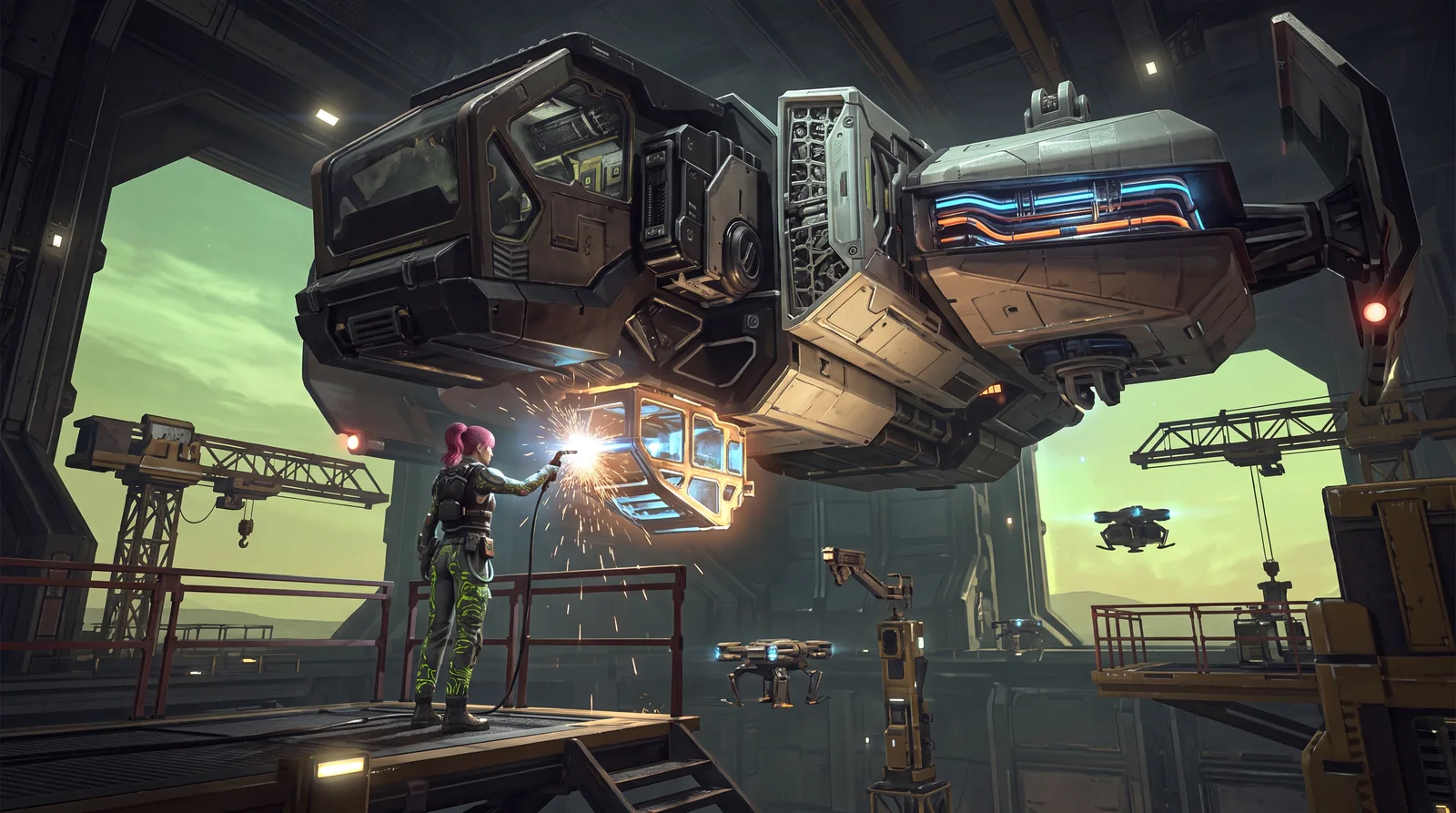
Every SpaceCraft ship consists of two things: the hull (the load-bearing frame) and the modules (everything that has a function: propulsion, cargo, power, tools). Two "budgets" decide whether your modules work, and you need to keep an eye on both:
- Weight: Every part has weight, listed in tons. Thrusters list their Force in tons as well, so you can compare directly whether your ship gets off the ground.
- System Support: Hull parts provide System Support (SP), and active modules have System Requirements in SP. If the hull around them can't cover those requirements, thrusters and other systems won't run.
🏗️ Hull Types at a Glance
SpaceCraft's hull types differ in weight, System Support, structure and heat behavior. The values below are for the 4x3x1 block unless noted and come from spacecraftdb.com, a database built from the game data:
| Hull | Character | Unlock |
|---|---|---|
| Steel | 96 SP, 20 t; the first hull with System Support | Permit "Ship of Steel", 3,000 credits |
| Thermal Steel | 96 SP, 20 t, lower heat conductivity (40 instead of 60 W/aK) | crafted from Steel plus Thermal Sheets |
| Titanium | lots of support in large parts (720 SP on 12x6x2) | Permit "Better Titanium", 7,000 credits |
| Thermal Titanium | 96 SP, 16 t, heat conductivity 40 W/aK | crafted from Titanium plus Thermal Sheets |
| Levinium | 96 SP at only 8 t: the light support hull | Permit "Very Light Alloys", 30,000 credits |
| Solid Frame | heavy, high Frame value, no System Support | Permit "Advanced Frames", 30,000 credits |
Which hulls you are allowed to build depends on your permits. Each hull type comes in several sizes, from compact 4x3x1 blocks up to large 16x6 segments. Corporations have an extra permit of their own, "Corporate Ship", which costs 500 license points.
⚡ System Support: Where Most Players Get Stuck
Here is the core explanation the game leaves out: hull parts provide System Support, and active modules consume it. A "Grasshopper" Thruster, for example, lists System Requirements of 600 SP. Steel, Titanium, Levinium and the Thermal variants all provide support. Solid Frame provides none. That's not a bug: Solid Frame delivers Frame and Hull values instead, for example a Frame value of 1,536 on the 12x6x2 part.
In practice, you need enough support-providing hull around your thrusters and other active modules. Build your ship purely from Solid Frame and you get a sturdy frame, but your systems stay dead. The rule of thumb:
- Use Steel, Titanium or Levinium wherever active systems sit (thrusters, solar, tools)
- Pick Levinium once you have the permit and weight matters: same support as Steel at less than half the weight
- Use Solid Frame only for pure structure where no system needs support
- Always check: is the support value enough for every active module? If not, add more support-providing hull.
Here is how to handle it while building: watch the support display in the design interface. If available support drops into the negative as soon as you place another active module, you are short on support hull. Swap a Solid Frame segment for a support-providing hull, or add support hull near the module. That way you avoid the frustrating "everything built, nothing works."
📦 SpaceCraft Modules: Categories at a Glance
| Category | Examples |
|---|---|
| Cargo | Cargo Hold, Liquid Tank, Pressure Chamber |
| Propulsion | thrusters such as "Cart Pusher", "Grasshopper" or "Voidseeker", the "Long Haul Booster", FTL Engine in Eco, Light, Mid-weight and Heavy |
| Power | batteries from the Crude Battery to the BESS Module, solar panels |
| Tools | Crude Mining Laser, Cooling Laser, Giant Laser, resource detectors, Scanalyzer Alpha and Beta |
| Heat & protection | Electric Heater, Boiler Heater, radiators, Barrier Shield, Hyper Reactive Shield |
Among SpaceCraft modules, the FTL Engine is a special case: it comes in several weight classes, so plan its place in the design early instead of squeezing it in at the end. How scanning with detectors and the Scanalyzer works is covered in our guide to finding resources.
🔧 Building Principles That Get Your Ship Flying
- Balance Force against weight: Don't just slap thrusters onto a huge cargo frame. Add up the weight of hull, modules and cargo first, then pick thrusters with enough Force.
- Count support before you place: Every thruster brings its own System Requirements. Two thrusters need twice the support, not just twice the power.
- Watch the power draw: Thrusters list a Power Consumption, and boosting raises it ("Grasshopper": 80 MA normal, 150 MA when boosting). Size your batteries for the boost, not just for cruising.
- Use Thermal hulls where heat matters: SpaceCraft hulls have Heat Capacity and Heat Conductivity values, and Thermal Steel conducts heat noticeably worse than plain Steel. More on heat and cold in our environmental hazards guide.
🛠️ Example: A Solid Freighter Layout
A classic ore freighter shows how SpaceCraft modules and hulls come together; here is the layout:
- Support hull (Steel, Titanium or Levinium) around thrusters and tools, so every active module is covered.
- Solid Frame only where you need structure and no system has to draw support.
- Cargo Holds sized to your thrusters: a full hold of ore adds weight that the Force of your engines has to carry.
- Thermal hull parts where your routes take you into hot or cold zones.
- Batteries sized for boost phases, since boosting draws far more power than cruising.
💡 Pro Tips
- Levinium is the upgrade for weight, not for support: it gives the same 96 SP per 4x3x1 block as Steel, but at 8 instead of 20 tons.
- Don't build too big too early: an oversized ship eats support, weight budget and resources before you have them.
- Put Thermal hulls only where the heat is, not on the whole ship. Thermal Steel costs more than Steel and needs Thermal Sheets on top.
🚫 Common Mistakes
- Building the whole ship from Solid Frame, so systems don't run for lack of support
- Too much weight, too little Force, so the ship barely leaves the planet
- Adding thrusters without adding support hull, so the new thrusters stay dead
- Sizing batteries for cruising, so the power runs short as soon as you boost
In short: Think of every SpaceCraft ship in two layers: support-providing hull (Steel, Titanium, Levinium) for everything that draws power and does work, plus Solid Frame where you only need structure. Plan that split from the start and you save yourself a major rebuild later.
❓ Frequently Asked Questions about SpaceCraft Modules
Why won't my thruster or solar panel run?
With SpaceCraft modules, System Support is usually the problem. Every active module has System Requirements in SP. Add more support-providing hull (Steel, Titanium or Levinium) instead of using Solid Frame.
Is Solid Frame worse than Levinium?
No, just different: Solid Frame provides structure and has no System Support, Levinium provides support at very low weight. A good ship combines both.
Does only Levinium provide System Support?
No. Steel, Titanium and their Thermal variants provide it too. Levinium's advantage is weight: 8 instead of 20 tons for a 4x3x1 block with the same 96 SP.
Which permit unlocks which hull?
"Ship of Steel" (3,000 credits) unlocks Steel, "Better Titanium" (7,000) unlocks Titanium, "Very Light Alloys" (30,000) unlocks Levinium and "Advanced Frames" (30,000) unlocks Solid Frame.
How do I deal with heat?
Use Thermal hull parts where heat matters; they conduct heat noticeably worse than plain hulls. Against the cold, the Electric Heater (Heat Management permit) turns power into heat; it needs 50 SP of System Support itself.
As of: October 8, 2026. Hull values, permit prices and module stats checked against spacecraftdb.com and spacecraft.tools, both built from the game data. SpaceCraft is in Early Access, so individual values and mechanics can change with patches.