Windrose Dedicated Server 2026: Setup, Co-op and Difficulty
- ⚓ Co-op in Windrose: what's officially confirmed
- 🖥️ Hardware: what the developers recommend
- 🔧 Installation: Steam, SteamCMD or Docker
- 📄 Key settings in ServerDescription.json
- ⚔️ Difficulty: the presets compared
- 👥 Co-op settings: quests, scaling, map
- 🌐 Connecting: invite code or Direct IP
- 💾 Moving a world and backups
- ❓ Windrose Dedicated Server FAQ
To run a Windrose Dedicated Server on Steam, you install the free "Windrose Dedicated Server" tool, launch StartServerForeground.bat and hand your crew the invite code. From then on the world stays up around the clock, even when the host is offline. Every value in this guide comes from Kraken Express's official dedicated server guide, the official FAQ and the Steam store page.
Below you'll find the hardware the developers list for two, four and ten players, the config entries that matter, how the difficulty presets compare and how to move a co-op world from your own PC to a dedicated server.
⚓ Co-op in Windrose: what's officially confirmed
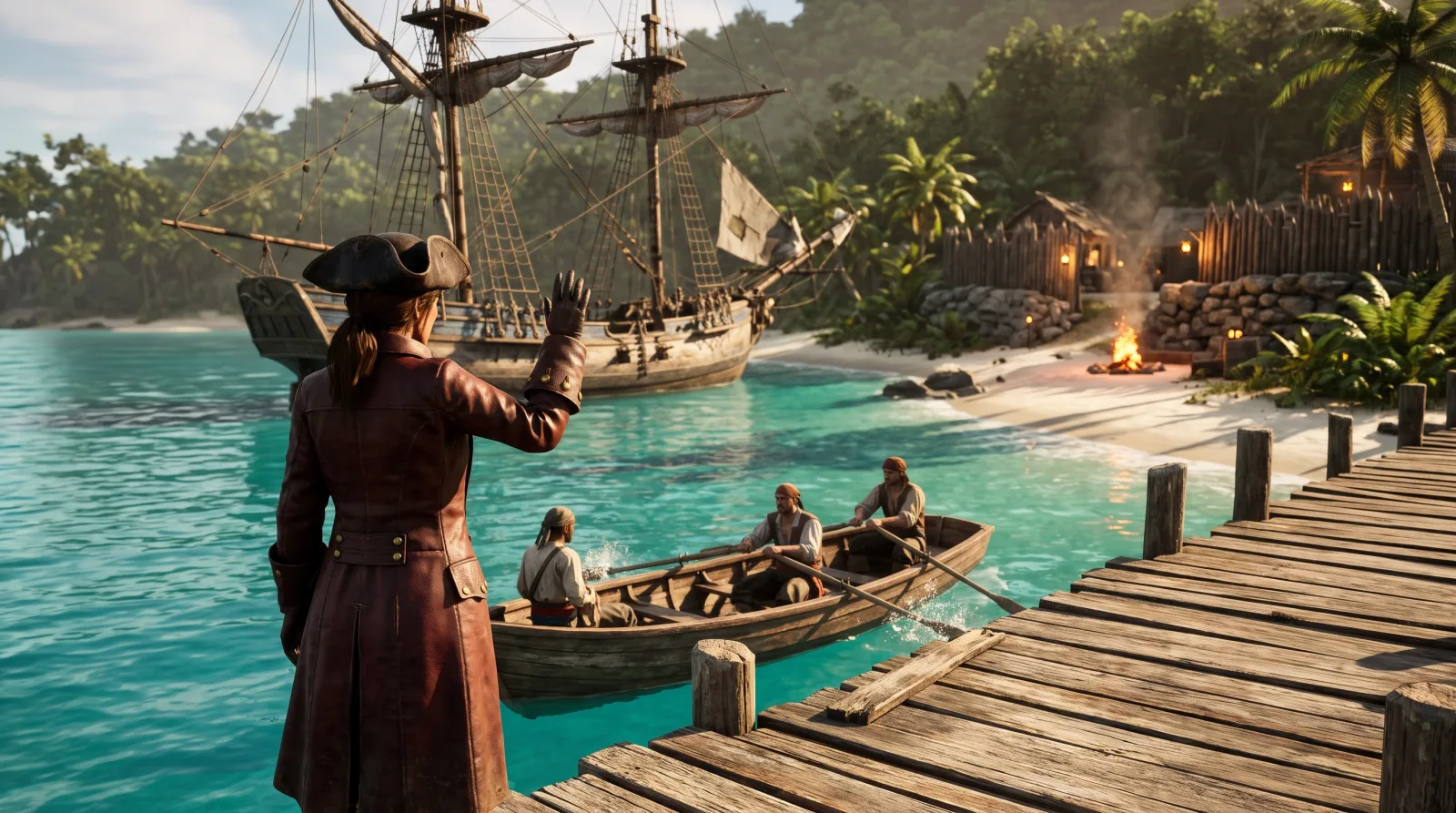
According to the Steam store, Windrose is fully playable solo offline or in online co-op. The store lists up to eight players but recommends four at most for the best experience, especially in the late game. The official FAQ explains why: larger groups can hit performance limits, and some systems such as boss encounters aren't balanced for more players yet.
The game is pure PvE. You have two options. One player hosts straight from their running game, or you set up a Windrose Dedicated Server that runs independently of your game client. Our Windrose beginner tips cover the basics you'll want before your first co-op session.
One gap remains around crossplay. Windrose is out on Steam and the Epic Games Store, but neither the store pages nor the FAQ or the server guide say whether Steam and Epic players can play together. Kraken Express doesn't mention consoles, and the team doesn't officially support a Linux client.
🖥️ Hardware: what the developers recommend
Per the guide (last updated May 18, 2026, version 0.10.0.5.120), the Windrose Dedicated Server only runs on Windows. Linux and pure headless setups aren't supported right now. As the reference CPU, Kraken Express lists an Intel Xeon Scalable (Sapphire Rapids) with two cores at 3.2 GHz, plus 35 GB of SSD storage.
| Players | RAM | CPU | Storage |
|---|---|---|---|
| 2 | 8 GB | 2 cores, 3.2 GHz | 35 GB SSD |
| 4 | 12 GB | 2 cores, 3.2 GHz | 35 GB SSD |
| 10 | 16 GB | 2 cores, 3.2 GHz | 35 GB SSD |
| Self-hosting (game and server on one PC) | 24 GB recommended | – | SSD strongly recommended |
Our math from the table: going from two to four players adds 4 GB of RAM, so 2 GB per extra player. Going from four to ten adds only another 4 GB for six players, roughly 0.67 GB each. The world itself has a high base cost, and each additional player is cheap. If you self-host on your gaming PC, the guide asks for 16 GB for the client plus 8 GB more.
There's a mismatch worth knowing. The store says up to eight players, while the hardware table goes up to ten. The FAQ adds that hosting providers can offer more than ten slots, which is technically possible but not recommended.
🔧 Installation: Steam, SteamCMD or Docker
On Steam, filter your library by "Tools" and install "Windrose Dedicated Server". Right-click it, then choose "Manage" and "Browse local files" to open the folder. With SteamCMD the app ID is 4129620: log in anonymously, install with app_update 4129620 validate and run the same command later to update.
If you own the game on Epic or Stove, copy the R5\Builds\WindroseServer folder from the game files to any location you like. The server won't run from inside the game folder. For Docker, Kraken Express provides the image windroseserver/windroseserver:latest, set up for a direct connection on port 7777 (TCP and UDP).
To launch your Windrose Dedicated Server, the guide recommends StartServerForeground.bat. The world runs in a console window and stops when you close it. WindroseServer.exe runs in the background instead, and you have to end it in Task Manager. In the game you join via "Play" and "Connect to Server" with the invite code.
📄 Key settings in ServerDescription.json
This file sits in the server's root folder, gets created on first launch and should only be edited while the Windrose Dedicated Server is shut down. You'll need these entries almost every time:
| Entry | What the guide says |
|---|---|
| InviteCode | Invite code, at least 6 characters from 0–9, a–z, A–Z, case-sensitive |
| IsPasswordProtected / Password | Turns password protection on or off, plus the password itself |
| MaxPlayerCount | Maximum number of players at once (example value 4) |
| UserSelectedRegion | SEA, CIS or EU (EU also covers North America), empty = picked by latency |
| WorldIslandId | Must match the IslandId of the world you want to load |
| UseDirectConnection | true = direct connection via IP and port, false = P2P connection |
| AutoLoadLatestBackupIfHasBroken | Restores broken save files from a backup on launch |
Leave PersistentServerId alone. One thing about regions: according to the FAQ, all players have to pick the same region to play together. If your server loads a fresh island instead of your world, the WorldIslandId is usually wrong.
⚔️ Difficulty: the presets compared
Each world has its own WorldDescription.json that controls the game rules. The presets are Easy, Medium and Hard. Any custom values show up as "Custom" on the next launch. Here's how the presets differ, based on the example files in the guide:
| Value | Easy | Medium | Hard | Hard ÷ Easy |
|---|---|---|---|---|
| Enemy health | 0.7 | 1.0 | 1.5 | 2.14× |
| Enemy damage | 0.6 | 1.0 | 1.25 | 2.08× |
| Enemy ship health | 0.7 | 1.0 | 1.5 | 2.14× |
| Enemy ship damage | 0.6 | 1.0 | 1.25 | 2.08× |
| Boarding difficulty | 0.7 | 1.0 | 1.5 | 2.14× |
We calculated the last column ourselves. An enemy on Hard takes a bit more than twice the punishment it does on Easy and deals about twice the damage. The boarding value sets how many enemy sailors you have to defeat before you win a boarding action. Our Windrose naval combat guide walks through how boarding works.
In Custom mode the sliders go further. Enemy health and damage run from 0.2 to 5.0, ship health from 0.4 to 5.0 and ship damage from 0.2 to 2.5. CombatDifficulty accepts Easy, Normal and Hard. The guide suggests building a preset in the game first and copying the values over.
👥 Co-op settings: quests, scaling, map
Three entries directly affect playing together. Coop.SharedQuests is true by default: when one player completes a co-op quest, it auto-completes for every player who has it active. Coop.StatsCorrectionModifier (default 1.0, range 0 to 2.0) scales enemy health and how fast enemies lose Posture based on the number of players. Coop.ShipStatsCorrectionModifier (default 0) does the same for enemy ships and is off out of the box.
EasyExplore is called "Immersive exploration" in the game. Set to true, it hides the map markers for points of interest. The default is false. If you'd rather find the more than 90 handcrafted locations the store mentions on your own, turn it on. Our Windrose dungeons guide gives you an overview.
To apply world changes, stop the server, edit WorldDescription.json and run R5WorldDescriptionUpdater.exe from the root folder with the path to the file. Kraken Express notes that parameter names and ranges may still change.
🌐 Connecting: invite code or Direct IP
By default Windrose connects through NAT punch-through with dynamically assigned ports, and the guide recommends UPnP on your router. If that fails, the FAQ suggests temporarily turning off any proxy or VPN, or trying "Force Relay Connection". That option can raise your ping and doesn't work with Direct IP.
According to the FAQ, PCs on the same network sometimes can't connect via invite code. Direct IP solves that. On a LAN, the local IP plus the port is enough, with no port forwarding. Over the internet you need a public IP and have to forward TCP and UDP to the host running the Windrose Dedicated Server. The guide names 17777 or 27890 as alternative ports.
💾 Moving a world and backups
A Windrose Dedicated Server only stores world data, not player character data. Saves live under R5\Saved\SaveProfiles\Default in the Worlds folder. To bring over a co-op world from your own PC, close both the game and the server, back everything up and copy the world folder from %localappdata%\R5\Saved into the matching version folder. Then enter the folder name as the WorldIslandId.
The game client and the server need to be on the same version, or you'll run into connection errors. After a game update, copy the new server files and move your old Saved folder into them. Never rename world folders, and don't touch the RocksDB_v2 runtime folder.
For the upcoming Ashlands update, Kraken Express announced on Steam that faction reputation will be shared by everyone on a world, while quest progress stays personal. How that interacts with SharedQuests is still unclear. More in our Windrose Ashlands overview.
❓ Windrose Dedicated Server FAQ
How many players fit on a Windrose Dedicated Server?
The Steam store says up to eight, and the developers recommend four at most. The hardware table in the official guide goes up to ten players. According to the FAQ, more is technically possible but not recommended.
Does the Windrose Dedicated Server cost anything?
No. "Windrose Dedicated Server" is a free Steam tool with the app ID 4129620 in SteamCMD. Epic and Stove players copy the folder from their game files.
Does the Windrose Dedicated Server run on Linux?
Not according to the guide. Kraken Express currently only supports Windows, not Linux or headless setups. The guide still describes a Docker route.
Does the host need to be online?
Not with a Windrose Dedicated Server. The world runs nonstop and everyone can join whenever they want. The guide names exactly that as the main reason to run one.
Is there crossplay between Steam and Epic?
Kraken Express hasn't said. The store pages, the FAQ and the guide don't mention crossplay, so we're leaving that question open.
Checked against game version 0.10.0.9 (Steam patch notes from August 25, 2026) as of late October 2026. Sources: Kraken Express's official dedicated server guide on playwindrose.com (last updated May 18, 2026, version 0.10.0.5.120), the official FAQ (as of May 6, 2026), the Steam and Epic store pages and the Steam announcements about Ashlands from October 22, 2026. Patches 0.10.0.8 and 0.10.0.9 made no changes to co-op. Windrose is in Early Access, so parameters may change with future updates.