SpaceCraft Upgrades: Cargo Hold, Detector, Mining Laser and Battery (2026)

- ⚡ Find your bottleneck before you craft
- 📋 SpaceCraft upgrades: the order at a glance
- 📦 SpaceCraft upgrades: Cargo Hold first
- 🔍 Resource Detector: when searching is the problem
- ⛏️ Mining Laser: when mining is the bottleneck
- 🔋 Battery: only once power is the bottleneck
- 🧾 SpaceCraft upgrades: recipes at a glance
- ⚡ System Support, SP and patch slots
- 🛠️ Swapping a module at the shipyard
- 🚫 Common mistakes
- ❓ FAQ: SpaceCraft upgrades
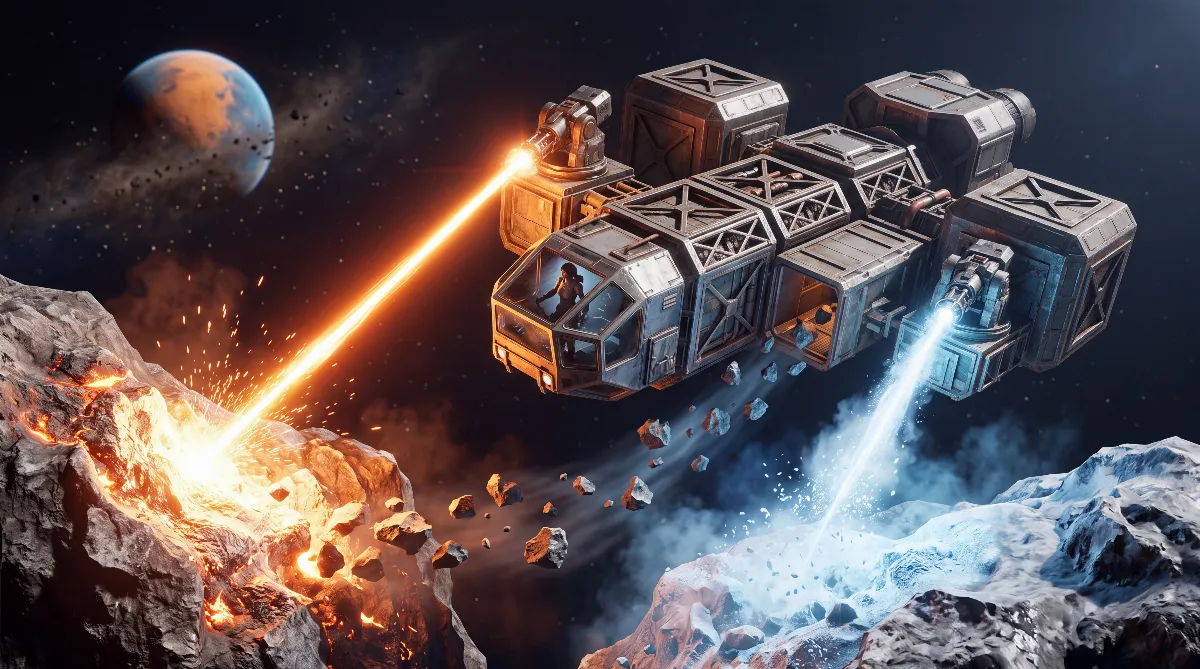
SpaceCraft upgrades pay off most on four parts: the Cargo Hold, the Resource Detector, the Mining Laser and the Battery, in that order. They fix the everyday bottlenecks long before expensive endgame modules make any sense.
New players often sink their first credits into FTL parts or extra thrusters, then wonder why every mining run still drags. Your starter ship flies with crude modules such as the Crude Resource Detector and the Crude Mining Laser.
This guide shows the order that works, what each of these SpaceCraft upgrades costs and how it ties into System Support from our SpaceCraft modules guide.
⚡ Find your bottleneck before you craft
SpaceCraft doesn't force you down a fixed path. You decide based on what's holding you back. The rule of thumb: what is actually slowing you down right now? If you keep turning back with a full hold, the best Mining Laser won't help. If you can't find a deposit, more cargo space won't help either. Four questions sort out your next upgrade:
- Do I head home early because my hold is full? → Cargo Hold
- Can't find the deposit I need? → Resource Detector
- I find the resource, but mining takes forever or fails? → Mining Laser
- Do modules cut out on power when several run at once? → Battery
📋 SpaceCraft upgrades: the order at a glance
| Priority | Upgrade | Fixes |
|---|---|---|
| 1 | Cargo Hold | Heading home early with a full hold |
| 2 | Resource Detector | Deposits you can't find, aimless searching |
| 3 | Mining Laser | Mining takes too long or fails on tougher materials |
| 4 | Battery | Power runs short once several modules run at once |
This order isn't set in stone, it's a starting point. If you're working through Mining Bureau targets early, building the detector before your second cargo upgrade makes sense. Searching itself is covered in detail in our guide to finding resources.
📦 SpaceCraft upgrades: Cargo Hold first
The reason is simple: your starting cargo space is so small that it ends almost every mining run early. A better laser or detector does nothing if the ship can't carry the haul home. That's why the Small Cargo Hold is almost always the first useful module: it holds 100 SU of solids for 100 SP and unlocks with the Cargo Accommodation permit for 100 credits. It uses Silicone Gel, which otherwise tends to vanish into FTL parts, so keep some back before you sell or use all of it.
🔍 Resource Detector: when searching is the problem
A stronger laser is useless as long as you can't find the resource. The Simple Resource Detector raises the range from 9 np on the Crude Resource Detector to 12 np, adds a patch slot and unlocks with the Electromagnetism permit (100 credits). It pays off once Mining Bureau targets or a specific recipe send you across the whole system. If the recipe is blocked, the missing piece is almost always in the Copper → Wire → Magnetic Coil chain, so keep those materials in stock.
⛏️ Mining Laser: when mining is the bottleneck
The Simple Mining Laser becomes relevant once you leave the copper and iron starter route and hit tougher materials. It has mining tier 2, and its recipe needs Crystalline Focusers, made in the Workshop from 1 Quartz and 5 Wire. If you sell your whole Quartz stock after the FTL chain, you're stuck here and have to go back for more.
The next tier, the Overclocked Mining Laser, is built from 1 Simple Mining Laser, 3 Crystalline Focusers and 3 Magnetic Coils. It has mining tier 3, 3 patch slots and 1,000 durability, but needs 200 SP of System Requirements. That's a real jump. Don't install it blindly while your cargo or detector are still weak, or while your System Support is already tight.
🔋 Battery: only once power is the bottleneck
The Flywheel Battery replaces your starter ship's Crude Battery. It only pays off once several modules draw power at the same time, which usually means after cargo, detector and laser are sorted. A handy side effect: its recipe uses Motor and Concrete, which the Electric Motors permit (150 credits) unlocks too and which you share with the base parts you need for your first base anyway.
🧾 SpaceCraft upgrades: recipes at a glance
Knowing the material costs helps you plan. You build all of these in the Workshop:
| Module | Recipe | Stats | Unlock |
|---|---|---|---|
| Small Cargo Hold | 1 Small Module Kit, 6 Metal Sheet, 4 Silicone Gel | 100 SP, 100 SU | Cargo Accommodation |
| Simple Resource Detector | 1 Small Module Kit, 2 Magnetic Coil | 100 SP, 12 np, 1 patch slot | Electromagnetism |
| Simple Mining Laser | 1 Small Module Kit, 2 Crystalline Focuser | 100 SP, mining tier 2 | Electromagnetism |
| Overclocked Mining Laser | 1 Simple Mining Laser, 3 Crystalline Focuser, 3 Magnetic Coil | 200 SP, mining tier 3, 3 patch slots, 1,000 durability | Electromagnetism |
| Flywheel Battery | 1 Small Module Kit, 1 Motor, 2 Concrete | 100 SP | Electric Motors |
Values from the spacecraft.tools game database (v0.5.25674). SpaceCraft is in Early Access, so amounts can shift with balance patches.
⚡ System Support, SP and patch slots
Every module lists System Requirements in SP, and your ship only has a limited amount of System Support. According to the developer blog "First Steps 4", all modules run at full efficiency as long as the requirements stay below your System Support. Go over it and modules work worse and can fail.
It's the same mechanic our modules guide explains at hull level: hull parts and the cockpit supply the System Support that your equipment uses up: a Steel 4x3x2 part gives 240 SP, Titanium 4x3x2 360 SP and Levinium 4x3x2 240 SP at much lower weight. So before you install cargo, detector, laser and battery all at once, check how much support hull your ship has. Otherwise the hull limits your gear, not the other way around.
Patch slots are the second number people overlook. They don't add power right away, but they show how much room a module has for later fine-tuning with patches. A module with more patch slots scales better later, as long as you have matching patches. Our SpaceCraft patches guide covers which ones are worth it. Since Major Update #1 (October 8, 2026) you can add patches without removing existing ones, and every module has a tier that decides which patches fit.
🛠️ Swapping a module at the shipyard
A crafted module just sits in your inventory at first. You install it at the shipyard:
- Open the shipyard terminal and load your ship.
- Open the module editor.
- If the spot is taken, remove the old module.
- Place the new module in a valid spot.
- Check the system load before you confirm.
- Confirm the change. Only then does the upgrade count.
The most common frustration: the module was crafted but never placed and confirmed at the shipyard, so nothing changes on the ship.
🚫 Common mistakes
- Doing SpaceCraft upgrades in the wrong order: Mining Laser or FTL before the Cargo Hold, when full holds are the real problem
- Selling all your Quartz after the FTL chain and then lacking Crystalline Focusers for the laser recipe
- Installing the Overclocked Mining Laser without checking your available System Support
- Crafting a module but never confirming it at the shipyard
In short: plan SpaceCraft upgrades by bottleneck, not by gut feeling. Cargo Hold first, then detector, then laser, battery last. And keep an eye on your support hull, because it decides how much equipment your ship can carry in the end. More guides are on the SpaceCraft overview.
❓ FAQ: SpaceCraft upgrades
What should I upgrade first in SpaceCraft?
Usually the Cargo Hold. It fixes the problem that ends most mining runs early: a hold that's too small.
What do I need the Simple Resource Detector for?
It has 12 np of range instead of the 9 np on the Crude Resource Detector, plus a patch slot. That helps with Mining Bureau targets or recipes that need a specific resource.
Why is my Mining Laser recipe blocked?
Usually you're missing Crystalline Focusers, which are made from Quartz and Wire. Without a Quartz reserve, that step is missing.
What does System Support mean for my equipment?
Every module uses SP from your ship's System Support. Steel, Titanium or Levinium hull parts and the cockpit provide it. If your modules need more, they work worse and can fail.
Is the battery a good first choice among SpaceCraft upgrades?
Usually not. It matters once several modules draw power at the same time, which is typically after cargo, detector and laser are in place.
As of October 2026, SpaceCraft Early Access v0.5.25674. Recipes, SP values, patch slots and unlocks checked against the spacecraft.tools game database, plus Shiro Games' developer blog "First Steps 4" and the Major Update #1 patch notes on Steam. SpaceCraft is in Early Access, so recipes, SP values and material costs can change with patches.