SpaceCraft Ship Building: Why Your Ship Is Too Slow and Too Heavy (2026)
- ⚙️ First Step: Unlock the Shipyard
- 🧩 How SpaceCraft Ship Building Works
- ⚖️ The Biggest Lever: Weight vs. Thrust
- 🔋 Power & System Support: Why Your Thruster Stays Dead
- 🩹 Integrity: Why You Can't Build Forever
- 🚀 Understanding the Flight Model
- 💡 Practical SpaceCraft Ship Building Rules
- 🔧 Quick Diagnosis: What's Wrong with Your Ship?
- ❓ Frequently Asked Questions about SpaceCraft Ship Building
SpaceCraft ship building comes down to three numbers the game never explains properly: weight, thrust and power. If your build crawls, drains energy or won't come together cleanly, one of those three is off, almost never the game itself. Here is the explanation SpaceCraft owes you.
You have your first base running, you are mining ore and you have paid off your starting debt, yet your vessel still moves like a fully loaded barge. Get the three numbers right and you end up with something fast, efficient and stable. Ignore them and you get a sluggish brick.
⚙️ First Step: Unlock the Shipyard
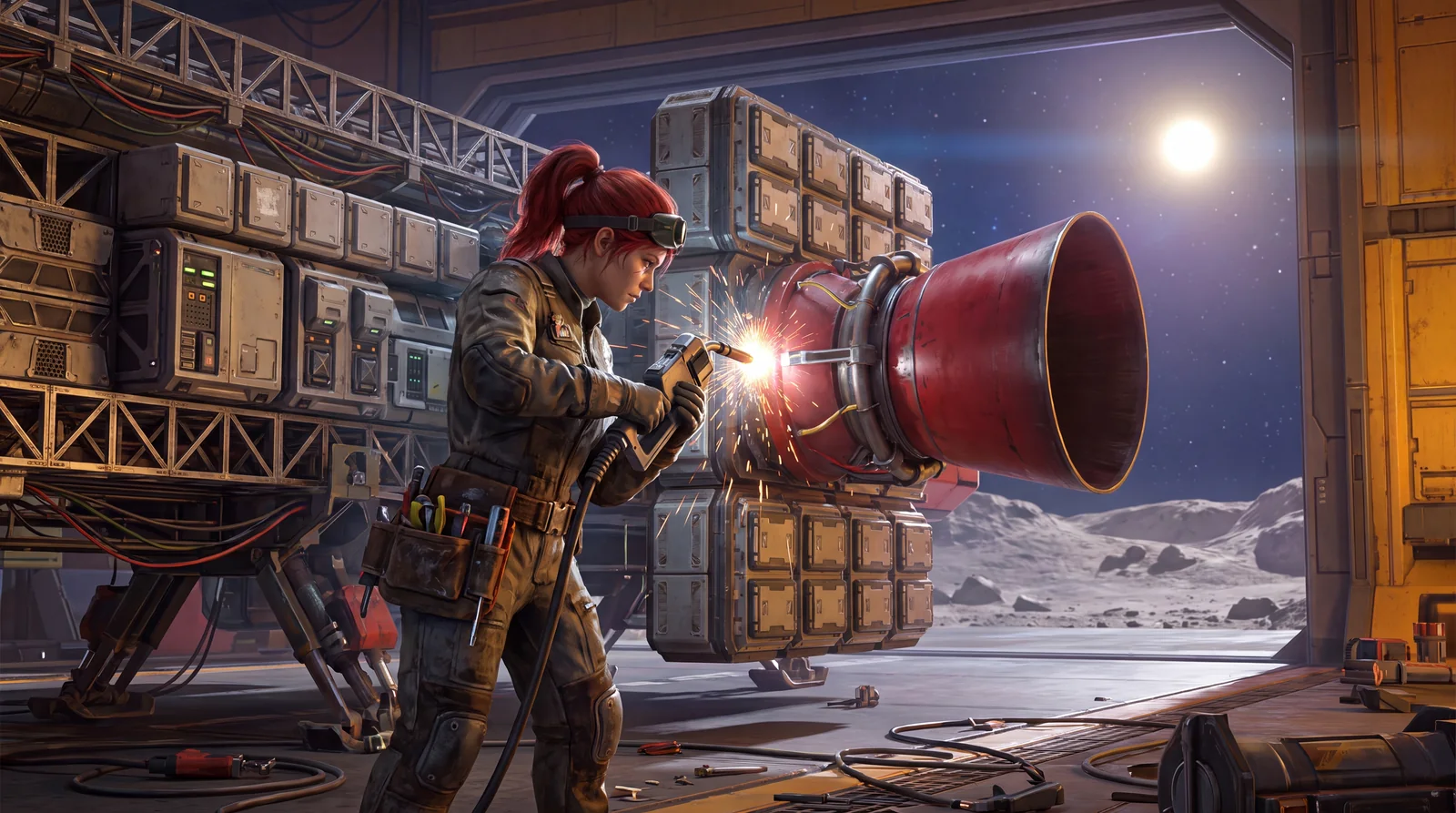
Before you can build freely, you need access to the shipyard. That runs through the permit system, SpaceCraft's tech tree of licenses. Specifically, the Ship of Steel permit unlocks the shipyard. Permits and Experience are the two core systems that drive your progress. Without the right permit, the parts simply aren't available to you, no matter how many resources you have.
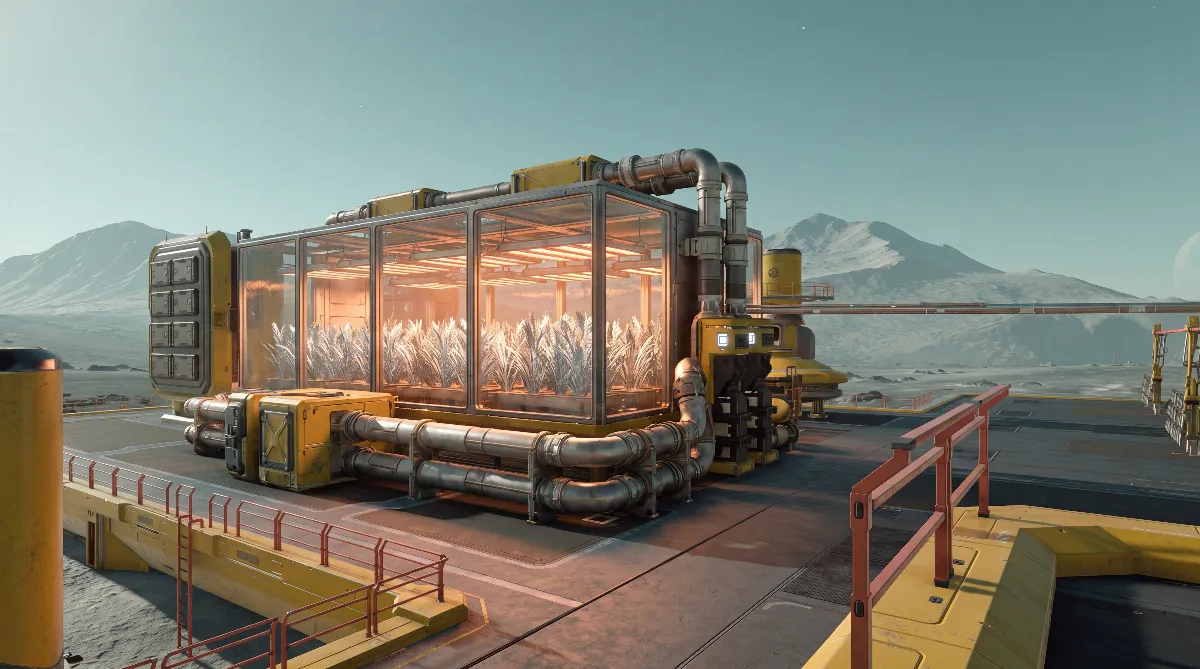
You can repair and refuel at any civilian space station, and since the update of June 19, 2026, also directly at your own shipyard or landing pad. That's handy when your base sits far away from the nearest station. For the farming side of your base, see our guide to Spacekorn and the Xenic Farm.
🧩 How SpaceCraft Ship Building Works
Every craft in SpaceCraft is assembled from modular parts, a lot like LEGO. On the assembly screen you get two lists on the left: what you own in your inventory, and what is already installed. You place hull parts first and then slot modules into them: thrusters, tanks, life support, cargo holds, lasers and so on.
Two things many players miss:
- Every hull part (except wings) gives you one module slot. If you want more modules, you need more hull, and hull costs weight.
- Every hull part has its own weight. And weight is the central value your entire build depends on.
⚖️ The Biggest Lever: Weight vs. Thrust
This is the main reason your build feels sluggish. Your thrusters cap the maximum weight of the whole craft, regardless of cargo. In other words: if hull plus modules weigh more than your thrusters can carry, it turns sluggish before you have loaded a single piece of ore.
That leads to the most important rule in ship building:
| Build style | Advantage | Drawback |
|---|---|---|
| Few or weak thrusters | Saves power & resources | Slow to get moving |
| Many or strong thrusters | Fast, high weight limit | Burns through power extremely fast |
| Heavy hull + too little thrust | Lots of module slots | Sluggish and underpowered, the classic beginner mistake |
Rule of thumb: thrust and weight have to match. Don't design a big, pretty hull first and bolt thrusters on afterward. Decide what the craft is for, then size your thrust accordingly.
🔋 Power & System Support: Why Your Thruster Stays Dead
A thruster on its own does nothing. Every thruster needs power from solar panels (or batteries) and system capacity so the craft can actually supply it. A common building mistake: installing a strong thruster because a quest asks for it, without adding the matching power and system support. The result: the thruster doesn't run, or everything overheats.
You can overload your system, but you pay for it with heat problems, and heat is a constant topic in SpaceCraft anyway (don't fly too close to suns, or your craft turns into molten metal). Remember: always build thrusters, power and system support as one package, never separately.
Quest tip: If a quest demands a thruster you can't supply yet, install it, complete the quest and remove it again until you have enough power and system capacity to run it permanently.
🩹 Integrity: Why You Can't Build Forever
Size has a ceiling, and that ceiling is Integrity. The more you add, the further it drops. There are two hard limits:
- If Integrity drops below 100%, hull strength suffers, so your craft becomes more fragile.
- Integrity must not fall below 30%. At that point you can't add anything else.
This is the built-in brake against monster designs and endless building. Build too big too early and you run into this limit, ending up with something huge, fragile and sluggish. Compact and purpose-built beats big and unstable.
🚀 Understanding the Flight Model
SpaceCraft deliberately uses a beginner-friendly arcade flight model, not a realistic simulator. Push full throttle and you fly straight to your target; let go of the controls and you come to a complete stop. In turns, the craft banks like a jet. None of that is a bug, but it means a "sluggish" feel almost always comes from the weight-to-thrust ratio, not the controls. Get the ratio right and even a large build feels responsive.
💡 Practical SpaceCraft Ship Building Rules
- Purpose first: Miner (lots of lasers, big cargo hold) or trader (cargo hold + range)? The purpose decides the build, not the other way around.
- Thrusters & power as a package: Never place a thruster without matching solar or battery supply and system support.
- Watch the weight: Keep hull + modules below the weight limit of your thrusters, with headroom for cargo.
- Don't go big too early: The Integrity floor (30%) and your power supply will pull the plug otherwise. Compact scales better.
- Use blueprints: Good designs can be sold as blueprints, or you buy a finished one and just craft the parts.
🔧 Quick Diagnosis: What's Wrong with Your Ship?
Before you tear half of it apart, check this symptom table. Most building problems trace back to one of the three numbers:
| Symptom | Likely cause | Fix |
|---|---|---|
| Feels sluggish or slow | Weight above your thrusters' limit | Shrink the hull or add stronger/more thrusters, plus matching power |
| Power keeps collapsing | Too many thrusters for your power generation | More solar panels/batteries, or fewer thrusters |
| Overheating | System overloaded (too many modules, too little support) | Spread the load, raise system support, avoid suns |
| Thruster doesn't respond | No power or missing system support | Always build thrusters as a package with power & support |
| "Can't add any more parts" | Integrity is approaching the 30% limit | Build more compact, remove unneeded hull parts |
❓ Frequently Asked Questions about SpaceCraft Ship Building
Why is my build so slow and sluggish?
Almost always because the weight of hull and modules is above the limit of your thrusters. Shrink the hull or add stronger or more thrusters, plus the power to run them.
How do I unlock the shipyard for ship building in SpaceCraft?
Through the permit system: the Ship of Steel permit unlocks the shipyard. Without the right permit, the parts simply aren't available.
Why doesn't my thruster respond?
It is missing power (solar panels or batteries) or system capacity. Always build thrusters, power and system support as one package, otherwise the thruster won't run or everything overheats.
Why can't I add more parts?
Because of Integrity: it drops with every part you add and must not fall below 30%. Build more compact and remove unneeded hull parts instead of going big early.
Where can I repair and refuel?
At any civilian space station, and since the June 19, 2026 update also at your own shipyard or landing pad.
How do I get more module slots?
Add hull parts: every hull part except wings gives you one module slot. Keep in mind that each hull part also adds weight, so your thrust has to keep up.
Note: SpaceCraft is in Early Access and is patched regularly, so individual values and limits can change with updates. The mechanics described here (weight/thrust, Integrity, power) were checked against the current game state and official information. As of: June 2026.