Space Engineers 2 Timer, Sensor and Event Controller: Automation Guide
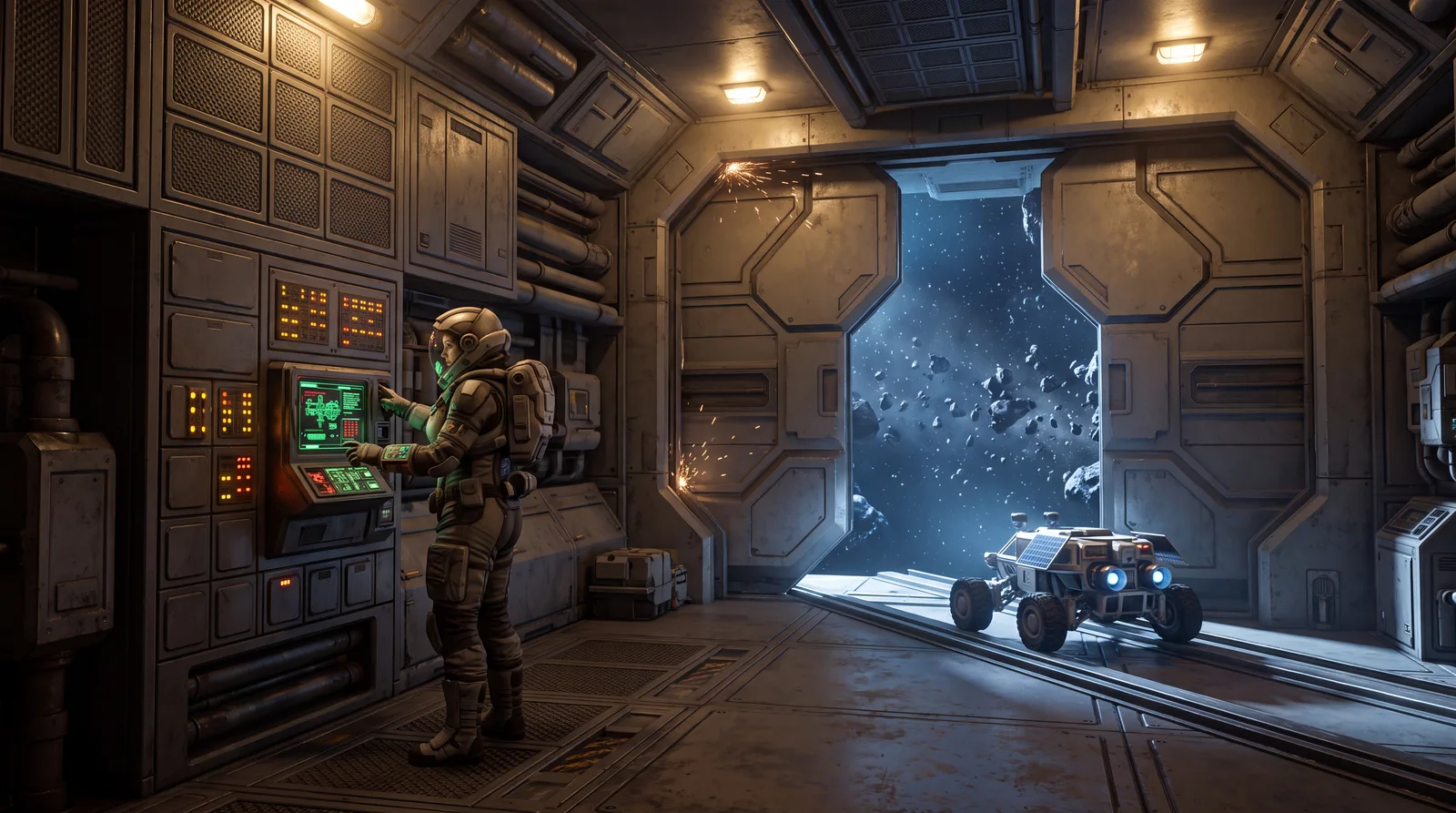
- ⚒️ Space Engineers 2 Timer, Sensor and Event Controller
- 🧪 The Event Controller in detail
- 📦 Example: automatic hangar door with a warning light
- 🔋 Example two: low power alarm
- 💡 Use cases according to Keen Software House
- 🖱️ Toolbar improvements in VS2.3
- 🔗 What's still missing
- ❓ Space Engineers 2 Timer and automation FAQ
- ✨ Bottom line
VS2.3 gave Space Engineers 2 real automation for the first time: the Space Engineers 2 Timer, the Sensor and the Event Controller. Before that, you flipped almost everything by hand.
Now your base can run doors, lights and alarms on its own. This guide shows what the Space Engineers 2 Timer block, the Sensor and the Event Controller each do and how to combine them.
⚒️ Space Engineers 2 Timer, Sensor and Event Controller
| Block | What it does |
|---|---|
| Sensor | Detects objects in the world, for example an incoming vehicle |
| Timer | Triggers one or more actions, either instantly or after a set delay |
| Event Controller | Detects events and state changes on blocks or the grid and reacts automatically |
VS2.3 also added the Control Panel block. It's a standalone access point to your grid's terminal. You don't need a cockpit just to change settings. That's handy on small bases or vehicles without a seat.
One practical tip up front. In a combat build, keep your control blocks inside the grid, not out on the hull. If a Sensor or Event Controller gets shot off, the whole setup stops. Since the Hostile Encounters update in October 2026, combat NPCs can attack your builds too.
🧪 The Event Controller in detail
The Event Controller is by far the most powerful of the three blocks. It's more flexible than the Space Engineers 2 Timer on its own and can track a long list of grid and block parameters, including:
- Grid values: Blocks Added, Blocks Removed, Atmosphere %, Linear Speed, Angular Speed, Mass, Gravity, Dampeners enabled
- Block values: Functional/Not Functional, Integrity, Enabled, Supplied, Inventory Filled (%), Opened (doors), Stored Resource (%) for batteries and tanks, Rotor angle, Piston distance, connector states such as Ready To Connect and Connected
- Production and combat values: Producing, Ores detected (Ore Detector), Weapon Ammo, Weapon Shot, Weapon target acquired (turrets)
Good news if you don't want to write scripts. All of this is set up in the terminal without a single line of code. Keen calls it the most approachable automation toolkit it has added to the series so far.
The big advantage over the Sensor and the Space Engineers 2 Timer is separate true and false actions. You can set "cargo above 90% full → warning light on". In the same block, "cargo back below that → warning light off" turns it off again.
📦 Example: automatic hangar door with a warning light
A classic first automation project:
- Place a Sensor at the hangar entrance and set its detection range.
- Configure the Sensor so it opens the hangar door when it detects a vehicle.
- Add a Timer with a delay (for example 5 seconds) that closes the door again once the vehicle is through.
- Add an Event Controller that turns on a warning light while the door is open and switches it off again when the door closes.
Three blocks give you a fully automatic entry and exit with warning lights. You never touch a button. The Space Engineers 2 Timer block is what makes the door close on its own here.
🔋 Example two: low power alarm
Another useful starter setup runs on the Event Controller alone, no Sensor and no Space Engineers 2 Timer needed:
- Place an Event Controller and select one or more batteries as the blocks to watch.
- Pick Stored Resource (%) as the event, set the condition to "less than or equal" and enter a threshold such as 20%.
- As the true action, trigger a Sound Block with an alarm plus a red warning light.
- As the false action, turn the Sound Block and light off again once the battery climbs back above 20%.
That gives you an audio and visual early warning for power shortages using nothing but the Event Controller.
💡 Use cases according to Keen Software House
- Hangar doors that trigger other systems when they open or close
- Warning lights that react to power, fuel or inventory levels
- Vehicles that react to speed or terrain conditions
- Weapon systems that react to ammo or targets
🖱️ Toolbar improvements in VS2.3
Keen also improved the action toolbar in the same update. It got new mouse tooltips and better drag-and-drop. Once you run several Sensors, a Space Engineers 2 Timer or two and multiple Event Controllers on one grid, you notice the difference. Wiring up longer automation chains used to be a lot more fiddly.
🔗 What's still missing
Keen describes the VS2.3 automation blocks as core building blocks that upcoming updates will expand on. There are no concrete details yet on what comes next. The Hostile Encounters update didn't change the Space Engineers 2 Timer or the Event Controller.
To build these blocks into a full production line, read our guide to Space Engineers 2 automation for production. The power for it comes from our Space Engineers 2 power guide.
❓ Space Engineers 2 Timer and automation FAQ
Which automation blocks did VS2.3 add?
The Space Engineers 2 Timer, the Sensor and the Event Controller, plus the Control Panel block as standalone terminal access without a cockpit.
What does the Space Engineers 2 Timer block do?
It triggers one or more actions, either instantly or after a delay you set. In the hangar example, it closes the door a few seconds after a vehicle passes.
What can the Event Controller do?
It watches grid and block values such as Inventory Filled, Stored Resource for batteries and tanks, door state or acquired targets, and it supports separate true and false actions in one block.
Do I need to know how to code?
No. The Space Engineers 2 Timer, Sensor and Event Controller are all set up in the terminal without code.
How do I build an automatic hangar door?
A Sensor at the entrance opens the door when it detects a vehicle. A Space Engineers 2 Timer closes it after a delay. An Event Controller turns a warning light on while the door is open and off when it closes.
✨ Bottom line
With the Space Engineers 2 Timer, Sensor and Event Controller, the game finally has the piece it was missing most. Repeating jobs at your base or on your vehicle now run by themselves. You no longer hit every switch by hand. If you've only used backpack building and basic blocks so far, these three are worth a closer look. The Event Controller with its true and false actions in particular can do more than the short block list suggests.
New to the game? Start with our Space Engineers 2 beginner's guide. What Keen has planned next is in the Space Engineers 2 roadmap.
Checked against Keen's official VS2.3 "Drive, Automate and Detonate" notes (July 2026), the "Smoother, Stable and Faster" notes from August 17, 2026 (including a fix so the Event Controller keeps its comparison value after you reopen the terminal) and the Hostile Encounters notes (October 2026), as of November 2026. Hostile Encounters changed no automation block apart from a Sensor fix for wheels and the Entity Relationship filter.