Space Engineers 2 Fast Travel Grayed Out: The Real Trigger and Two Workarounds

- 🚀 How Space Engineers 2 Fast Travel Works at Jump Stations
- ⚠️ The Real Space Engineers 2 Fast Travel Trigger: Flying In While Seated
- 🔧 Two Workarounds for Grayed-Out Space Engineers 2 Fast Travel
- 🗺️ Space Engineers 2 Fast Travel: Bug or Missing Requirement?
- ✅ Space Engineers 2 Fast Travel Requirements That Aren't Bugs
- 💡 FAQ: Space Engineers 2 Fast Travel
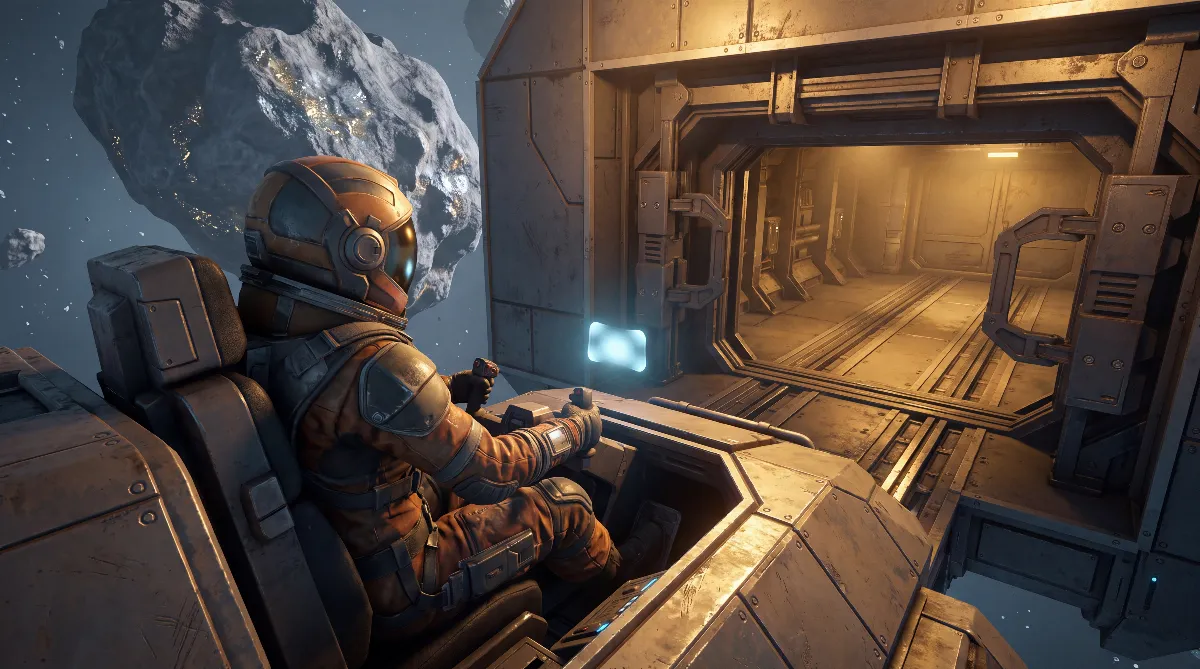
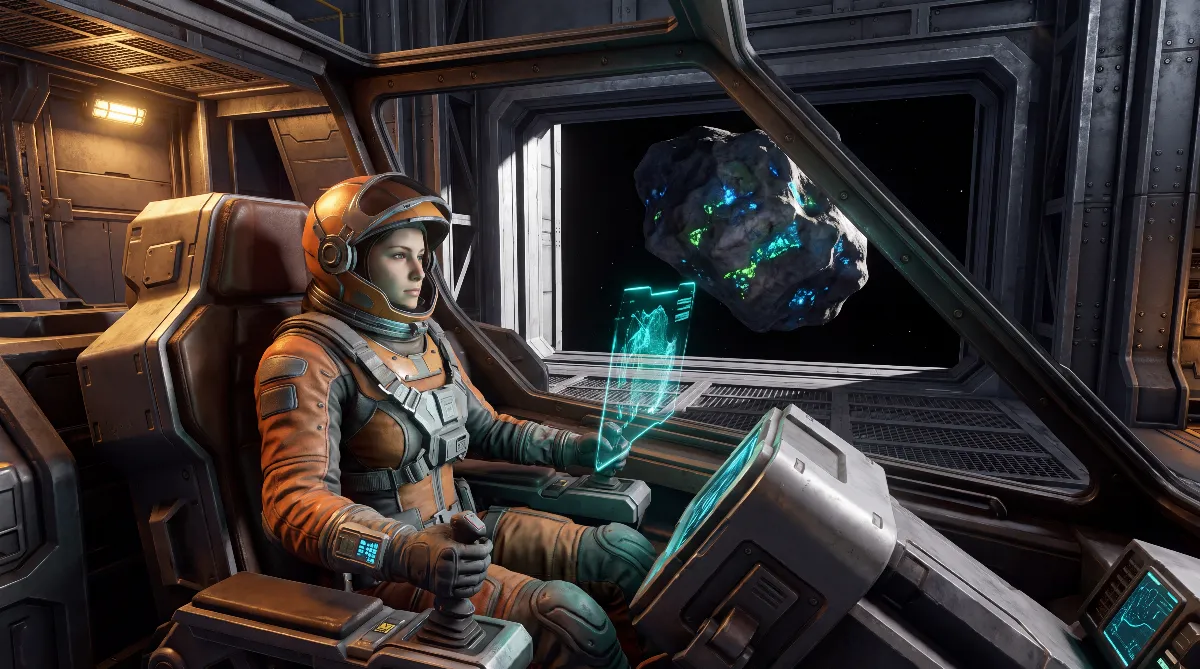
When Space Engineers 2 fast travel is grayed out, it usually isn't your fault. Players in Keen's official support portal have narrowed down a specific trigger: if you stay seated in a cockpit or flight seat while flying into a station's safe zone from outside, the jump button gets locked. Leaving the seat once and getting back in reliably clears it.
There are also real requirements that many players mistake for the bug: being inside the safe zone, an unlocked destination and a ship that isn't docked. This guide separates the two and covers both workarounds.
🚀 How Space Engineers 2 Fast Travel Works at Jump Stations
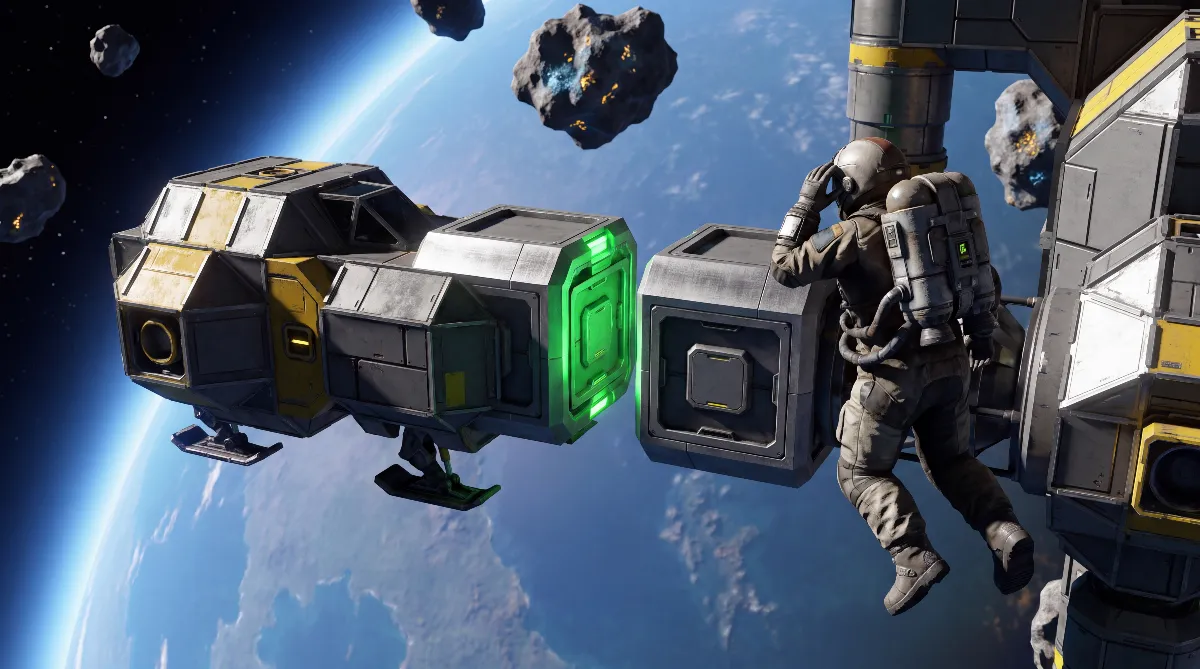
Before you chase a bug, look at how Space Engineers 2 fast travel actually works. It isn't a module or a block you build. It's a service of the big jump stations in the Almagest system. Keen sums it up in the VS2 release notes: "To use fast travel, simply move inside a jump station's safe zone, open the map, and select a GPS destination."
Three details get overlooked all the time:
- The safe zone counts, not the station. You have to be inside the station's field. Parking two kilometers away isn't enough, even if the station is in plain view.
- You don't need to be seated. According to the release notes, any grids within the safe zone travel with you. So the jump works even if you float next to your ship in your suit. The ship still comes along.
- It's the only fast connection. The alternative is flying between sectors manually, which takes hours according to the community wiki. Jump drives are planned but not in the game yet.
Open the map with M. There you'll find the Colonization tab with the colonization index and the GPS tab. To jump, select the destination station's marker and then hit Fast Travel. If you're new to the game, our Space Engineers 2 beginner's guide covers the basics.
⚠️ The Real Space Engineers 2 Fast Travel Trigger: Flying In While Seated
Now to the core of it. Keen's official support forum has had a ticket called "Fast Travel issue" running for months. It contains the description you won't find in any guide: if you sit in a flight seat or cockpit while flying into the safe zone from outside, Space Engineers 2 fast travel is grayed out from that moment on.
The most reliable reproduction from the thread is as simple as it is annoying. Jump to a station, then try to jump back without leaving the cockpit in between. The button stays dead. That's exactly why so many players report that Space Engineers 2 fast travel only works "one way."
On the status, kept separate from everything else: the behavior was first reported around hotfix 2.2.0.1991, then on 2.2.0.2116 and most recently on 2.3.0.2798. Keen said it couldn't reproduce it on 2.2.0.2116, and the ticket is still open. So there's no official fix, but there is a very widely confirmed description.
🔧 Two Workarounds for Grayed-Out Space Engineers 2 Fast Travel
Workaround 1: Leave the seat and get back in. This is the standard Space Engineers 2 fast travel fix. Get out of the cockpit, wait a moment, get back in, open the map and select the destination again. The button becomes active.
This is not an official instruction from Keen but a player fix. It has been confirmed several times in multiple independent tickets in the support forum and in the Steam discussions, at several different stations.
Workaround 2: Enter the station, open the contract terminal, leave again. This one comes from the same Keen ticket. You walk into the station in the Verdure sector, open the contract terminal and close it again. After that, Space Engineers 2 fast travel is available. This is also a player fix without official confirmation, and it's much less backed up than workaround 1. Treat it as your second attempt if getting in and out of the seat doesn't help.
Last resort 3: Go to the main menu, reload your save, then jump. This also shows up in several tickets and helps especially when the Fast Travel button never becomes active after you select a target sector. It costs time, but it works.
🗺️ Space Engineers 2 Fast Travel: Bug or Missing Requirement?
Not every gray button is a bug. This table separates the two:
| Symptom | Cause | Fix |
|---|---|---|
| Button grayed out right after entering the safe zone | Known bug: you were in the cockpit when you flew in | Leave the seat, get back in, select the destination again |
| Jumping back to the station you came from doesn't work | Same bug, because you never left the cockpit | Get out and back in |
| Button grayed out even though you're at the station | Requirement not met: you're outside the safe zone | Fly closer until the station field applies |
| Timer runs, but nothing happens | Ship is docked or parked at the station | Undock and position it freely in the safe zone |
| Can't select the target sector | Sector not unlocked yet | Get the previous sector's colonization index to 100% |
| Click on the destination is ignored | Selection in the map menu doesn't register | Click directly on the trading station's marker |
| Button stays inactive after selecting a destination | Session bug, unrelated to the cockpit | Go to the main menu and reload the save |
✅ Space Engineers 2 Fast Travel Requirements That Aren't Bugs
Two points from the table deserve more than one line, because they get misattributed most often.
Sector progress. New sectors don't unlock on their own. For Obliviara, for example, Keen stated in the release post that it "requires 100% colonization of Verdure and Kemik." Until then the destination simply can't be selected. That's progression, not a bug.
Progress depends on contracts you accept at the contract block, and the same contracts also unlock blocks. If you're short on materials for them, our guide to finding ores in Space Engineers 2 helps.
Docked instead of free. The Steam discussions have shown several cases where the jump timer runs but the ship stays put, namely when it's firmly docked or parked at the station. The player fix: undock, move a bit away, stay inside the safe zone and jump. Then the grids travel with you again.
The reverse also holds: 100% sector progress alone isn't enough. One player reported exactly that at Kemik. Everything was done, but the button stayed gray. It turned out he wasn't inside the safe zone. Both conditions have to be met at the same time.
💡 FAQ: Space Engineers 2 Fast Travel
Do I have to sit in the cockpit to jump?
No. According to the release notes, any grids within the safe zone travel with you, seated or not. That's why the seat trick works as a workaround without costing you anything.
Does Space Engineers 2 fast travel take my ship with me?
Yes, as long as it's floating freely inside the safe zone and isn't docked. Multiple grids can come along at once. On arrival, a ship can end up half stuck in a landing platform, and ships with a high-mounted cockpit are more likely to be affected. Build tips are in our Space Engineers 2 ship building guide.
Does Space Engineers 2 fast travel cost energy or fuel?
There's no official source for any cost. The jump is tied to the station, not to your ship. You should still plan your onboard power properly, and our Space Engineers 2 power guide shows how. For getting around on foot, see our Space Engineers 2 jetpack guide.
Is there Space Engineers 2 fast travel in co-op?
Space Engineers 2 currently has no playable multiplayer mode, so there's no reliable information on how it behaves with several players. We've covered the current state in our article on Space Engineers 2 multiplayer.
What if no workaround helps?
Check these in order: safe zone, docking status, sector unlock, marker selection. If it still won't work, report it in the official support portal with your version and save. Keen hasn't been able to reproduce the bug itself so far, and that's what the fix depends on. To streamline your routines at the station, have a look at Space Engineers 2 automation.
Checked against the official Space Engineers 2 release notes for VS2 and the Obliviara sector, the bug tickets in the Keen support portal (including 53212, 53231, 53268 and 50565), the Steam discussions and the community-run Space Engineers 2 wiki, as of November 2026. Points marked as player fixes are community experience without official confirmation.
The official patch notes up to and including the "Hostile Encounters" update of October 2026 and its hotfixes through October 22, 2026 list no fix for this bug and no change to Space Engineers 2 fast travel.