Space Engineers 2 Speed Limiter: How to Turn Off the 20 m/s Cap
- 🎯 What the Space Engineers 2 speed limiter actually does
- ⚡ How to turn off the Space Engineers 2 speed limiter: three ways
- 📊 Space Engineers 2 speed limiter vs. the real speed cap
- 🧪 The special case: config files
- ⚠️ Why Keen added the Space Engineers 2 speed limiter
- 🔗 What about multiplayer?
- 💡 Space Engineers 2 speed limiter: known issues and reactions
- ❓ Space Engineers 2 speed limiter FAQ
The Space Engineers 2 speed limiter has been on by default in every ship since the August 17, 2026 update, and it caps you at 20 m/s. There are three ways around it: hold SHIFT to go past the limit for a moment, double-tap SHIFT to switch it off for the current flight, or turn it off for good in the cockpit settings.
One thing up front, because this is where most of the confusion starts: that's 20 m/s, not 20 percent of your top speed. If you came from VS2.3 and suddenly crawled out of your hangar at walking pace, your ship isn't broken. It just has a new default that Keen Software House switched on without much fanfare.
🎯 What the Space Engineers 2 speed limiter actually does
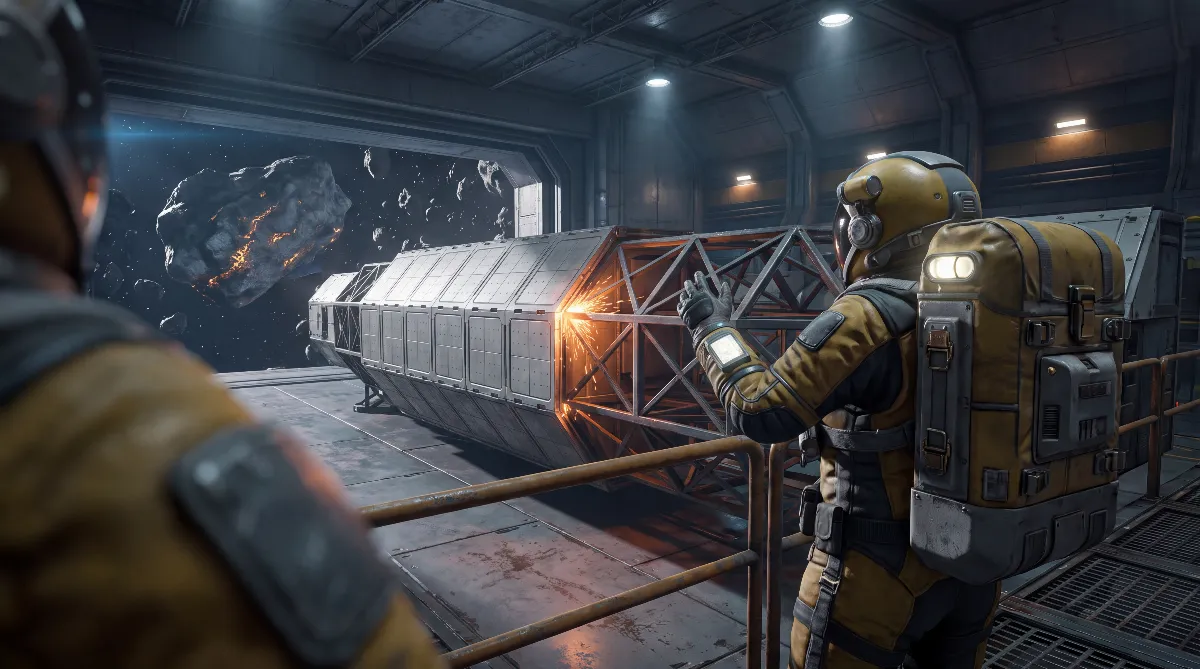
Keen sums it up in one line in the official update post: ships now have a "20 m/s Safe Speed Limiter enabled by default", meant to help prevent accidental collisions and damage. The limiter doesn't touch your thrusters. It caps the speed your grid actually reaches.
In the game it's called the Safe Speed Limiter, and Keen's update post files it under "Speed Limiter". Look for either name in the menus.
⚡ How to turn off the Space Engineers 2 speed limiter: three ways
You don't have to dig through nested menus for this one. Two of the three methods only use the SHIFT key.
🖱️ Go past it for a moment: hold SHIFT
Hold SHIFT while you fly. As long as the key is down, your ship ignores the limit and keeps accelerating. Let go, and the limiter slows you back down to 20 m/s. That's the move for when you just want to get out of an asteroid field quickly.
🔁 Off for this flight: double-tap SHIFT
Tap SHIFT twice in quick succession. That disables the limiter until you turn it back on yourself, so you don't have to keep a key held down. This double-tap is what most veteran players are looking for.
⚙️ Off for good: cockpit settings
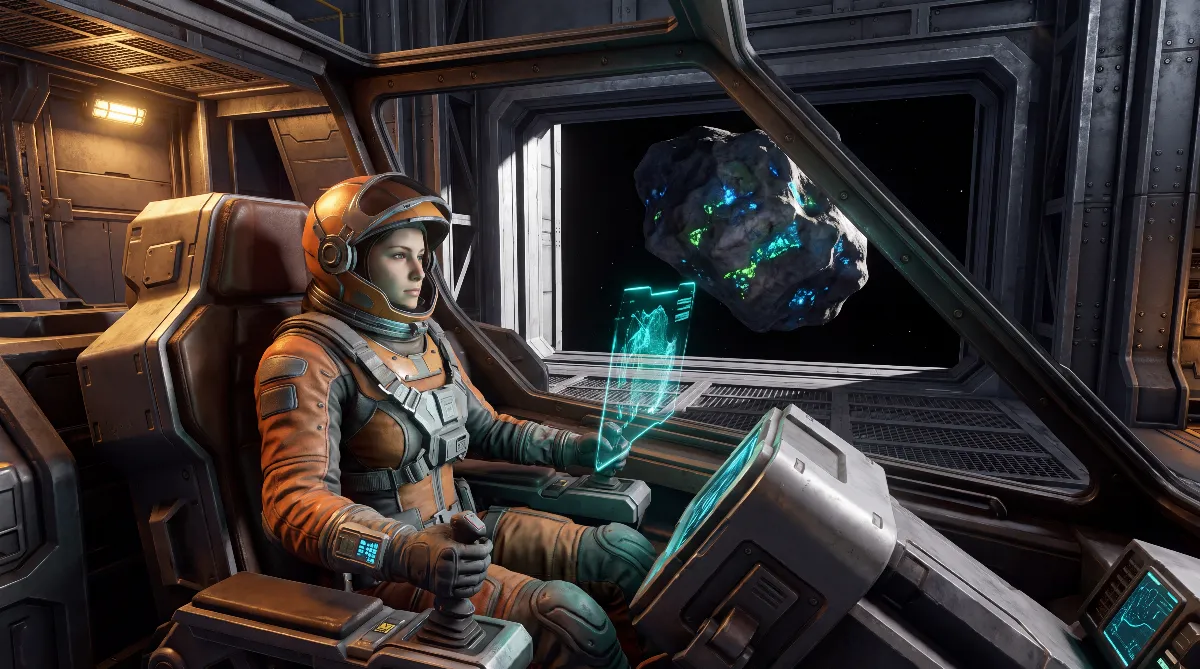
Keen added new cockpit settings for the Space Engineers 2 speed limiter with the update. That makes the limiter a property of each cockpit, not of the world. You get to it through the cockpit block's control panel, the same place you set the gyro options. Switch it off there and it stays off for that ship.
The exact menu path and the label on the toggle aren't documented in the official patch notes. Keen only says the settings exist. If you're still building your first ship, our ship building guide walks you through placing the cockpit.
📊 Space Engineers 2 speed limiter vs. the real speed cap
This is where almost every quick summary gets sloppy. Space Engineers 2 has two completely separate limits, and only one of them is new.
| Limit | Value | Since | Can you turn it off? |
|---|---|---|---|
| Safe Speed Limiter (new) | 20 m/s | Aug 17, 2026 | Yes, via SHIFT or cockpit |
| Global speed cap for grids | about 300 m/s | since Early Access | No, not in the game menus |
| Character with jetpack | about 310 m/s | since Early Access | No, not in the game menus |
The community-run Space Engineers 2 wiki puts the cap for moving grids at about 300 m/s, which works out to roughly 1,080 km/h or 670 mph. That ceiling stays in place even with the Space Engineers 2 speed limiter turned off. So if you're hoping for 500 m/s after flipping the switch, you'll be disappointed. The limiter only takes away the 20 m/s leash, not the game's speed cap.
Based on current sources, there are no separate values for small and large grids. Neither the patch notes nor the wiki list different limits for small grid and large grid. Unlike Space Engineers 1, the second game uses a single value so far.
🧪 The special case: config files
You can't change the global speed cap through world options. There's no such setting in world creation. The Steam forums do, however, point to two files that experienced players tweak: PhysicsSessionConfiguration.def with the MaximumSpeedLinear entry for ships, and CharacterPhysics.def with MaxVelocity for your character.
These are strictly community findings from the Steam discussions, not settings Keen documents or supports. One user there reports a successfully tested 600 m/s for the character. If you mess with this, you're editing game files at your own risk, and an update can overwrite your changes. For the normal route, turning off the limiter in the cockpit, you don't need any of it.
⚠️ Why Keen added the Space Engineers 2 speed limiter
The official reason is short: the limiter is there to prevent accidental collisions and damage. That fits a value that was already in the game. Below 20 m/s, your ship takes no collision damage when docking. So Keen didn't pick a random number. They made the threshold for damage-free docking the default.
There's some backstory here. Keen's official feedback portal has had a suggestion called "Speed limiter for ships" since February 25, 2025. With 27 votes it was archived as Not Enough Votes, which formally means rejected. A year and a half later the feature is in the game anyway, just as a safety feature rather than a cruise control.
Why there's a hard 300 m/s cap at all gets discussed in the community thread "Higher Speed / Unlimited Speed" (48 upvotes). Players point to physics and collision calculations, objects tunneling through each other at high speed and rendering problems. Those explanations come from the community. Keen hasn't given an official technical reason for the 300 m/s ceiling.
🔗 What about multiplayer?
Short answer: nothing changes, because there's no multiplayer yet. As of November 2026, Space Engineers 2 is still single-player only. Four-player co-op is now planned for early 2027 according to the roadmap, and dedicated servers aren't planned for the co-op launch. Our multiplayer overview has the details.
What that means for you: no server admin has to change anything. The Space Engineers 2 speed limiter is a cockpit setting, so it travels with the ship, including in a blueprint.
Keen's patch notes don't say outright whether the limiter also applies to ships you built before August 17. They only say it's "enabled by default". Community reports suggest it's active in older saves too, so expect to switch it off once per ship.
💡 Space Engineers 2 speed limiter: known issues and reactions
One display bug was dealt with right away. The August 17 update notes list a UI fix: the Speed Limit icon now disappears correctly during boost flight. Three days later, hotfix 2.4.0.86 on August 20, 2026 cleared up several crashes, including ones during autosave and when deleting blocks.
Forum reactions are mixed. Players who dock a lot and build in asteroid fields welcome the limiter. Those who fly long distances find 20 m/s patronizing and go looking for exactly the off switch this article is about. Both are community sentiment, not official numbers.
One thing matters in practice: double-tapping SHIFT is also the input for your jetpack's Boost Mode, which you trigger while flying forward. In the cockpit it switches the limiter off, outside the cockpit it switches the jetpack boost on.
The Hostile Encounters update from October 19, 2026 and its hotfixes 4.0.0.3155 and 4.0.0.3159 don't list any change to the Space Engineers 2 speed limiter or the maximum ship speed. Keen did fix a crash when opening cockpit settings in the terminal.
❓ Space Engineers 2 speed limiter FAQ
What's the fastest way to turn off the Space Engineers 2 speed limiter?
Double-tap SHIFT in the cockpit. The limiter stays off until you turn it back on. If you only need a quick burst, just hold SHIFT.
Does the limiter stay off after reloading?
Only if you turn it off in the cockpit settings. The SHIFT double-tap works for the current flight, and the cockpit option is the permanent fix for that ship.
Is there a world option for the speed cap?
No. World creation and the game settings have no slider for top speed. The speed limiter lives in the cockpit, and the hard 300 m/s cap sits in the game files.
How fast can I fly without the limiter?
Up to the regular cap of about 300 m/s, roughly 1,080 km/h. Turning off the speed limiter doesn't lift that cap.
Do I have to turn off the limiter on every ship separately?
Yes. Since the option belongs to the cockpit, it applies per ship. If you build a blueprint with the limiter switched off, that setting carries over.
Checked against Keen Software House's official update post "Smoother, Stable & Faster" from August 17, 2026, the changelog on Keen's support portal, hotfixes 2.4.0.86 (August 20, 2026) and 2.4.0.95 (August 28, 2026), Marek Rosa's dev blog, the Hostile Encounters notes with hotfixes 4.0.0.3155 and 4.0.0.3159, and the community-run Space Engineers 2 wiki, as of November 2026.
Marked as community findings: the config files PhysicsSessionConfiguration.def and CharacterPhysics.def and their values, the technical explanations for the 300 m/s cap, and the sentiment from the Steam forums. The exact menu path to the cockpit setting isn't officially documented.