Space Engineers 2 Guide for Beginners: How to Get Started
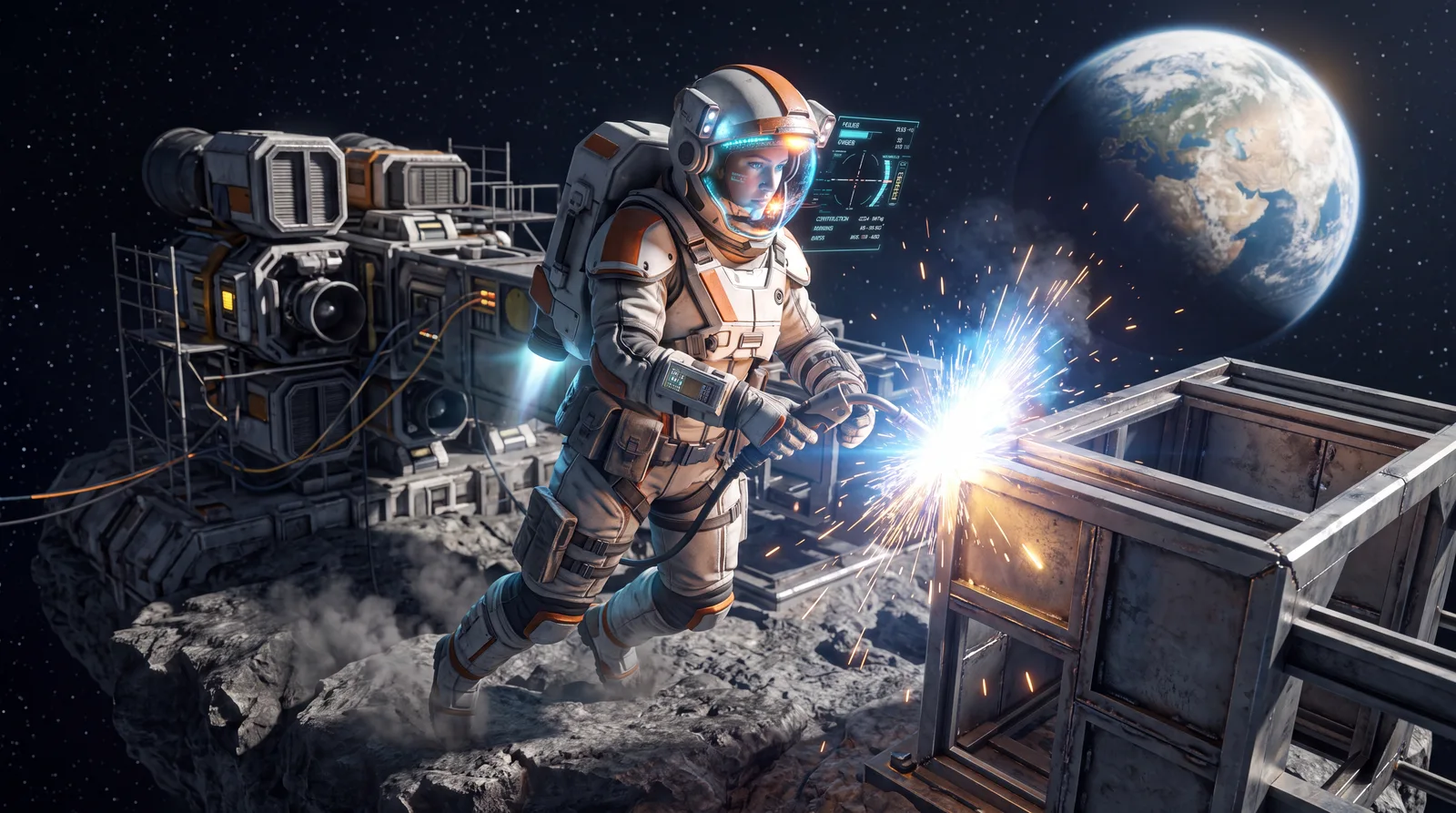
This Space Engineers 2 guide is for your first hours as an engineer. The game drops you into space without forcing a tutorial on you, but also without much explanation. If you played Space Engineers 1, many systems will look familiar. In the sequel they often work differently or are completely new, such as the contracts system or backpack building.
Below you'll find which game mode to pick as a beginner, how your basic gear works and how to build your first blocks before you have any factory.
⚒️ Picking the right game mode
Under New Game in the main menu you get several options:
| Mode | Best for |
|---|---|
| Survival (Tutorial) | Beginners. Walks you through the basics step by step |
| Quick Start Survival | No tutorial, but the full survival challenge |
| Classic Survival | A harsher start: ore comes from planetary terrain (soil, rock, sand), limited backpack building, adjusted tool speeds |
| Creative | Unlimited resources, no story, the entire Almagest system |
| Worlds → Concordia Research Facility | Handmade sandbox to try out ships, without story or tutorial |
For your first contact you have two good options. Either take the Survival tutorial. Or load the Concordia Research Facility world if you just want to try flying and building first. According to the official roadmap, the story campaign has no release date yet.
🧪 Your gear as an engineer
Your character always wears a spacesuit, backpack and helmet:
- Backpack: built-in jetpack (uses energy, hydrogen as a secondary source)
- Mag boots: let you walk on metal surfaces in zero gravity
- Helmet HUD: shows health, energy, oxygen and hydrogen in the bottom left
Watch your suit oxygen: since the VS2.2 update on March 23, 2026, your suit uses oxygen. On Verdure you can breathe normally, because Keen gave the planet a breathable atmosphere. In space and on airless worlds you have to manage your supply. You can refill it at the Oxygen Generator, Survival Kit, Medbay and Cockpit, or with Oxygen Bottles that you make from ice in the Gearforge. There's no pressurization or airtightness system yet.
🚀 Getting around: using jetpack and mag boots well
On stations and asteroids without their own gravity, mag boots are the most efficient way to move. They keep you on metal surfaces without constantly firing the jetpack. The jetpack is mainly worth it for bigger jumps and for reaching ships. It also helps when you want to push off a surface. It does use energy and, as a secondary source, hydrogen. Early on, cover short distances on foot with your mag boots and save the jetpack for when you really need it.
📦 Tools and first build steps
You have three basic tools for building and mining:
- Welder: builds and repairs blocks
- Grinder: takes blocks apart again
- Drill: mines resources
Press F to interact with blocks: open doors, sit in a cockpit, use the contracts terminal. Press 0 to empty your hands (no tool equipped).
⚙️ Tool tiers: Welder, Grinder and Drill get better
All three hand tools come in four tiers (Tier 1 to 4). You upgrade them at the Gearforge block:
- Welder (Tier 1 to 4): higher tiers weld faster
- Grinder (Tier 1 to 4): higher tiers take blocks apart faster
- Drill (Tier 1 to 4): higher tiers mine faster and also detect nearby ore deposits
Tier 1 is plenty to get started. Higher tiers only pay off once welding or mining starts taking too long for you.
🔗 Backpack building: your first block without a factory
At the very start you don't have any production blocks yet. That's why you build straight out of your backpack:
- Mine ore or have components in your inventory
- Point the welder at an unfinished block and press R to switch between "Use Components" and "Use Natural Resources"
- Left-click to weld
This only works for simple blocks early in the game. For more complex parts you'll later need assemblers and production chains. Which blocks are worth unlocking first is in our Space Engineers 2 blocks guide.
🌍 Contracts and colonization: your progression system
There's no classic tech tree. In Space Engineers 2 you unlock new blocks through contracts. You get these jobs from a Contract Block or contracts terminal on stations. The types range from engineering and repair jobs to exploration and transport missions.
Every completed contract pushes the colonization progress of your current sector forward, shown as sector stages. At its core it's a progress meter. It shows how far humanity has settled this part of the Almagest system, and it decides which blocks, trading options and dangers become available in the sector.
Worth knowing as a beginner: the first contracts are usually about the basics, such as flying, welding, drilling and small repairs. Take them even if they look trivial. They're the fastest way to new blocks and tool tiers.
💡 What to keep in mind right from the start
- The VS2.3 update (July 6, 2026) reworked ore distribution. Keen says the "Hostile Encounters" update on October 19, 2026 brings overhauled ores again, so deposits may shift after that. Where to find each ore is covered in our Space Engineers 2 ores guide.
- With the new wheel blocks (6 sizes) you can now build ground vehicles too, not just spaceships
- Automation (Timer, Sensor, Event Controller) only pays off once your base needs more than the basic functions. For getting started, backpack building is plenty
🎯 Recommended order for your first hours
- Start survival on Welcome to Verdure and accept the first contracts at the Contract Block
- Collect Iron, Nickel and Silicon with the hand drill and build your first blocks through backpack building (R key)
- As soon as it's available, build your first refining block so you can make simple parts faster than from your backpack
- Take more contracts to unlock tool tiers and new blocks
- Only once your base is running: think about vehicles (wheels), automation or bigger production chains. For your first real ship, our ship building guide and the blueprint guide help
Don't let the small number of unlocked blocks at the start discourage you. The contracts system is built that way on purpose. You get more options piece by piece instead of everything at once.
❓ Space Engineers 2 guide FAQ
Which game mode should I pick as a beginner?
Ideally the Survival tutorial or the handmade sandbox world Concordia Research Facility. The story campaign has no release date on the official roadmap yet.
Do I have to watch my oxygen in Space Engineers 2?
Yes, since VS2.2 in March 2026. The air on Verdure is breathable, but in space and on airless worlds your suit uses oxygen. Refill it at a Survival Kit, Medbay, Cockpit or Oxygen Generator, or with Oxygen Bottles.
How do I build my first blocks without a factory?
With backpack building: have ore or components in your inventory, point the welder at an unfinished block, press R to switch between "Use Components" and "Use Natural Resources", then weld.
How do I unlock new blocks?
Through contracts. Every completed contract raises the colonization progress of your sector and unlocks new blocks, tool tiers and trading options.
As of October 2026. Sources: Keen Software House's official patch notes for VS2.2, Classic Survival and VS2.3 and the "Hostile Encounters" announcement on Steam, plus the community-run wiki at spaceengineers2.wiki.gg. If you like this kind of building game, also check out our guide to finding resources in SpaceCraft.