Space Engineers 2 Automation: Build an Efficient Production Chain (2026)
- ⚙️ The Space Engineers 2 automation chain at a glance
- ⛏️ Resources and mining for Space Engineers 2 automation
- 🔗 Laying out conveyors properly
- ⚡ Power as the foundation
- 🤖 Real Space Engineers 2 automation: Event Controller, Timer and Sensor
- 💡 Building efficiently: a short checklist
- ❓ FAQ about Space Engineers 2 automation
- ✨ Conclusion
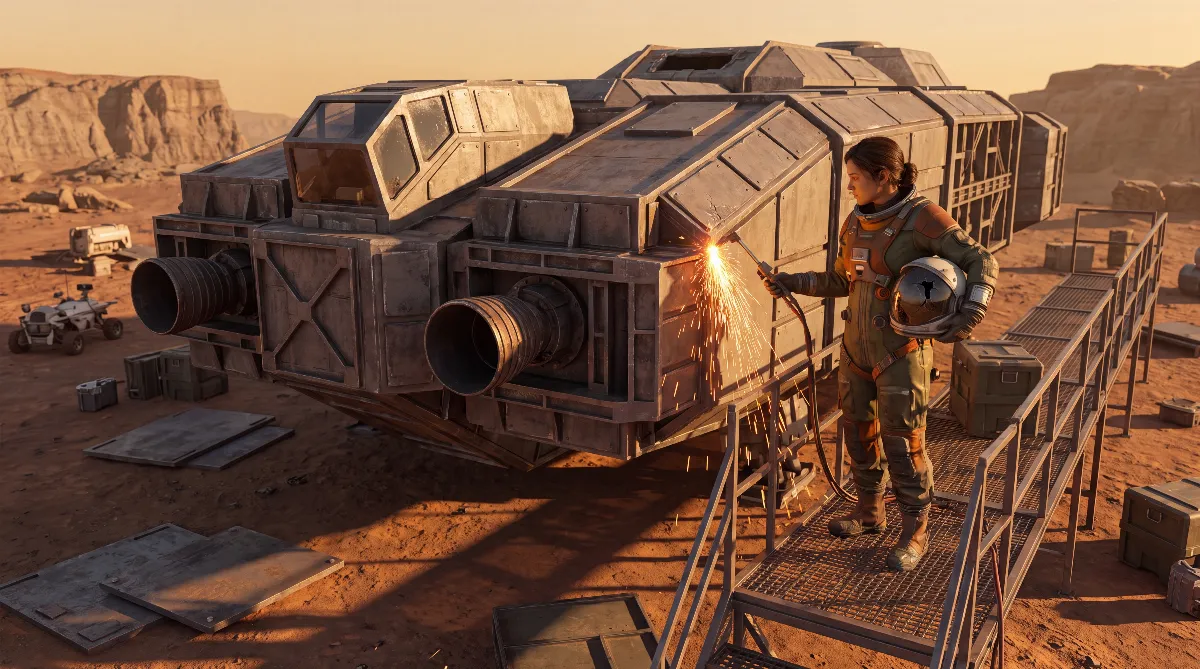
If you want to go from welding parts by hand to a factory that runs on its own, you need a clean plan for mining, processing and power. This guide to Space Engineers 2 automation shows the current production chain, how the blocks work together and which logic blocks give you real automation. It's based on the "Drive, Automate and Detonate" update from July 6, 2026.
⚙️ The Space Engineers 2 automation chain at a glance
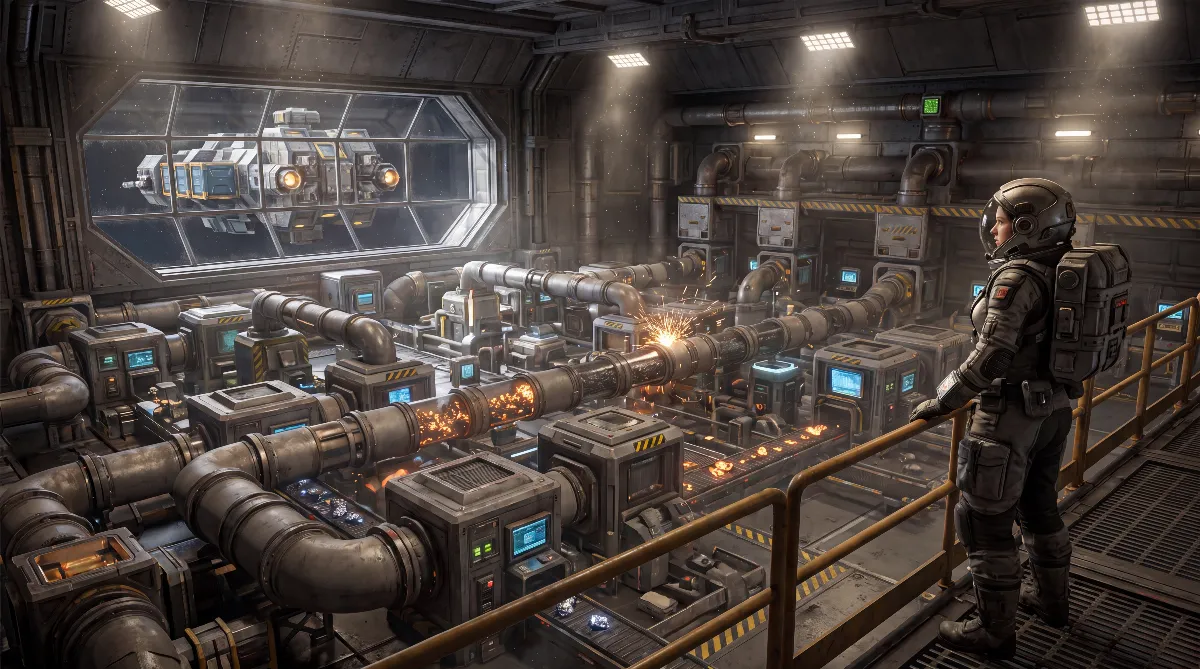
Space Engineers 2 uses a layered production chain. According to Keen Software House, it deliberately starts simpler than in the first game and grows more layered as you progress. One thing matters a lot for Space Engineers 2 automation: Keen says every production block stays relevant as you advance. You don't throw anything away, you expand.
| Block | Input | Output |
|---|---|---|
| Backpack | ore | simple components (processed while you weld) |
| Smelter | raw materials | simple components |
| Assembler | simple components | complex components |
| Refinery | raw materials | refinery products |
| Fabricator | refinery products and complex components | hi-tech components |
| Gearforge | simple to hi-tech components | character-related personal items |
The core idea: the Backpack covers the very early game, because it turns ore into simple components in the background while you weld. You can build before you have a base. Once you settle down, the Smelter and Assembler take over bulk production, and for high-end blocks you bring Refinery and Fabricator output together. Keen's patch notes call the production chains "just a baseline", so expect recipes to change as development goes on.
🔎 Why the order matters
Unlike Space Engineers 1, it's no longer just "ore in, ingot out". You have two parallel lines: the component line (Smelter to Assembler) and the Refinery line. Only the Fabricator combines both into hi-tech parts. For Space Engineers 2 automation, that means you should plan your conveyor routes so both lines can be filled independently. Otherwise an empty Refinery buffer blocks your entire end production.
⛏️ Resources and mining for Space Engineers 2 automation
The Classic Survival update from April 21, 2026 added a new world start. Only in that mode does planetary voxel yield depend on the terrain, so what you get depends on the ground type. Keen says regular worlds are unaffected, and asteroid voxels stayed the same as well. Which ores show up where is covered in our Space Engineers 2 ores guide.
In Classic Survival, the patch notes say this about planetary terrain:
- Iron comes from soil-like materials
- Nickel from rock-like materials
- Silicon from sand-like materials
Ore distribution keeps changing between updates, so check the patch notes for your version. The Space Engineers 2 roadmap shows what's coming next. For real throughput you'll want to switch from the Hand Drill to ship drills anyway and send the ore straight into processing through your conveyor network.
🔗 Laying out conveyors properly
The backbone of Space Engineers 2 automation is the conveyor network. Conveyors move ore, components, gases and tools automatically between blocks. In practice: drill, cargo container, Smelter or Refinery, then Assembler or Fabricator all need to be connected as one closed conveyor network. A few ground rules:
- Put a central cargo buffer between mining and processing, so drill bursts don't clog everything right away.
- Keep large and small conveyor ports apart. Conveyors come in a small 0.5 m and a large 1.5 m hatch size, and adaptors connect the two.
- Use the unified access between Terminal and Cargo (added in "Drive, Automate and Detonate") to check whether all blocks really sit on the same network.
A common beginner mistake: the Refinery and the Assembler stand right next to each other but only connect through a small port. Then the supply chokes. If in doubt, check the connection through the inventory view, not by eye.
⚡ Power as the foundation
No Space Engineers 2 automation works without stable power. "Drive, Automate and Detonate" added the Wind Turbine, which produces power on planets with an atmosphere and scales with wind speed. For a predictable base load, you still rely on reactors, backed by batteries. One thing to keep in mind: since the same update, O2/H2 tanks and functional reactors can explode. Don't put them right next to outer walls or weapons.
A practical tip for Space Engineers 2 automation: measure your peak draw while the Smelter, Assembler and Fabricator all run at the same time. That's when the chain pulls the most power, and an undersized battery bank chokes your production. A wind farm alone rarely covers nonstop operation, because turbines depend on the wind. Pair them with a battery buffer and a reactor as backup.
🤖 Real Space Engineers 2 automation: Event Controller, Timer and Sensor
The "Automate" in "Drive, Automate and Detonate" is the logic layer. For Space Engineers 2 automation you now have:
- Event Controller: detects events in the game and reacts to them automatically, for example the fill level of a container.
- Timer: triggers a set of block actions, right away or after a delay. To make it loop, add the Timer itself as its last action.
- Sensor: reacts to grids, floating objects, players or terrain entering or leaving its area.
- Control Panel: a standalone access point to a grid's terminal, handy for central control and status checks.
A simple starter setup: an Event Controller watches the buffer container and only switches the Assembler on once there's enough material. A Timer kicks off a production cycle at intervals. A Sensor only turns on the mining lights or opens doors when you're nearby. That saves power and avoids idle production.
💡 Building efficiently: a short checklist
- Think in modules: build mining, processing and power as separate modules linked by conveyors. That makes expanding later much easier.
- A buffer before every bottleneck: cargo containers in front of the Smelter, Refinery and Fabricator stop jams.
- Feed both lines: supply the component line and the Refinery line in parallel so the Fabricator never runs dry.
- Measure power first, then build: work out your peak draw with everything running at once.
- Keep the logic lean: get things running by hand first, then add Space Engineers 2 automation with the Event Controller and Timer.
If you're just starting out, read our Space Engineers 2 beginner's guide first for the basics of building, backpack building and the survival start. Which blocks exist and what they're made of is in the Space Engineers 2 blocks overview.
❓ FAQ about Space Engineers 2 automation
Do I really need a Fabricator?
Not at the start. The Backpack, Smelter and Assembler cover basic components. You only need the Fabricator for hi-tech blocks, because it combines refinery products with complex components.
Which ore do I get from which terrain?
Only in a Classic Survival world does planetary yield depend on the ground type: soil-like material gives Iron, rock-like material gives Nickel and sand-like material gives Silicon. Regular worlds and asteroids don't use this rule.
What usually stalls my production?
Mostly broken conveyor routes (wrong port size), missing buffer containers or too little power when all production blocks run at once.
How far can Space Engineers 2 automation go?
With the Event Controller, Timer and Sensor you can control production, lights and doors based on conditions. There's no ready-made factory AI. You build the logic yourself.
✨ Conclusion
Good Space Engineers 2 automation rests on three pillars: a cleanly linked production chain (Backpack, Smelter and Assembler, plus Refinery into Fabricator), a gap-free conveyor network with buffers, and stable power that handles peak load. Only then do you add the logic blocks to cut idle time and wasted power.
Keep in mind that Space Engineers 2 is in Early Access, so your Space Engineers 2 automation setup may need tweaks after updates. According to the official roadmap, 4-player co-op is planned for early 2027 and water for 2027. Recipes, block names and values can change with every update, so check the current state before big build projects.
Checked as of October 2026, before the "Hostile Encounters" update on October 19, 2026, against official Keen Software House sources (the "Drive, Automate and Detonate" update notes from July 6, 2026, the Classic Survival update from April 21, 2026 and the official roadmap) and the community-run wiki at spaceengineers2.wiki.gg. Keen announced overhauled ores for Hostile Encounters, so the terrain rules above may change with it.