Planet Crafter Co-op Guide: Hosting, Invite Codes and Teamwork (2026)
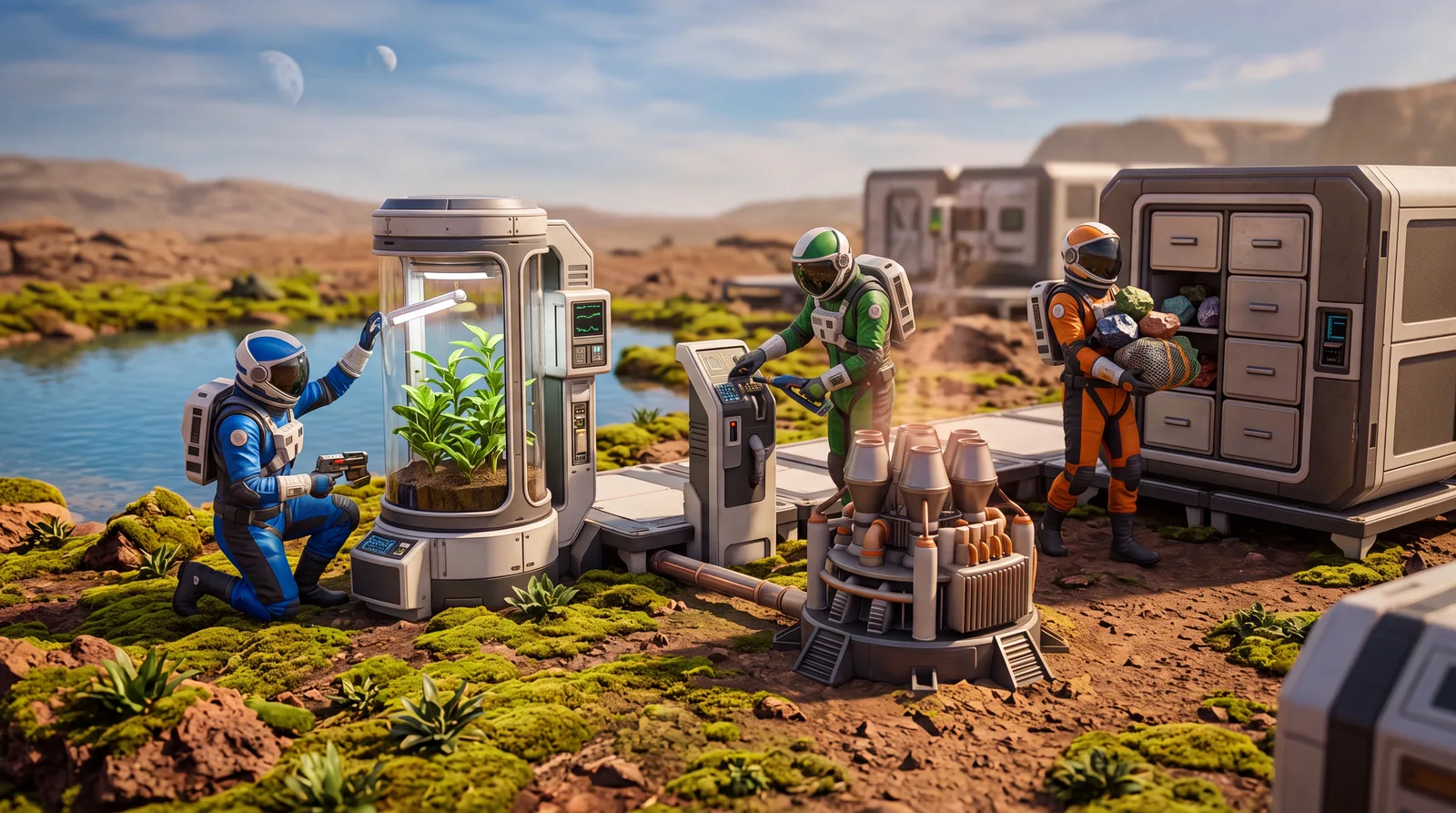
- 👥 How many players fit in Planet Crafter co-op?
- 🔑 Hosting or joining a Planet Crafter co-op session
- 💾 What really counts when saving
- 🏗️ How to organize as a team
- 🎯 Splitting up roles
- 🌐 Connection and latency
- 💡 Tips for Planet Crafter co-op
- 🔧 What to do about connection problems
- 🚫 Common Planet Crafter co-op mistakes
- ❓ FAQ about Planet Crafter co-op
Since the big 1.0 update, you can play The Planet Crafter fully in co-op, with an invite code instead of a complicated server setup. This Planet Crafter co-op guide covers how to host or join, what really counts when saving and how to organize your team without getting in each other's way. The terraforming basics themselves are in our Planet Crafter beginner's guide.
👥 How many players fit in Planet Crafter co-op?
There's an important difference between platforms here:
| Platform | Max players |
|---|---|
| PC (Steam/GOG) | 10 and more, no fixed cap according to Miju Games |
| PS5 / Xbox Series | up to 8 |
At the 1.0 launch, Miju Games wrote that there is no real maximum and that the limit depends on the host's computer and internet speed; co-op is advertised for up to 10 players. The Xbox Store lists 2 to 8 players for online co-op on Xbox.
Everyone in a session has to be on the same platform. According to Miju Games, The Planet Crafter has no crossplay: Steam players can't play with console players, and console players only within the same brand. The one exception, according to the Xbox Store: Xbox Series X|S and the PC version from the Microsoft Store or PC Game Pass play together (Xbox cross-platform co-op, Xbox Play Anywhere). The details are in our article on Planet Crafter crossplay, and the console launch is covered in the Planet Crafter PS5 guide.
🔑 Hosting or joining a Planet Crafter co-op session
Planet Crafter co-op runs on an invite code, not a fixed server address:
- As the host: load your save (or create a new world), press Escape to open the menu, copy the invite code and share it.
- As a guest: enter the code you received in the multiplayer menu and join the host's world.
You can share the code over chat, Discord or any messaging app. Keep in mind that it only works between players on the same platform. According to reports in the GOG forum, Steam and GOG players can only meet via a direct IP connection.
One thing that surprises a lot of people: according to player reports in the Steam discussions, the invite code changes with every new session. Even if you continue the same save as last time, you need a fresh code each time you start it up again.
💾 What really counts when saving
In Planet Crafter co-op, the host's save is what matters. Guests join the host's world, not the other way around. In practice that means:
- The Terraformation Index, base buildings and everything stored in containers stay in the host's save for good.
- A guest's personal inventory and equipment upgrades are only kept if that guest joins the same session again later. If someone doesn't come back, they lose their personal progress, but the shared planet progress stays untouched.
So think of Planet Crafter co-op as one shared world rather than individual character saves. If you play regularly with the same group, always pick the same person as host instead of passing the save around between several people.
🏗️ How to organize as a team
With several people on the same planet, Planet Crafter co-op gets messy fast if nobody coordinates. A few rules that work:
- Label your storage. Once several people dump materials into boxes, an unlabeled pile of containers gets confusing quickly. Agree on names before your second session together, for example "Iron/Titanium box", "Osmium box", "Seeds box".
- Don't build duplicate machines. It's tempting for everyone to build their own Craft Station and oxygen refill. That's fine early on, but later you should agree on who runs what. You don't want one person building ten heaters while another puts down ten drills without talking about it.
- Check the terraforming values together regularly. With several eager builders, the balance between oxygen, heat and pressure tips faster than in solo play.
- Put Teleporters at key spots: main base, important wrecks, new biomes, ore clusters. That way nobody wastes time on long walks between team stations.
🎯 Splitting up roles
Especially in bigger Planet Crafter co-op groups, it pays to assign rough areas of responsibility instead of everyone tinkering with everything at once:
- One or two people on terraforming machines (heaters, drills, Vegetubes), coordinated so all three core values rise evenly.
- Someone for exploring and looting wrecks, which matters for microchips and resources away from the base.
- Someone for logistics: keeping an eye on storage and making sure there's enough oxygen and water so nobody runs dry in the middle of exploring.
The split doesn't have to be rigid, but a rough plan stops three people from building heaters at the same time while nobody thinks about restocking oxygen.
🌐 Connection and latency
Planet Crafter co-op runs on the host's machine; according to Miju Games there are no dedicated servers. That means the host's internet connection is crucial, and players far away from the host feel noticeably more lag. If you can, pick the person with the most stable connection as host. A wired connection instead of Wi-Fi also lowers the chance of noticeable lag spikes for everyone.
One technical plus: according to the patch notes, the 2.0 update from April 2026 reduced RAM usage and improved CPU and GPU performance. Bigger groups benefit in particular, because the host's computer has to carry the whole world.
💡 Tips for Planet Crafter co-op
- Before your first session together, agree on who takes which job (oxygen, heat, pressure, exploring). That avoids the usual chaos at the start.
- Plan for guests without gear: according to player reports, new players only start with basic equipment, but they can upgrade right away at the base that's already there.
- In bigger groups, have the host save regularly so the shared progress is reliably stored.
🔧 What to do about connection problems
If the connection drops during a Planet Crafter co-op session, a simple retry usually helps: the host generates a new invite code and everyone joins again. If drops keep happening, it's almost always the host's internet connection or too much distance between players. Then the only fix is to try a different host or adjust your expectations for connection quality.
🚫 Common Planet Crafter co-op mistakes
- Thinking the old invite code still works, when it changes with every new session
- Unlabeled shared boxes that everyone throws everything into
- Several people building the same machines in parallel without talking
- Making the person with the worst connection the host
- Buying the game on different platforms and expecting to play together
More Planet Crafter guides: the best base locations and how to unlock blueprints and microchips together. Also worth a look: the endgame with uranium, nuclear reactors and rockets and the DLCs Planet Humble and Toxicity.
In short: clear roles, a reliable host and labeled storage prevent most of the usual Planet Crafter co-op chaos. The rest is just enjoying terraforming together.
❓ FAQ about Planet Crafter co-op
Do I have to be Steam friends with my co-op partners?
No. The invite code system works without friend lists. You share the code through any messaging app. All players do need to be on the same platform.
Do I lose my progress if I skip a few sessions?
The shared planet progress (Terraformation Index, base, storage) stays with the host. Your personal inventory and equipment upgrades are only kept if you rejoin the same session.
How many people can play Planet Crafter co-op at once?
Miju Games advertises co-op for up to 10 players and names no fixed cap on PC, where the limit depends on the host. For Xbox, the Xbox Store lists 2 to 8 players for online co-op.
Can I play with friends on a different platform?
Mostly no. According to Miju Games there's no crossplay between Steam, PS5 and Xbox. The only shared ecosystem, according to the Xbox Store, is Xbox Series X|S together with the PC version from the Microsoft Store or PC Game Pass. Agree on one platform before you buy.
Checked against Miju Games' announcements and patch notes on Steam (1.0 launch, 2.0 update, console announcement from June 2026), the Xbox Store listing (player count, Xbox cross-platform co-op) and player reports from the Steam discussions (invite code, guest gear) and the GOG forum (IP connection), as of October 2026 (version 2.103, Skeo update). The Planet Crafter has no official wiki. Details can change with future updates.