Planet Crafter Microchips Guide: How to Find and Unlock Blueprints

- 🔑 Two separate unlock systems
- 🔍 Where to find Planet Crafter microchips
- 📥 How to decrypt a microchip
- 🎲 Why the order is locked to tiers
- ⭐ Special microchips without a tier
- 🧭 A practical routine
- 🎒 What you typically unlock
- 💡 Pro tips
- 🗺️ Don't confuse it with terraforming unlocks
- 🚫 Common mistakes
- ❓ Planet Crafter microchips FAQ
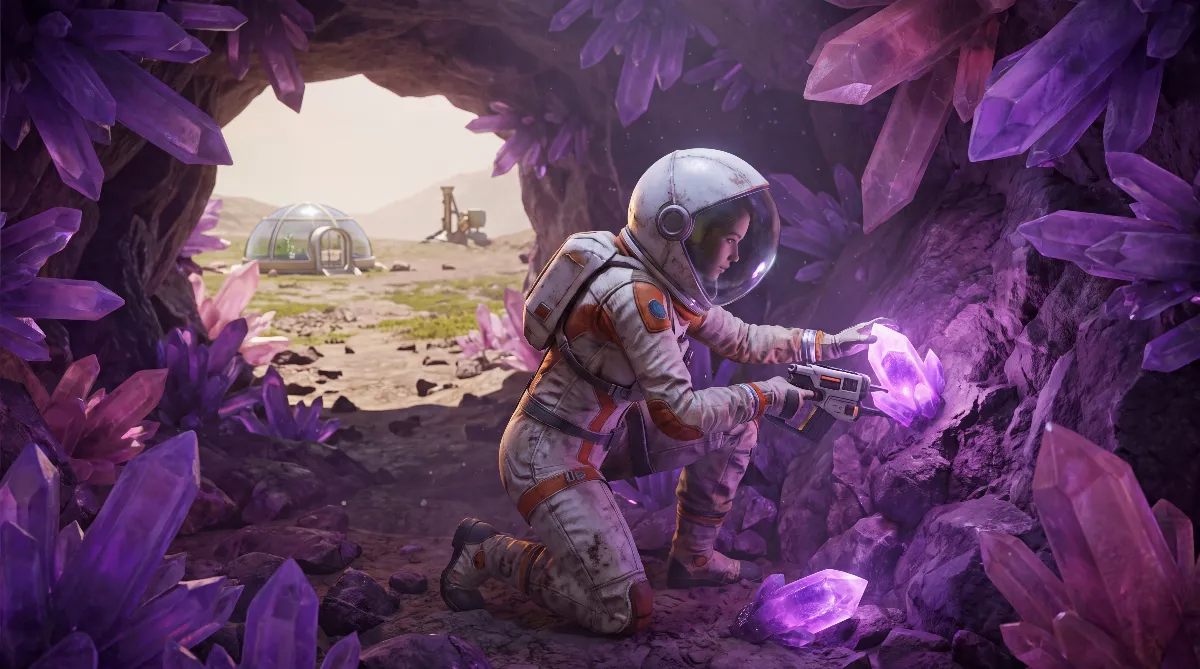
Some of the most useful gear in The Planet Crafter never shows up through terraforming progress. You have to unlock it with Planet Crafter microchips, the blueprint chips you pick up while exploring. If you don't know where they come from, you eventually get stuck around tier 5 or 6 and stop finding new ones.
This guide covers what blueprint microchips are, where to find them reliably and how the tier system decides what you unlock. For terraforming stages and the other unlock paths, see our terraformation stages guide.
🔑 Two separate unlock systems
The Planet Crafter unlocks new blueprints in two completely different ways:
- Automatically through terraforming values: oxygen, heat, pressure, biomass and the Terraformation Index unlock new blueprints on their own as the numbers climb.
- Through blueprint microchips: a separate track that ignores terraforming progress. You have to find chips and decrypt them yourself.
Both run side by side. If an item is still missing even though your Ti is high enough, it probably belongs to the microchip track.
🔍 Where to find Planet Crafter microchips
| Source | Reliability |
|---|---|
| Canisters at crash sites | guaranteed, that is what the canisters are for |
| Blue crates and lockers | random, spread across wrecks and bunkers |
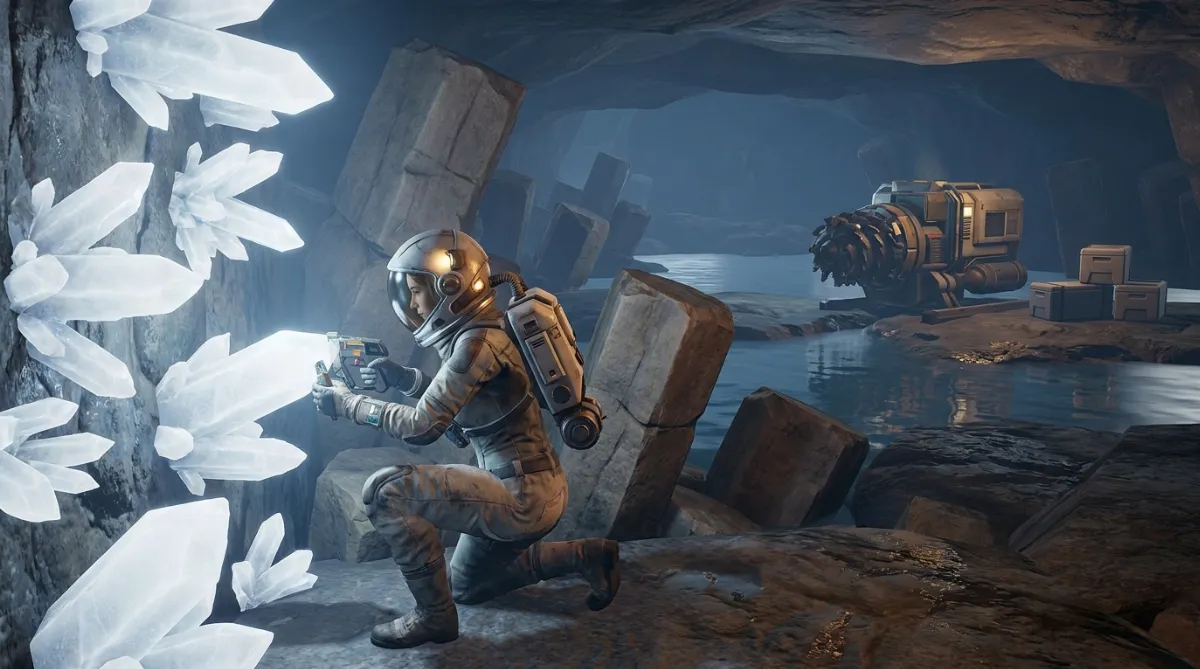
| Portal wrecks (procedural wrecks reached through the Portal generator) | practically endless supply, often higher rarity |
The key point if you're stuck: the canisters at crash sites on the main map always contain microchips. Clear every known wreck completely before you start hunting elsewhere. Blue crates come second because their contents are random. New players should build that habit from the start instead of discovering it after hours of frustrated searching.
Still short on chips? Portal wrecks are your fallback. They give you a renewable, practically unlimited supply of crates and lockers, which is exactly what you need when nothing else is left.
📥 How to decrypt a microchip
Once a microchip is in your inventory, open the Blueprints screen (the "Screen - Blueprints" building) and use the decrypt option at the bottom. The game then picks a random technology from your current tier. You can't choose what you get.
🎲 Why the order is locked to tiers
Inside a tier the order is random, but you have to unlock everything in the current tier before the next one opens. Holding more chips at once only speeds up how fast you finish a tier. You can't skip anything.
That also explains why two players with the same number of chips can end up with different items in a different order, even though both finish the same tier in the end.
⭐ Special microchips without a tier
Besides the normal tiers there are rare special microchips that don't belong to any tier. You mostly find them in procedurally generated wrecks, and each one unlocks one specific item that the chip itself names. No randomness here.
🧭 A practical routine
To avoid wandering the map without a plan:
- Search every crash site completely before moving on. The canisters inside are the most reliable source.
- Decrypt chips right away at the Blueprints screen instead of hoarding them. They don't expire, but this way you see immediately whether your current tier is done.
- If decrypting no longer shows progress, the tier is finished. Store any further chips for later updates.
- When you run out of new crash sites, head for portal wrecks instead of re-searching areas you already emptied.
🎒 What you typically unlock
The exact order is random, but microchips usually give you equipment you can't get any other way: faster multitool functions such as quicker deconstruction (the deconstruction microchips), lighting for dark caves and wrecks, map comfort features (zoom, scrolling, drone display) and the blueprint pinning chips that let you pin several recipes to your HUD at once. Each one looks small. Over a long session they add up to a lot less friction when crafting and exploring.
💡 Pro tips
- Never throw spare chips away. Once a tier is complete, extra chips do nothing right now, but future updates can add new unlocks. Then a stash of chips pays off.
- Clear crash sites systematically first before relying on random blue crates. The guaranteed source is always the most efficient.
- Stuck right now? Go to the portal wrecks instead of searching the same known spots again and again.
Why bother at all? Many of these items have no other source. They don't depend on Ti or biomass, only on the microchip track. Ignore it and you miss permanent comfort upgrades, no matter how far your terraforming has come.
🗺️ Don't confuse it with terraforming unlocks
A common mix-up: the Blueprints screen shows both the blueprints unlocked automatically through Ti values and the extras unlocked by microchips. If you're looking for a specific item and can't find it, check whether it belongs to the microchip track at all, or whether you simply haven't reached the right Ti, oxygen or biomass value yet. Both progress tracks move independently. Which equipment tiers depend on which values is covered in our equipment guide.
🚫 Common mistakes
- Only searching blue crates and overlooking the guaranteed canisters at crash sites
- Throwing away or trading spare microchips because the current tier is already complete
- Expecting to pick a specific item from the normal tier system, where the result is random
- Ignoring the description on special microchips, even though it shows exactly which item you'll unlock
More Planet Crafter guides: the best base locations, 15 tips for new players, everything about the PS5 version and crossplay. All guides are collected on the Planet Crafter hub.
❓ Planet Crafter microchips FAQ
Can I choose what a microchip unlocks?
Not in the normal tier system. The pick within your current tier is random. Only the separate special microchips unlock a fixed item that is shown on the chip.
What happens if I have more chips than unlocks?
The extra chips do nothing for now. Keep them anyway, since future updates can add content they become useful for again.
Where do I get guaranteed microchips when I'm stuck?
Canisters at known crash sites always contain them. If that isn't enough, portal wrecks are a practically unlimited source.
Do I have to decrypt microchips right away?
No, you can collect them. They don't expire. Decrypting right away just shows you immediately whether your current tier is finished.
As of October 8, 2026 (game version v2.102 "Skeo"): based on the community-run Planet Crafter wiki, several independent community guides and the item list of the planetcrafter.th.gl database. The Planet Crafter has no official wiki. Exact loot spots can shift slightly between game versions and map updates.