Space Engineers 2 Ship Building: Your First Ship with Grids, Thrusters and Blocks
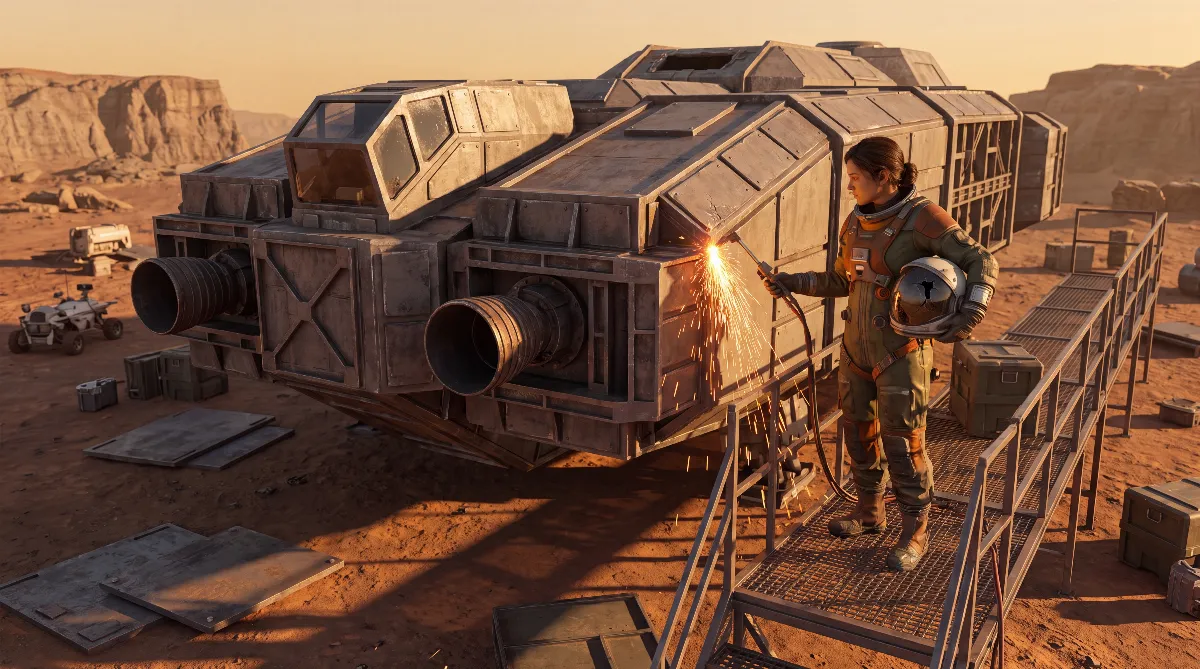
Once your base produces power, the logical next step in Space Engineers 2 ship building is your own vessel. Unlike part 1, you no longer work with separate small and large grids but with one unified grid system. This guide shows how a grid works, which of the three thruster types fits your plan and which blocks you need before your first ship can fly.
⚒️ Grid Basics: The Unified Grid System
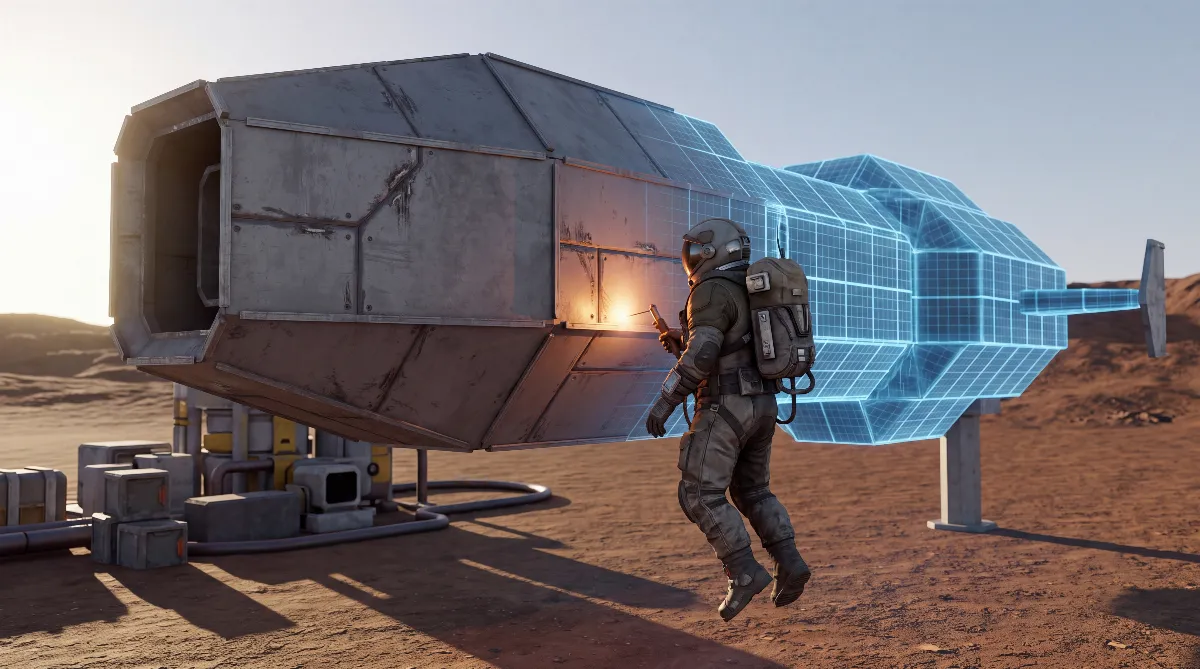
A grid is the technical foundation of every construction, whether it is a base, a rover or a ship. Grids can be static (base, landing platform) or mobile (vehicle, ship). For a base, you place the first block directly on the terrain or on an existing base block. For a mobile grid, hold J to place a free-standing, unsupported block, such as a Landing Gear. That block becomes the starting point of your ship.
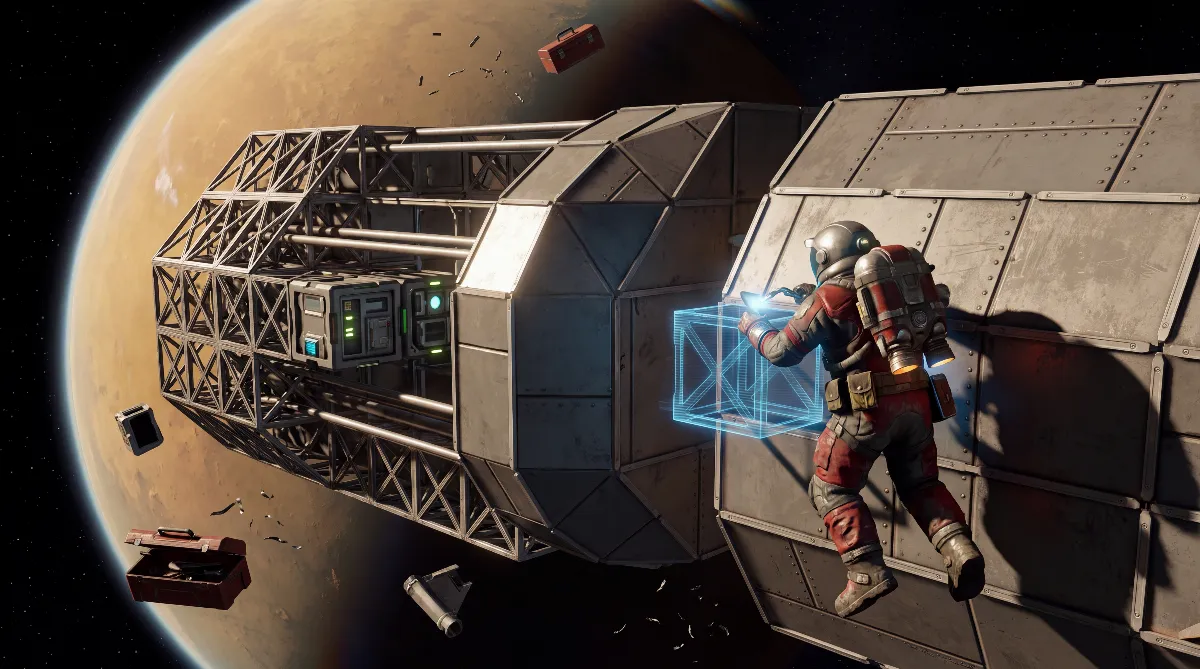
The biggest change from part 1: according to the community wiki, the unified grid system of VRAGE3 lets you combine small and large blocks in the same connected grid. The strict split between small grid and large grid from Space Engineers 1 no longer exists in that form. There is also the Area Welder hand tool, so you don't have to weld every block individually. Handy while you build: symmetry mode mirrors hull parts automatically, which saves a lot of time on hulls.
Every block also counts against a PCU budget (Performance Cost Unit), a value that shows how much a block weighs on your world's performance. Once your PCU budget is used up, the game won't let you place more blocks. The community wiki currently gives a guideline of around 400,000 PCU but marks that number as provisional itself. In Early Access, the exact limit can still change with future updates.
🧪 Propulsion: Atmospheric, Ion or Hydrogen?
According to the community wiki, three thruster types are available, and their use cases differ clearly:
- Atmospheric thrusters: draw power from your grid but only work inside a planet's atmosphere. In a vacuum they produce no thrust.
- Ion thrusters: also draw power but only work in open space or asteroid fields. Inside an atmosphere they produce no thrust.
- Hydrogen thrusters: burn hydrogen instead of grid power and, according to the community wiki, work both in the atmosphere and in a vacuum. They are the only thruster type that works equally well everywhere.
For a first planet-bound vessel, atmospheric thrusters are all you need. If you also want to reach orbit or fly between planets, add ion or hydrogen thrusters. Pure atmospheric thrusters leave you drifting without propulsion in a vacuum.
🔗 Thrusters Compared by the Numbers
These values come from the thruster pages of the community wiki (state of late September 2026). Thrust is given in newtons:
| Thruster | Size | Consumption | Thrust (N) | Mass |
|---|---|---|---|---|
| Atmospheric | 1 m | 50 kW | 16,273 | 58 kg |
| Atmospheric | 2 m | 650 kW | 287,136 | 464 kg |
| Atmospheric | 5 m | 2,400 kW | 1,516,383 | 1,552 kg |
| Atmospheric | 10 m | 16,000 kW | 15,465,370 | 8,343 kg |
| Hydrogen | 0.5 m | 0.75 H2/s | 60,000 | 33 kg |
| Hydrogen | 2 m | 4 H2/s | 359,469 | 464 kg |
| Hydrogen | 2.5 m | 12 H2/s | 1,895,631 | 1,005 kg |
| Hydrogen | 7.5 m | 120 H2/s | 19,395,660 | 7,096 kg |
| Ion | 1 m | 40 kW | 8,950 | 58 kg |
| Ion | 1.5 m | 240 kW | 82,493 | 290 kg |
| Ion | 5 m | 1,800 kW | 856,369 | 1,576 kg |
| Ion | 7.5 m | 8,000 kW | 5,636,987 | 6,188 kg |
For your first ground vessel, a mix of several small atmospheric thrusters usually pays off more than a single big one. That keeps you more flexible with your PCU budget and lets you add thrust in exactly the direction you are missing.
📦 The Blocks Every Working Ship Needs
No matter how you design your controllable vessel in detail, regardless of size or style, you need at least these block types:
| Block | Function |
|---|---|
| Cockpit or Control Seat | Controls the grid; the Cockpit is enclosed, the Control Seat is open. Both show power, hydrogen, mass and gravity in the UI |
| Gyroscope | Handles rotation on all three axes (pitch, yaw, roll). Without a Gyroscope your vessel won't respond to Q/E or mouse movement |
| Thrusters (several directions) | Produce thrust; for full freedom of movement you need thrusters in at least four, ideally six directions |
| Landing Gear | Foot-like block with a magnetic function for locking onto platforms or towing other grids and loose blocks |
| Connector | Couples two grids magnetically and links power, gas and item transfer through the conveyor system |
| Power supply (solar panel/battery) | Powers the Cockpit, Gyroscope and thrusters |
A detail that is easy to overlook: if you orient the Cockpit so that its ports line up with the grid, the Cockpit inventory automatically becomes part of the vessel's inventory and conveyor system. Place it the wrong way around and the inventory stays isolated, so you have to move items by hand.
💡 Docking and Controls: The Key Shortcuts
- F: sit down in the Cockpit/Control Seat or get out again
- WASD, C, Space: movement in all six directions once you are seated
- Mouse + Q/E: rotation (pitch/yaw/roll), requires at least one Gyroscope
- P: lock or unlock Landing Gear/Connector
- Z: inertia dampeners on/off
- Y: grid power on/off
When docking, two Connectors first light up yellow once they are close enough. When they turn blue, the connection aligns itself automatically and then couples. Green means firmly connected. Important, according to the community wiki: if the Landing Gear magnetizes before auto-align kicks in, the auto-align is canceled. Keep Landing Gear out of range during a docking maneuver until the Connectors are properly aligned.
🎯 Space Engineers 2 Ship Building: Design Tips for Your First Vessel
- Plan thrusters in at least four directions (front/back/up/down), ideally all six. Otherwise you can't brake or dodge sideways.
- Place the Connector so it reaches your base's docking port without contortions. A badly placed Connector makes every docking maneuver fiddly.
- Landing Gear belongs on the underside for platform landings; mounted on the sides, it is good for towing wrecks or loose blocks (tug design).
- Use symmetry mode for symmetrical hulls; it halves the work on every hull section.
- Save your first design as a blueprint before you experiment, so a failed rebuild doesn't cost you the working original. The blueprint guide walks you through saving and placing.
- Keep an eye on your PCU budget (TAB → Build → Blocks): many small thrusters often cost more in total than a single big one, but you are not immediately crippled when one fails.
⚠️ Early Access Note
Space Engineers 2 is currently in Alpha/Early Access. For several blocks, such as the Cockpit and Connector, the community wiki explicitly notes that the described mechanics reflect the current Vertical Slice state and may be expanded or changed in future updates. Treat values like the PCU limit or individual thruster numbers as a snapshot, not as final.
❓ Frequently Asked Questions about Space Engineers 2 Ship Building
How do I start a mobile grid for a ship?
Hold J while placing to set a free-standing block, for example a Landing Gear as the starting point.
Which thruster type is the right one?
Atmospheric thrusters only in the atmosphere, ion thrusters only in space, hydrogen thrusters everywhere. For a first ground vessel, atmospheric thrusters are enough.
Which blocks does every flyable ship need?
Cockpit or Control Seat, Gyroscope, thrusters in several directions, Landing Gear, Connector and a power supply.
Why doesn't my vessel respond to rotation?
Without a Gyroscope, the grid ignores the mouse and Q/E. At least one Gyroscope is mandatory.
What happens when my PCU budget runs out?
The game won't let you place any more blocks. The community wiki currently names around 400,000 PCU as a provisional guideline.
✨ Conclusion
Your first vessel is ready as soon as Cockpit, Gyroscope, thrusters in several directions, Landing Gear, Connector and a working power supply work together. The unified grid system makes life easier because you no longer choose between small and large grid blocks, but your PCU budget still demands deliberate decisions when picking thrusters.
Before you start building, you need raw materials for hull, thrusters and blocks; the guide to finding ores and resources shows where they are. Which armor and functional pieces exist is covered in the overview of all block types.
All information in this article was checked against the community wiki for Space Engineers 2 and Keen's patch notes (as of: October 8, 2026); there is no official wiki for the game.