StarRupture Platforms: Pillar Supports, Height and Stability (2026)
- 🧱 The Platform Parts in the Build Menu
- ⚙️ How to Build Step by Step
- 🛠️ What Update 2 Changed for Pillars and Platforms
- 📊 Understanding Stability
- 🔧 The Pillar Rework in Hotfixes 0.3.3 and 0.3.4
- 💡 Practical Tips for StarRupture Platforms
- ⚠️ Community Rules of Thumb That Are Out of Date
- ❓ FAQ about StarRupture Platforms
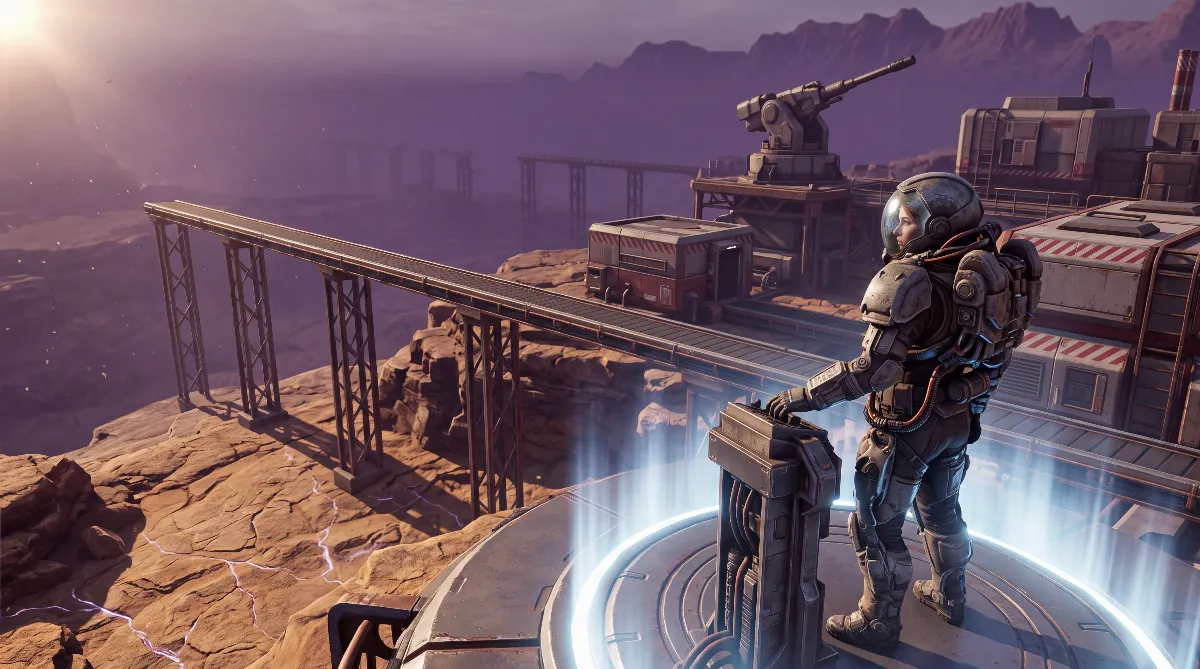
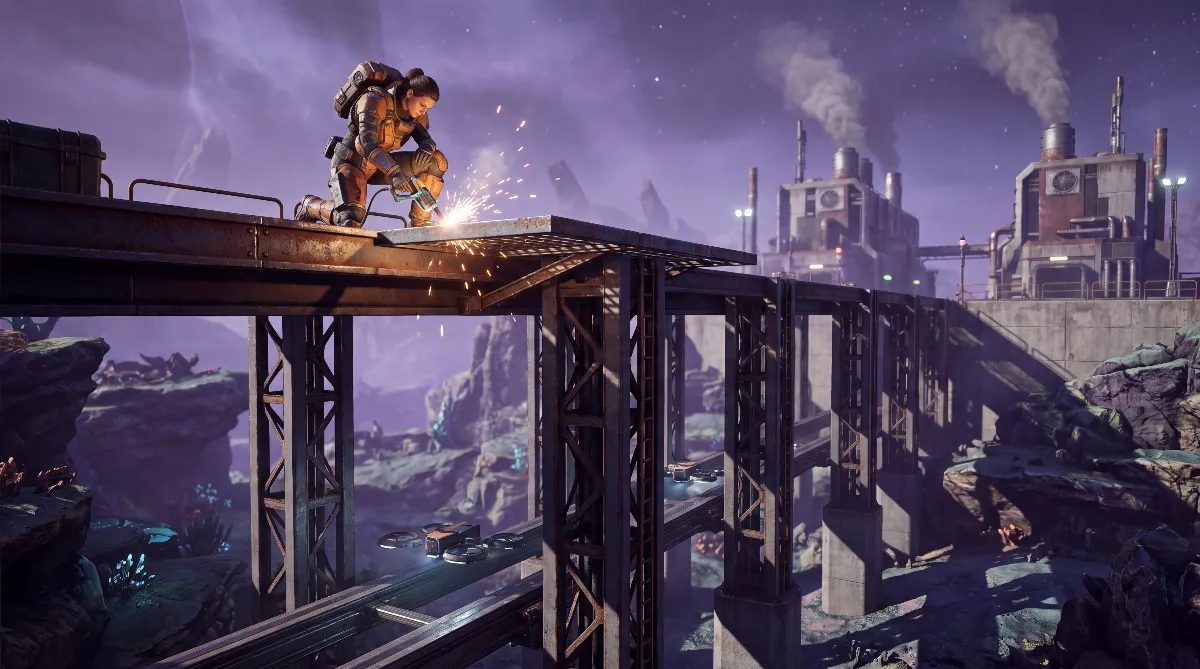
Building StarRupture platforms comes down to one order of operations: place the Pillar Support first, then put the Platform on top or snap it to the side, and keep an eye on the stability bar the whole time. Since Update 2, the game handles most of the pillar height for you, and the September hotfixes reworked the pillar system once more.
This guide covers the parts by their in-game names, explains stability costs, sums up the official changes and tells you what to expect the first time you load an older save.
🧱 The Platform Parts in the Build Menu
You'll find StarRupture platforms in the build menu among the platform parts. The names and descriptions below come from the community database starrupture.th.gl, which reads the game files. All of these parts cost Basic Building Material there; the database doesn't give an amount.
| Part | In-game description | Stability cost |
|---|---|---|
| Pillar Support | “Supports Platforms placed on top of it.” | 15 |
| Supported Platform | “Platform that can be placed on terrain.” | 10 |
| Platform | “Can be connected to other Platforms or placed on Pillar Supports.” | 10 |
| Stairs and Shallow Stairs | Access between levels | not listed |
| Safety Barrier | Railing for the edge | no stability requirement since Hotfix 0.3.3 |
The rule of thumb follows from the descriptions. The Supported Platform is your starting point on the terrain, while the regular Platform extends the surface or sits on a Pillar Support. The database also lists a separate platform variant for cliffs, but it sits in a test category there, so we're leaving it out on purpose.
⚙️ How to Build Step by Step
This order saves you the most failed attempts, especially on slopes and above rail lines.
- Place a Supported Platform on the terrain. It anchors the whole structure.
- Set Pillar Supports at the target height. When you place them freely on the ground, you adjust the height with the mouse wheel.
- Put Platforms on top or attach them. They connect to each other and snap onto the Pillar Supports.
- Check the stability bar. If a part won't place, it usually lacks support, so add another Pillar Support underneath.
- Secure the edges. Since Hotfix 0.3.3, the Safety Barrier no longer counts against stability.
If you need the space for factories, check the location first. Flat ground saves you a lot of Pillar Supports, while slopes cost material. What makes a good building site is covered in our StarRupture base building guide.
🛠️ What Update 2 Changed for Pillars and Platforms
Update 2 “Quality of Life” has been live since September 2, 2026 and took a lot of pain out of the topic. Creepy Jar's patch notes list four changes that directly affect StarRupture platforms.
- Automatic pillar height: pillars adjust their height on their own when you place them under existing Platforms.
- Height via mouse wheel: on the ground, you set the height manually while placing.
- Snapping to the side: Platforms can now also be built on the sides of a Pillar Support.
- “Add Pillars” in Building Mode: with this enabled, the game automatically adds pillars under the building you're placing.
On top of that, Update 2 added multi-deconstruct with red highlighting of dependent parts and a toggle to deconstruct buildings without their foundations. The full rundown is in our StarRupture Update 2 overview.
📊 Understanding Stability
Every part has a stability cost. The database lists 15 for the Pillar Support and 10 for both platform types. Creepy Jar doesn't publish how large the total budget of a structure is. All that's confirmed is that there's a stability bar and that it decides whether a part can be placed.
The developer has officially corrected three calculation issues that noticeably changed how StarRupture platforms behave:
- Several connected Platforms calculated their stability differently from a single one. The line appears in the patch notes for both Update 2 and Hotfix 0.3.3.
- Buildings could be built higher than their stability cost should allow. Hotfix 0.3.3 put a stop to that.
- Extended Rails and Zipline Poles showed an empty stability indicator. Fixed in Hotfix 0.3.3.
If you built tall towers before September 14 that you can't rebuild today, the second point is often the reason. The old structure was benefiting from a bug.
🔧 The Pillar Rework in Hotfixes 0.3.3 and 0.3.4
Hotfix 0.3.3 from September 14, 2026 changed the pillar mechanics and fixed a whole batch of building bugs. According to the patch notes, a Pillar Support's height no longer resets after every placement, and pillars no longer clip through the Platform you place them on. Platforms can now also snap to the side of a Pillar Support that has no Platform on top yet. Platform connectors that used to stay behind are now removed properly.
Hotfix 0.3.4 from September 17, 2026 then fixed crashes caused by that rework. They hit loading older saves with pillars, placing buildings on existing platforms and recalculating very large bases.
The key part is the note Creepy Jar put into the patch notes itself: the first time you load a larger save, loading can take about 5 to 10 minutes, because every pillar gets replaced with a new one. Once you save on the new version, load times go back to normal.
| Date | Version | Change to pillars and platforms |
|---|---|---|
| Sep 2, 2026 | Update 2 | automatic height, mouse wheel, side snapping, “Add Pillars” |
| Sep 4, 2026 | Hotfix 0.3.2 | no pillar changes |
| Sep 14, 2026 | Hotfix 0.3.3 | pillar mechanics changed, stability adjusted, Safety Barrier without stability requirement |
| Sep 17, 2026 | Hotfix 0.3.4 | crash fixes, long first load due to pillar replacement |
| Oct 5, 2026 | Hotfix 0.3.5 | fixed Platforms not conducting power; pillar replacement on first load still noted |
💡 Practical Tips for StarRupture Platforms
- First start after the patch: let the game finish the first load and don't cancel it. Save right afterwards and the long load is behind you. A backup of your save beforehand doesn't hurt.
- In co-op: load the save alone as the host first, before anyone else joins. That's our recommendation, not something Creepy Jar requires. How inviting works is explained in our StarRupture co-op guide.
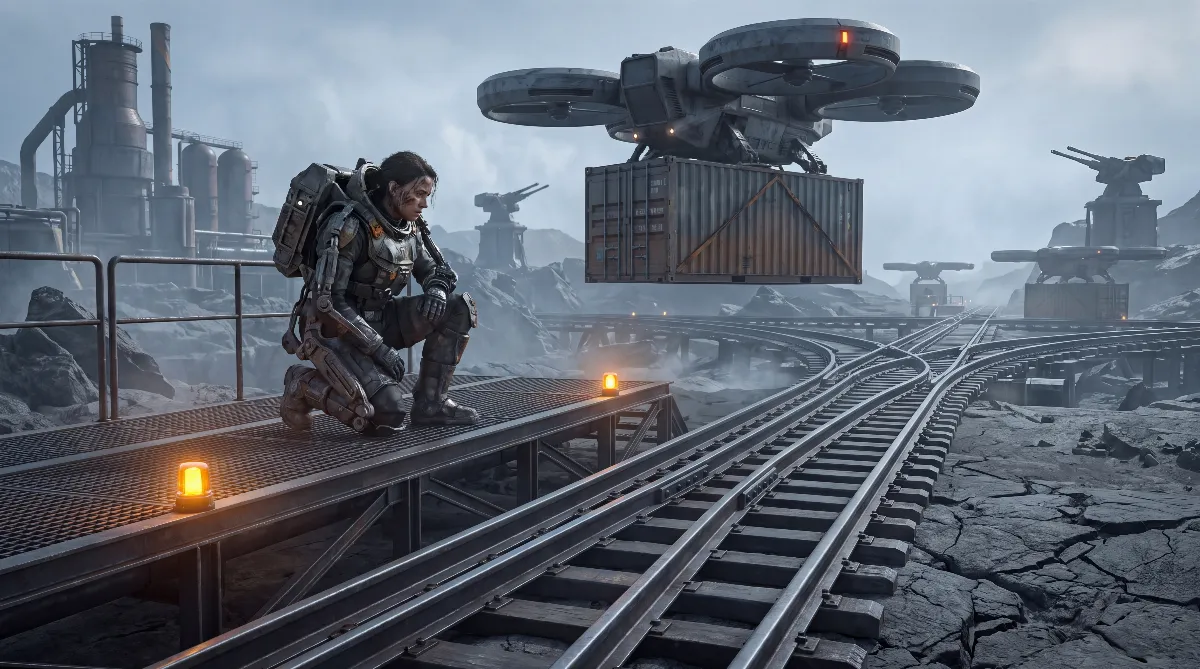
- Rails over platforms: a second level is the cleanest way to let drone rails cross. The three options are covered in our guide to StarRupture drone rails.
- Raise your turrets: turrets on a raised level have a better view of the approach paths, which helps against the waves.
- Think about power: raised buildings still need power. Platforms conduct it; the fact that they sometimes didn't was a bug that Hotfix 0.3.5 fixed, according to the patch notes. How the grid works without cables is shown in our automation and power guide.
⚠️ Community Rules of Thumb That Are Out of Date
The Steam discussions for StarRupture are full of rules of thumb from before Update 2. Some of them shouldn't be taken at face value anymore.
- “Platforms are just walkways.” That take comes from the first weeks after the Early Access launch. Since Update 2, “Add Pillars” explicitly places pillars under buildings, and Hotfix 0.3.4 fixes a crash when building on existing platforms. Buildings on StarRupture platforms are clearly intended.
- “Three pillars on top of each other, max.” Players cite this limit from before the pillar rework. Whether it still applies after Hotfix 0.3.3 isn't confirmed. Trust the stability bar.
- “Large platform areas slow the game down.” Several players report this. There's no official statement, but Hotfix 0.3.4 does mention recalculation issues on very large bases.
❓ FAQ about StarRupture Platforms
How do I build platforms in StarRupture?
Place a Supported Platform on the terrain, set Pillar Supports at the height you want and put regular Platforms on top or snap them to the side. The stability bar shows whether the structure holds.
Why won't my platform place?
Usually there isn't enough stability. Add another Pillar Support underneath or shorten the overhang. Watch the stability bar while placing.
Why does my save take so long to load after the patch?
According to the patch notes for Hotfix 0.3.4 and 0.3.5, every pillar in an older save is replaced with a new one on the first load. Creepy Jar says this takes about 5 to 10 minutes on large bases. After your next save, the load time is back to normal.
What does “Add Pillars” do in StarRupture?
This Update 2 feature automatically places pillars under a building while you place it. That lets you build at different heights without setting every Pillar Support by hand.
Can I attach platforms to the side of pillars?
Yes. Update 2 introduced it. Hotfix 0.3.3 lifted a restriction that blocked snapping to the side of a Pillar Support without a Platform on top.
Do railings cost stability?
The Safety Barrier no longer does. Hotfix 0.3.3 removed it from the stability requirements.
As of: October 2026. The current version is Update 2 “Quality of Life” from September 2, 2026 with Hotfix 0.3.5 from October 5, 2026. Creepy Jar didn't give Update 2 itself a version number.
Checked against the official StarRupture Steam news feed (app 1631270) with the patch notes for Update 2 and Hotfixes 0.3.2 to 0.3.5. Part names, descriptions and stability costs come from the community database starrupture.th.gl. The rules of thumb from the Steam discussions are marked as community claims. Values can change with every Early Access patch.