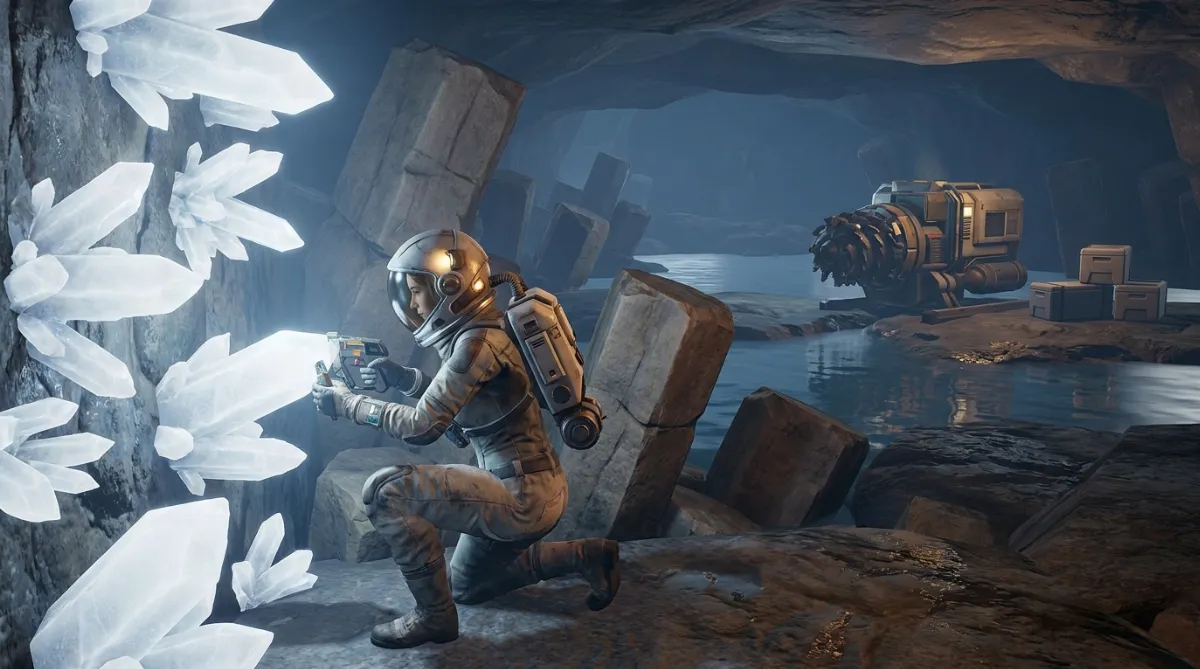
Planet Crafter Skeo: The New Moon Has Been Live Since September 1, 2026
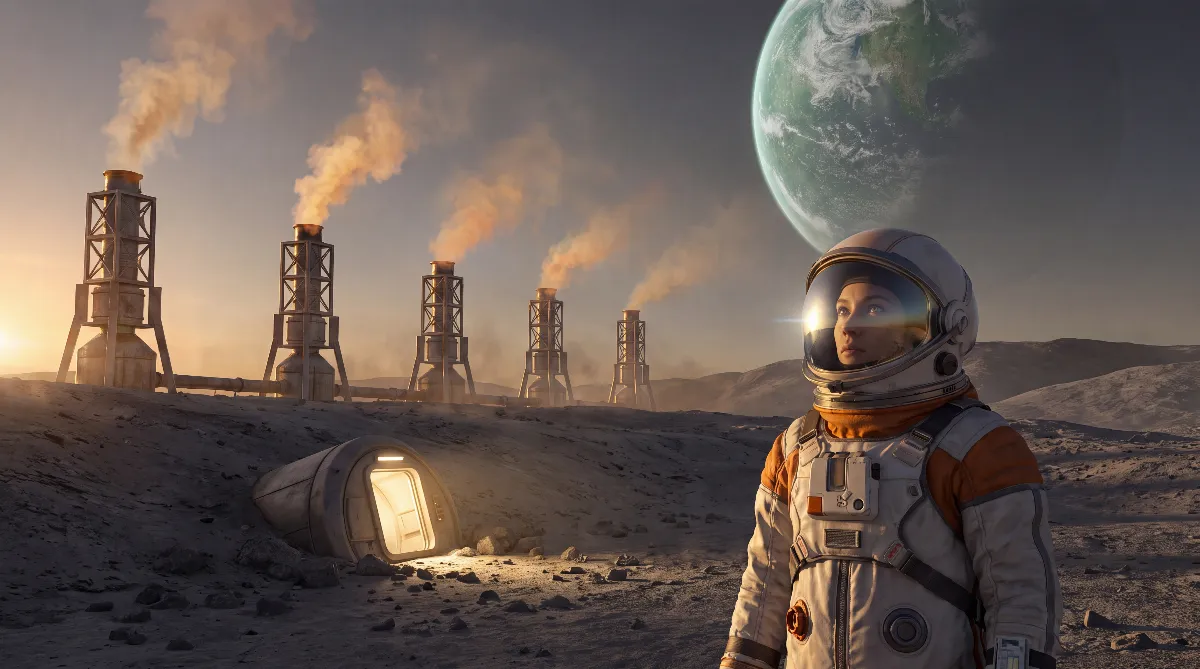
Planet Crafter Skeo has been live in the regular game since September 1, 2026. Miju Games shipped the new moon with the free update v2.102 on Steam, PS5, Xbox Series X|S and GOG at the same time. You no longer need to switch to the development branch.
You unlock the moon once you've fully terraformed one of the starting worlds: Prime, Toxicity, Humble or Selenea. After that you need the Extraction platform and the Interplanetary travel rocket, and only then does Skeo show up as a destination. According to Miju Games, the update works with existing saves.
This guide covers what Skeo brings, how to get there, what's left of the July test phase and what applies on console.
🌑 Planet Crafter Skeo: what the new moon is
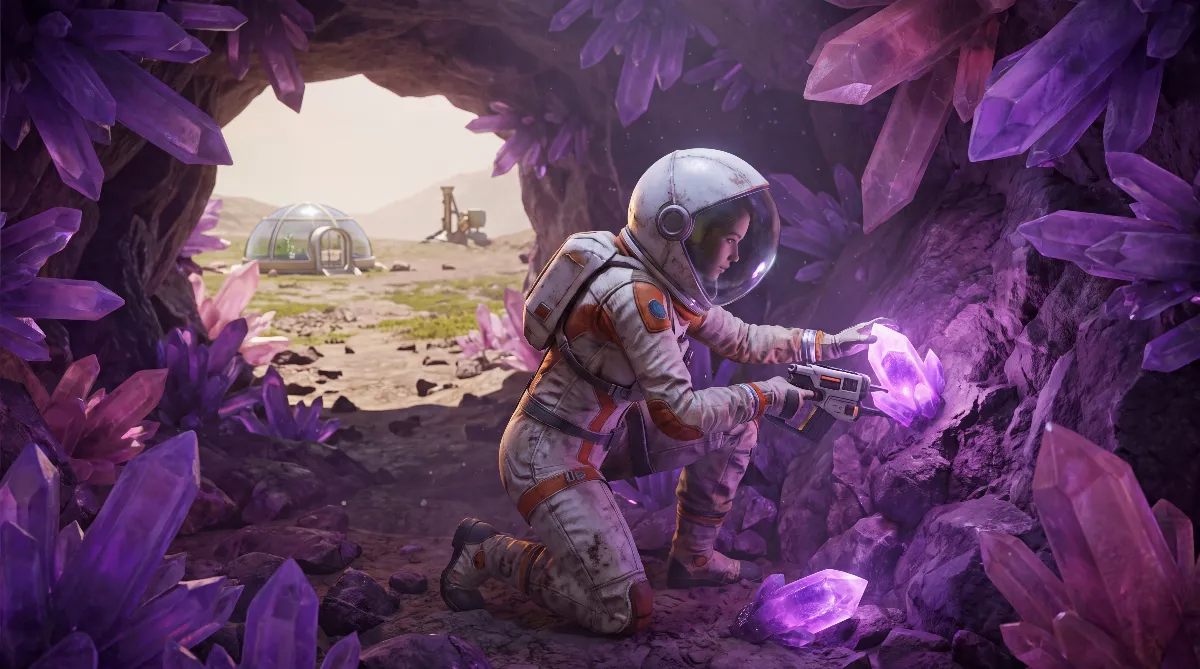
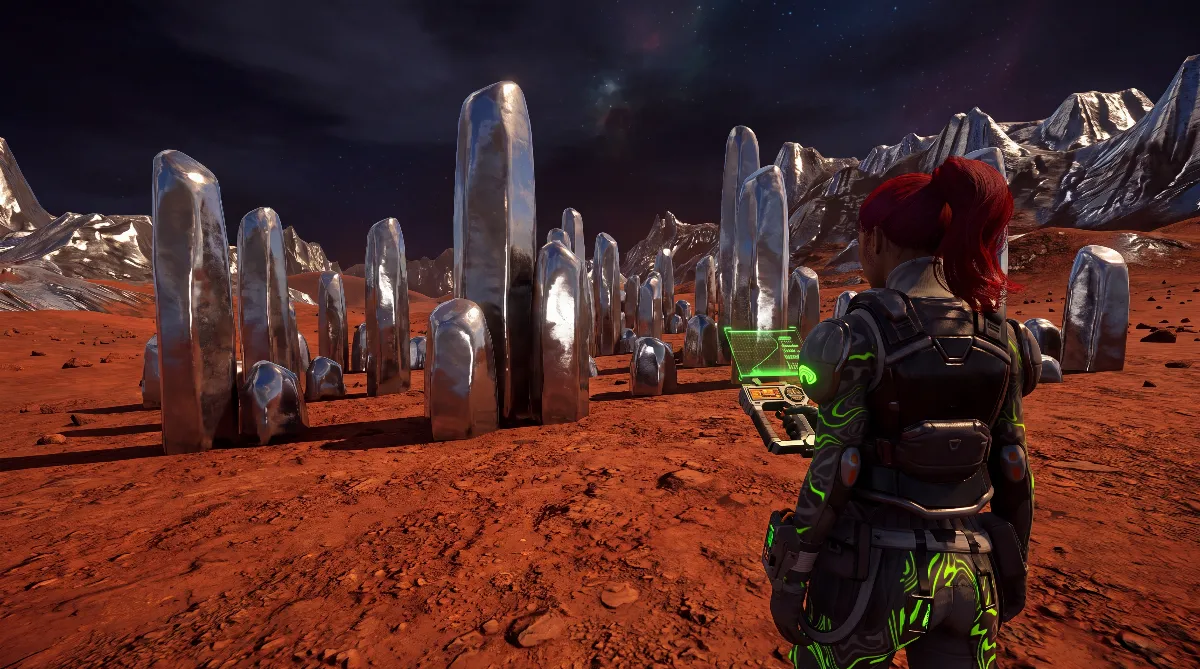
Skeo isn't a side area. It's a full terraforming target with its own backstory. The developers announced it on Steam as "a new moon to terraform, with its own new lore, machines, resources and species to discover". How the other worlds compare is covered in our overview of all Planet Crafter planets.
Two things to know. First, Skeo is endgame content. The release announcement spells out the route: fully terraform Prime, Toxicity, Humble or Selenea, then build the Extraction platform and the Interplanetary travel rocket. It's not a fresh starting point.
Second, Skeo isn't a starting planet. The release announcement still lists Prime, Toxicity, Humble and Selenea as starting worlds. Players in the test phase also reported that the moon lacks the basic ores for a fresh start. That's a community report from the Steam discussions, not a developer statement, and it hasn't been checked for the live version.
📦 The versions that brought Skeo
The moon didn't arrive in one go. Three development builds ran in July 2026, followed by the launch in the regular game on September 1, 2026.
| Version | Date | Content |
|---|---|---|
| v2.100 | July 15, 2026 | Preview version of Skeo plus about 20 other changes |
| v2.101 | July 22, 2026 | Skeo improvements, more gameplay tweaks |
| v2.102 | July 28, 2026 | Final polish for Skeo on the test branch, ahead of the console port and the September release |
| v2.102 (release) | September 1, 2026 | Skeo goes live in the regular game on Steam, PS5, Xbox Series X|S and GOG |
To be clear: the same number v2.102 was on the last test build on July 28 and has been on the live version, consoles included, since September 1.
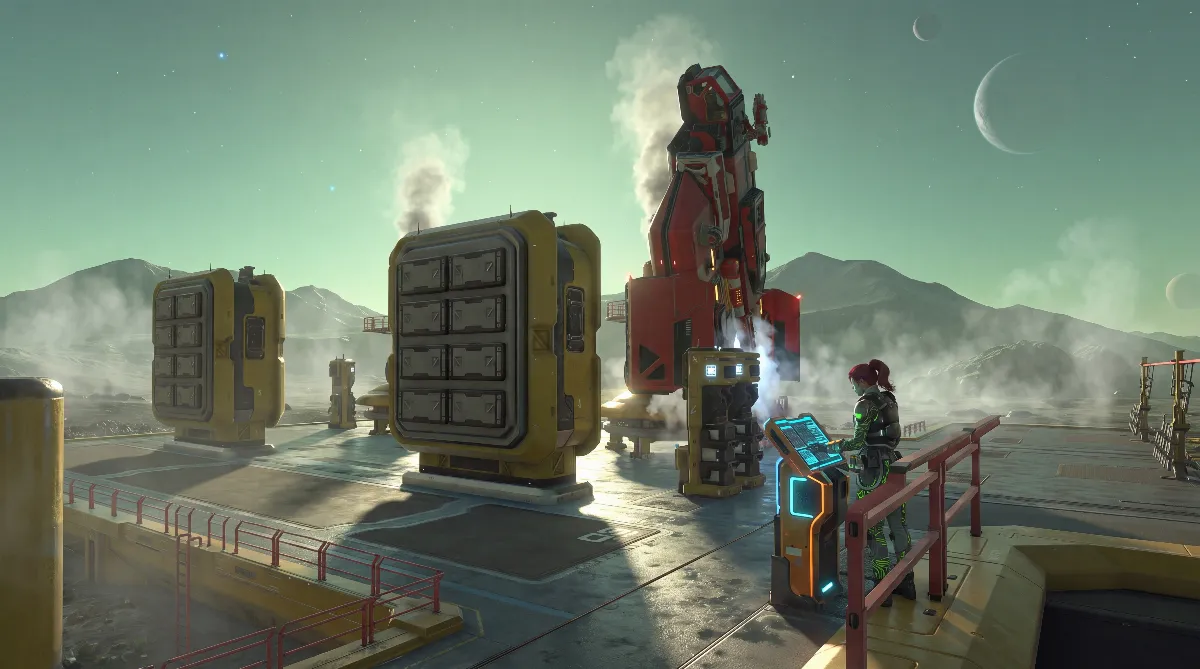
New items include the Underground living compartment as a base module on Skeo, the T2 Incubator, the T3 Tree Spreader, the T2 Animals spreader rocket, a T3 drone, the T2 Oxygen Rocket, a new species with a matching spacesuit, the Brojo tree and an interior lamp. You can craft Magnetar Quartz once you've unlocked the recipe. Where to dig on the moon itself is covered in our guide to amber on Skeo.
Outside of Skeo, the update also changed a lot of numbers, and since September 1 that applies to the regular game too: T2 rockets now give 6000% instead of 5000%, the T2 rocket engine and the Tree Spreader unlock earlier, the T2 Food Grower grows faster and the T1 Ore Crusher uses less power. If you need more power or upgrade fuses for all that, see our guide to all Planet Crafter fuses.
🔧 The development branch: background up to August 31
This phase is over, but it explains why many videos and guides still talk about switching branches. The short version:
- Until August 31, 2026, Skeo was only available on the development branch on Steam. In the normally installed game, the moon didn't show up no matter how far your terraforming was.
- To test it, you right-clicked the game in Steam, opened Properties, went to Betas (now Game Versions & Betas) and picked the open test branch. No access code was ever needed.
- Since September 1, 2026, you don't need any of that. If you're still on the test branch, set the same dropdown back to None and you get the regular version with Skeo.
- Check the version number in the main menu. For Skeo it has to say 2.102 or higher.
According to Miju Games, the Skeo update works with all existing saves. If you run into problems, the developer recommends restarting Steam and removing any mods.
⚠️ Back up your save before you fly to Skeo
For the update itself, Miju Games gives the all-clear: it's compatible with existing saves. The flight to the moon is still the moment a copy matters. The game saves on arrival, and players in the Steam discussions report inventory losses at that point. That's a community report the developer has never confirmed.
One more rule still applies: a save that was stored in a newer version usually won't load cleanly in an older one. If you just want a quick look and then go back to an older version, you're in trouble without a copy.
Here's how to back up on Windows:
- Close the game completely, don't just minimize it.
- Press Windows key + R, type
%appdata%and confirm. - Go up one folder and open LocalLow.
- Open the folder MijuGames\Planet Crafter.
- Copy the whole folder and put the copy outside AppData, for example as
Planet-Crafter-Backup-2026-10on your desktop.
Extra tip: make a fresh manual save in the game before you take off, and name the backup after the date. When the next patch drops, you'll know right away which save belongs to which version.
🚀 How to reach Skeo in the game
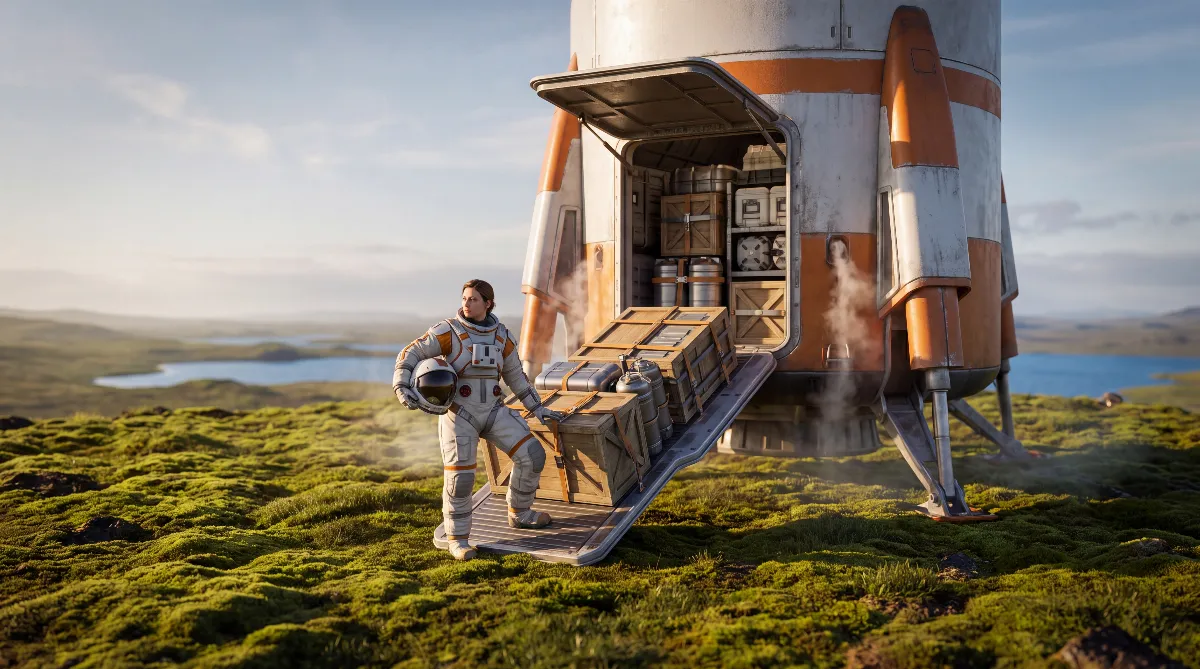
The way to the moon runs through the Interplanetary travel rocket. According to the release announcement, you need a fully terraformed starting world, plus the Extraction platform and the travel rocket itself. Skeo comes at the end of your campaign, not before it.
In practice: push the Terraformation Index all the way, build the Extraction platform and the travel rocket, and Skeo appears in the destination list.
If you still need infrastructure for that, check our best Planet Crafter base locations. For everything before that point, our Planet Crafter beginner's guide with all terraformation stages is the quickest way in.
Two rules apply to co-op. First, all players have to run the same version. Second, Miju Games says there's no crossplay: you play within the same console family only, and Steam players can't play with console players. The details are in our article on Planet Crafter crossplay.
💡 FAQ about Planet Crafter Skeo
Does Skeo cost extra?
No. The developers explicitly call the new moon a free update. It's not paid DLC like Planet Humble and Toxicity.
Is Skeo in the regular game now?
Yes. Miju Games moved the Skeo update to the regular branch on September 1, 2026, free and at the same time on Steam, PS5, Xbox Series X|S and GOG. You don't need the development branch anymore.
Can I start a new game directly on Skeo?
No. The release announcement lists Prime, Toxicity, Humble and Selenea as starting worlds. You reach Skeo only after fully terraforming one of them and building the Extraction platform and the Interplanetary travel rocket.
Will I lose my old saves with the update?
No. Miju Games explicitly says the Skeo update is compatible with existing saves. A save from a newer version still usually won't load in an older one, though, so a backup is still a good idea.
Is Skeo on console too?
Yes. Since September 1, 2026, Skeo has been available on PS5 and Xbox Series X|S as well, free like on Steam and GOG. There's no crossplay though: you only play within the same console family, and Steam players can't join console players. More in our article on The Planet Crafter on PS5.
As of October 8, 2026 (version v2.102). Sources: the official Steam announcement for the Skeo launch on September 1, 2026 with the v2.102 changelog, the development branch announcements for v2.100 (July 15), v2.101 (July 22) and v2.102 (July 28, 2026), and the console release announcement from June 16, 2026 with the statement on missing crossplay. In-game names follow the item database on planetcrafter.th.gl.
Everything taken from the Steam discussions is marked as a community report in the text and is not confirmed by the developer.