The Planet Crafter Planets: Worlds, Moons and How to Travel There (2026)
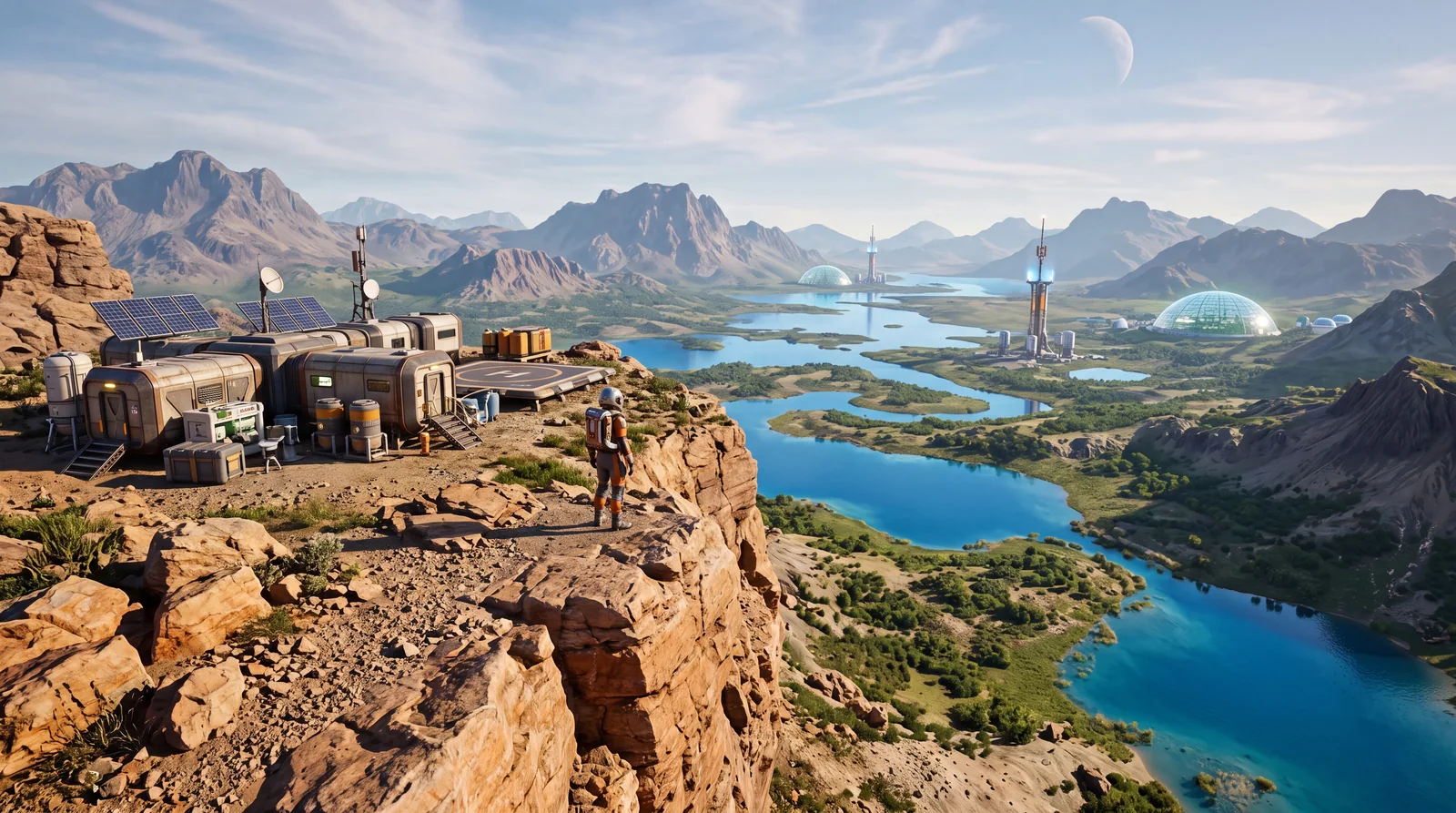
This guide covers the five original Planet Crafter planets and moons: the main world Prime, two free moons and two paid DLC worlds. You reach each next world with a travel rocket once the current one is fully terraformed. It also explains how travel between them works and why the exchange shuttle is something completely different from traveling yourself.
🌍 The Five Original Planet Crafter Planets
The original cluster includes five celestial bodies: the main world Prime, two free moons and two paid DLC worlds. The table below puts all five in one place, including the Ti threshold for full terraformation on each, which is otherwise scattered across several guides.
| World | Access | Ti threshold (full terraformation) |
|---|---|---|
| Prime | base game, from the start | 4 TTi |
| Humble | paid DLC (since October 9, 2024) | 4 TTi |
| Selenea (moon) | free Moons Update (since May 19, 2025) | 5 TTi |
| Toxicity | paid DLC (since November 17, 2025) | 6.5 TTi |
| Aqualis (moon) | free Moons Update (since May 19, 2025) | 7 TTi |
In short: one main world comes with the base game, two more bodies (the moons Selenea and Aqualis) arrived for free with the Moons Update, and two genuinely new worlds (Humble and Toxicity) come in separate DLCs. Unlocking the blueprints and microchips you need along the way is a topic of its own.
🚀 Can You Travel Between Planet Crafter Planets?
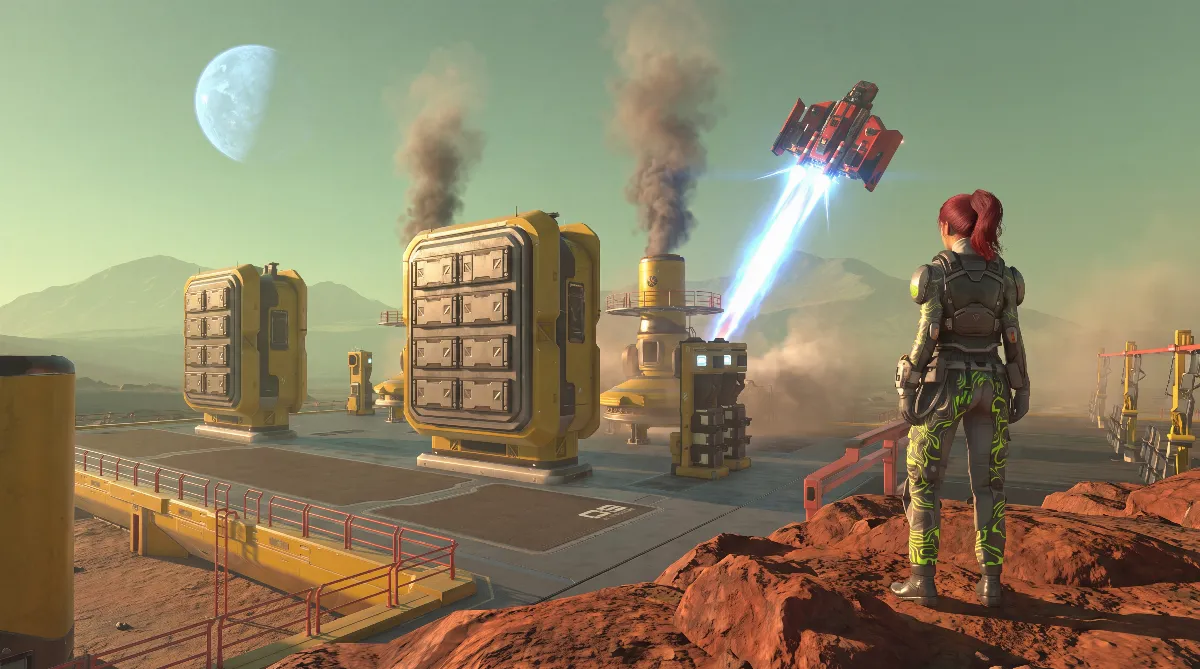
Yes, but only once a world is fully terraformed. When you hit its Ti threshold from the table above, you can build and launch an Interplanetary travel rocket. At launch you get a choice: officially finish the game on that world, or travel straight on to the next world or moon.
The official Moons Update notes say: “You'll keep your inventory, equipement & known blueprints, but you'll need to build another travel rocket to come back.” In practice, that means:
- Your inventory, equipment and unlocked blueprints carry over after the flight.
- To return to a previous world, you have to build another travel rocket there.
- Terraforming progress keeps running in the background on worlds you've already visited, even while you play somewhere else.
- In co-op, all players have to be on the same world at the same time. Splitting up across different worlds isn't supported.
The groundwork for rocket access is the Launch Platform, which unlocks well before the full terraformation threshold. Uranium, reactors and the terraforming rockets that come before it are a topic for a separate endgame guide, and a good base location makes the road there a lot easier.
📦 The Exchange Shuttle: Shipping Resources Instead of Traveling
A common misconception: the so-called trade rocket, the Interplanetary exchange shuttle, does not take you to another world. It's a pure logistics system, used only for automated shipping of resources between worlds you've already reached. Two buildings are involved:
| Building | Function | Requirement |
|---|---|---|
| Interplanetary exchange shuttle | sending, up to 25 items per flight, about 10 minutes round trip | 1,000 Qa SysTi; 2 Circuit board, 1 Cosmic Quartz, 1 Super Alloy Rod, 1 T2 Rocket Engine, 1 Uranium Rod |
| Planetary Delivery Depot | receiving, storage with 40 slots | 10 Sp SysTi; 1 Cosmic Quartz, 1 Trade rocket multiplier fuse, 1 Fusion Energy Cell |
You can shorten the roughly 10-minute round trip with a Machine Optimizer and a Trade rocket multiplier fuse; the guide to all Planet Crafter fuses covers how to craft it. For full automation you also need drones to bring cargo in and haul it away.
Put simply: the exchange shuttle runs your resource chain across several worlds, while the travel rocket moves you as a player. They're two separate systems that are easy to mix up.
🌌 The 2.0 Update and the Moon Skeo
After Toxicity in November 2025, the next big step for the game was the 2.0 Update, announced on March 12, 2026 and released on April 6, 2026. According to the official Steam announcement, it brings a new biome on Prime, improved biomes, new decorations, new portal locations, a third-person mode and graphics improvements to skyboxes, terrain, vegetation and water shaders.
This guide sticks to the five original worlds from the table above. The newer moon Skeo has its own guide: amber on Skeo and how to reach the deposit.
💡 Pro Tips
- Before your first flight to another world, set aside enough materials for a second travel rocket. Otherwise you're stuck on the new world until you've built one again.
- The exchange shuttle only pays off once you're actually active on several worlds at the same time. For a single run on Prime, it's unnecessary effort.
- Before buying a DLC, check whether a compact fresh start (Humble) or a restoration mechanic (Toxicity) appeals to you more. Both count among the five original Planet Crafter planets, but they play differently.
❓ Frequently Asked Questions about Planet Crafter Planets
Which Planet Crafter planets does this guide cover?
The five original celestial bodies: the main world Prime, the free moons Selenea and Aqualis, and the paid DLC worlds Humble and Toxicity. The moon Skeo has its own guide.
Can you travel between Planet Crafter planets?
Yes, as soon as a world reaches its full terraformation threshold. You build a travel rocket and choose at launch whether to finish the game there or travel on.
Do I keep my items when I travel?
Yes. According to the official Moons Update notes, you keep your inventory, equipment and known blueprints. To go back, you have to build another travel rocket.
Can co-op players be on different worlds?
No. In co-op, all players have to be on the same world or moon at the same time.
What does the exchange shuttle actually do?
It ships resources automatically between worlds you've already reached: the shuttle sends, the delivery depot receives. It doesn't carry players.
What did the 2.0 Update add?
The 2.0 Update from April 6, 2026 brings a new biome on Prime, improved biomes, new portal locations, a third-person mode and graphics improvements.
As of: July 2026. Original worlds, travel mechanics and update status checked against the community-run Fandom wiki (there is no official wiki), the official Moons Update notes and the Steam announcement for the 2.0 Update.