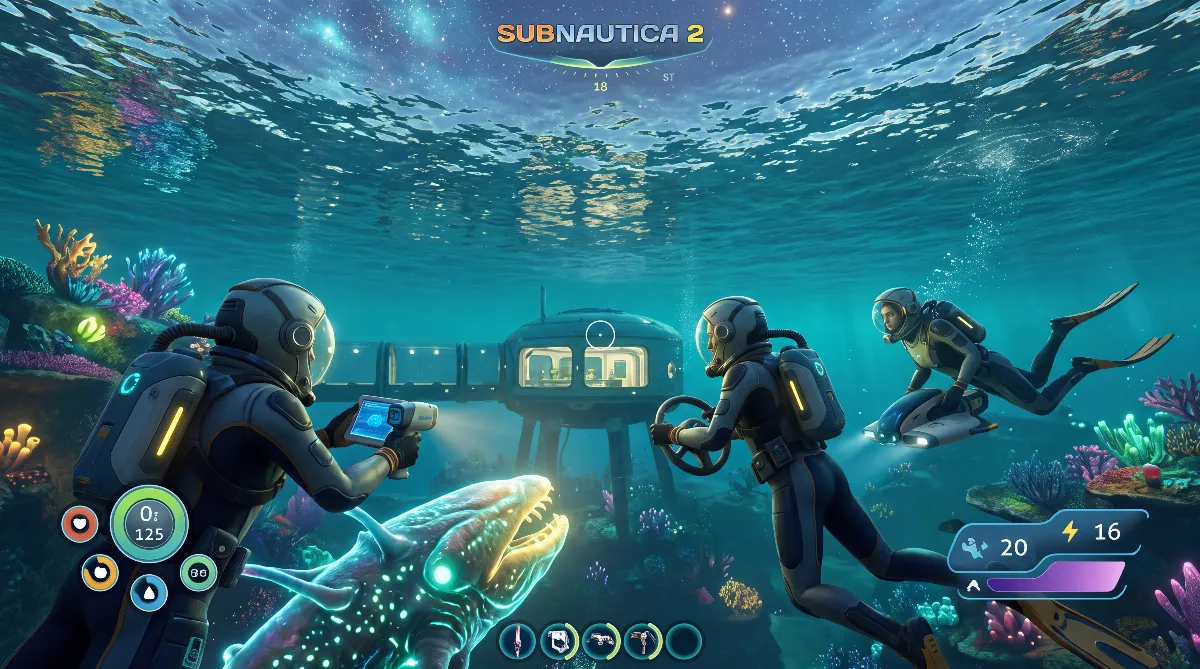
Subnautica 2 System Requirements 2026: What Your PC Needs
- 📦 Subnautica 2 System Requirements at a Glance
- 🔧 What the Subnautica 2 System Requirements Mean in Practice
- 💡 Graphics Options That Do More Than Raw Hardware
- ⚒️ The Laptop Trap: A 60 FPS Cap
- 🎮 Steam Deck: Verified, but With Clear Compromises
- 🗓️ Xbox Series X and S: No System Requirements Needed
- 📍 If Your PC Is Below the System Requirements
- ❓ FAQ: Subnautica 2 System Requirements
According to Steam, Subnautica 2 system requirements start at an Intel Core i5-8400 or Ryzen 5 2600, 12 GB of RAM, a GeForce GTX 1660 with 6 GB and 50 GB of storage. Recommended are a Core i7-13700 or Ryzen 7 7700X, 16 GB of RAM and an RTX 3070 with 8 GB.
These values come straight from the store page of developer Unknown Worlds. Here we put the system requirements into context, show the graphics options that really decide your frame rate in Early Access and point out the pitfalls on laptops and handhelds.
📦 Subnautica 2 System Requirements at a Glance
Unknown Worlds lists two tiers, minimum and recommended. Both apply to the Early Access version and can still change during development.
| Component | Minimum | Recommended |
|---|---|---|
| Operating system | Windows 10 or 11 | Windows 11 |
| Processor | Core i5-8400 or Ryzen 5 2600 | Core i7-13700 or Ryzen 7 7700X |
| Memory | 12 GB | 16 GB |
| Graphics card | GTX 1660 6 GB or RX 5500 XT 6 GB | RTX 3070 8 GB or RX 6700 XT 8 GB |
| DirectX | Version 12 | Version 12 |
| Storage | 50 GB | 50 GB |
| Architecture | 64-bit | 64-bit |
Important for context: these system requirements don't say which resolution or frame rate they're meant for. That's common for Steam listings, but it makes the numbers fuzzier than they look. Read the minimum tier as playable, not as smooth at 1440p.
🔧 What the Subnautica 2 System Requirements Mean in Practice
Three things stand out. First, the 12 GB of RAM in the minimum: that size barely exists in desktop PCs, where 8 or 16 GB is typical. In practice that means 8 GB isn't enough and 16 GB is the realistic floor. If you're on a PC with 8 GB today, plan memory as your first upgrade.
Second, the graphics cards: with the GTX 1660 and RX 5500 XT, Unknown Worlds names two models from 2019, explicitly the 6 GB version in both cases. The 4 GB version of the RX 5500 XT isn't listed. For the recommended tier, the system requirements jump to 8 GB of video memory.
Third, the processor jump. There are five generations between a Core i5-8400 and a Core i7-13700. Gaps like that suggest the recommended tier isn't the minimum experience with a few sliders turned up, but a clearly higher target frame rate.
Subnautica 2 runs on Unreal Engine 5. Unknown Worlds doesn't list that in the system requirements, but the patch notes mention sliders for TSR scaling, and TSR is Unreal Engine's own upscaling method. For you, that mostly means one thing: your frame rate depends heavily on how aggressively you set this scaling, and less on whether you hit the system requirements exactly.
💡 Graphics Options That Do More Than Raw Hardware
During Early Access, Unknown Worlds has expanded the Subnautica 2 graphics options several times. These entries come from the studio's official update posts, so they're confirmed, not estimated.
- Early Access 1.2 "Buddy System" from August 19, 2026 added the 5x and 6x frame generation modes for the RTX 5000 series.
- Also new in 1.2: dynamic frame generation, which picks the right mode on its own.
- Since 1.2, VSync and DLSS frame generation can be enabled at the same time. Before that they excluded each other. One exception since Buddy System Hotfix 2 from October 6, 2026: if you choose dynamic frame generation (DLSS Dynamic FrameGen), the game turns VSync off.
- Since 1.2, there's an explanation for Nvidia Reflex right in the settings.
- Early Access 1.1 "Adaptive Measures" from July 8, 2026 added a field of view slider and fixed incorrectly displayed minimum and maximum values on the TSR sliders.
So the order for tuning is clear: TSR scaling first, then the quality preset, and only then frame generation. If you barely meet the system requirements, you'll get much more out of scaling than out of individual detail sliders.
⚒️ The Laptop Trap: A 60 FPS Cap
This is the one point hardly any overview of the system requirements mentions. The Early Access 1.1 patch notes literally include an entry fixing a bug that capped gaming laptops with Nvidia graphics at 60 frames per second.
So if you tested on a laptop before July 2026 and never got above 60 FPS despite strong hardware, you didn't miss the system requirements, you hit this bug. It's been fixed since 1.1, and Subnautica 2 now uses the laptop's full refresh rate. If you gave up in frustration back then, it's worth another try without changing any hardware.
The same update also fixed choppy scrolling in the settings on handhelds and with controllers. That's another sign mobile devices are now taken seriously.
🎮 Steam Deck: Verified, but With Clear Compromises
Subnautica 2 carries the "Steam Deck Verified" badge on Steam, which Valve only awards after its own testing. The press reported on it on May 7, 2026, a week before the Early Access launch. At Valve, verified means readable text, working default controls, matching controller icons and usable graphics defaults.
What it doesn't mean is a specific frame rate. A hands-on test by Steam Deck HQ at launch describes around 30 frames per second on low quality presets with TSR at its most aggressive setting, with slight drops in open water. This measurement is community info from a specialist outlet and not an official promise from Unknown Worlds.
So the same rule applies on the handheld as on the desktop: the system requirements are just the entry ticket, scaling decides the result.
🗓️ Xbox Series X and S: No System Requirements Needed
On console the question doesn't come up. Subnautica 2 has been running on Xbox Series X and S through the Xbox Game Preview program since the Early Access launch on May 14, 2026. The hardware is fixed there, so there's nothing to check.
A PlayStation version doesn't exist and hasn't been announced. Why that is and what PS5 owners can play instead is in our article on Subnautica 2 and the PS5. Co-op works for up to four people with crossplay between PC and Xbox. Setup is explained in our Subnautica 2 co-op guide.
📍 If Your PC Is Below the System Requirements
A PC below the minimum tier usually still starts Subnautica 2, just badly. The following breakdown is our own assessment based on the official values and the patch notes, not a manufacturer statement.
| Your PC | Realistic expectation | First lever |
|---|---|---|
| Below minimum | stutters, long loading times, possible crashes | memory up to 16 GB |
| Exactly at minimum | playable at 1080p on low presets | set TSR aggressively |
| At recommended | smooth at 1080p to 1440p on high presets | raise the quality preset |
| Above recommended | headroom for 1440p and more | turn on frame generation |
If the game crashes even though you meet the system requirements, check your graphics driver. The first hotfix after launch explicitly improved error messages for AMD graphics cards and DirectX 12 issues, which shows where the most common cause was. An up-to-date driver and a forced rebuild of the shader cache solve most of these cases.
If your PC meets the system requirements and you want to jump right in, start with our Subnautica 2 beginner tips.
❓ FAQ: Subnautica 2 System Requirements
Is 8 GB of RAM enough for Subnautica 2?
No. The system requirements list 12 GB as the minimum and 16 GB as recommended. Since 12 GB configurations are rare in desktops, 16 GB is the sensible floor in practice.
How much storage does Subnautica 2 need?
The Subnautica 2 system requirements list 50 GB for both minimum and recommended. Leave some headroom during Early Access, because updates come often and temporarily take up extra space.
Does Subnautica 2 run on the Steam Deck?
Yes, Subnautica 2 is rated Steam Deck Verified. Expect about 30 frames per second on low settings. That number comes from a hands-on test by a specialist outlet, not from the developer.
Do I need Windows 11 for Subnautica 2?
Not necessarily. The minimum allows Windows 10 or 11, the recommended tier lists Windows 11. DirectX 12 and a 64-bit system are required in both tiers.
Does Subnautica 2 have DLSS and frame generation?
Yes. Since Early Access 1.2 there are also 5x and 6x modes for the RTX 5000 series and a dynamic automatic mode. VSync and DLSS frame generation run together since then, except that the game turns VSync off with dynamic frame generation since Hotfix 2.
Will the system requirements still change?
Possibly. Unknown Worlds expects two to three years of Early Access. As biomes, creatures and vehicles are added, the system requirements may go up. So far they haven't been raised.
Checked as of October 2026, game version Early Access 1.2 "Buddy System" with Hotfix 2 from October 6, 2026. We checked the Subnautica 2 Steam store page with the official system requirements, the Steam Deck rating at Valve and the Unknown Worlds update posts for Early Access 1.1 "Adaptive Measures", Early Access 1.2 "Buddy System" and the post-launch hotfixes.
Not officially confirmed and therefore marked as community info: the Steam Deck frame rate measurement and our own classification of the four PC tiers. Unknown Worlds gives neither a target resolution nor a target frame rate for the system requirements, and there's no official Subnautica 2 wiki. Official sources don't mention an SSD requirement or console frame rates, so we don't give any here.