Subnautica 2 Co-op: Crossplay, Hosting and Inviting Friends
- 🌊 What's Officially Confirmed About Co-op
- 🎮 How Co-op Works
- 🕹️ Hosting a Co-op Session
- 👋 Inviting Friends, Even Across Platforms
- 🔄 Converting a Solo Save to Co-op
- 🤝 What's Shared and What Stays Personal
- 🩹 What the Buddy System Update Changed in Co-op
- 🎙️ Voice Chat in Short
- 🧭 Splitting Roles Gets You Further
- 💡 Playing Together Smoothly
- 📊 Subnautica 2 Co-op at a Glance
- ❓ FAQ: Subnautica 2 Co-op
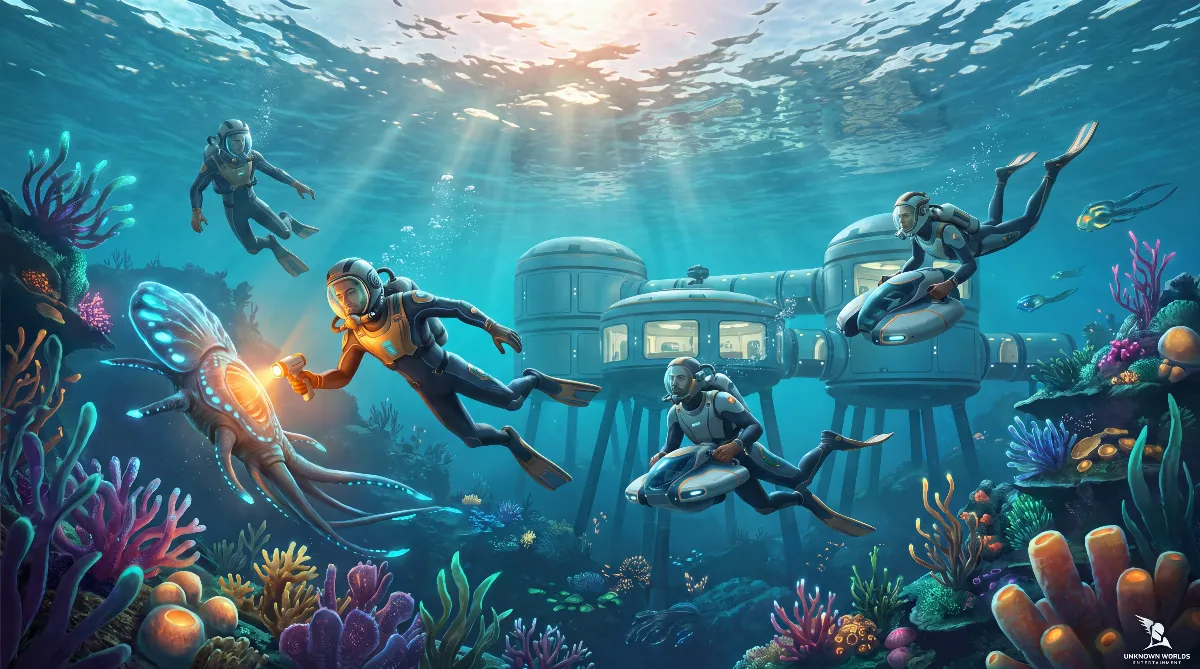
Subnautica 2 co-op lets up to four players explore the same ocean together, with crossplay between Windows PC and Xbox Series X|S, but without split-screen and without PlayStation. One player hosts the world, the others join. Solo stays fully playable at any time, and there's no multiplayer-only content.
This guide shows you how to host a session, invite friends, convert a solo save and what gets shared in co-op. It's based on Buddy System Hotfix 2 from October 6, 2026. Anything that only comes from fan guides is marked as such.
🌊 What's Officially Confirmed About Co-op
The confirmed basics are quick to list. Subnautica 2 has been in Early Access since May 14, 2026, costs $29.99 during this phase and is out on Windows PC and Xbox Series X|S, where it's also on Game Pass. The Steam page explicitly lists online co-op for up to four players and cross-platform multiplayer.
There is no PlayStation version, neither announced nor planned with a date. So if you want to join on PS5, you currently can't. Unknown Worlds expects about two to three years of Early Access, during which features can still shift. Background on that is in our article on Subnautica 2 and the PS5.
🎮 How Co-op Works
The whole system revolves around one host. One player hosts an online world, the others jump in. The world belongs to the host's save, so you're all playing in their world and sharing the same progress. If the host is offline, nobody can continue that world.
The chosen game mode applies to the whole lobby: Survival keeps oxygen and hunger, a Creative mode removes those limits. Drop-in and drop-out is handy: the world doesn't pause when someone leaves, and teammates can join at any time.
🕹️ Hosting a Co-op Session
In the main menu, pick the option to host a multiplayer world. Then choose an existing save or a new world and set the mode. Once the world has loaded, your session is running and you can invite people.
For serious saves: set the session to friends only or invite only. Public sessions are risky because storage and base systems are shared, and you don't want just anyone in there. An in-game way to mute individual players isn't documented so far, so a closed session is also the easiest way to keep the peace.
👋 Inviting Friends, Even Across Platforms
On the same platform it's simple: open the friends list from the pause menu and invite your friend from there. They accept and they're in.
Between PC and Xbox it works through the game's own friends list, not through Steam or Xbox friends: you add each other in Subnautica 2 first and then invite as usual. Crossplay is on by default, you don't need to toggle anything.
Community info: many fan guides describe a friend code with a fixed number of characters for this. Unknown Worlds officially documents neither the menu path nor the code length, so we don't give a number here. Look for the option in the game's friends or join menu.
🔄 Converting a Solo Save to Co-op
You don't have to start over if you've already played solo. Load your save in single player and choose to convert it into a multiplayer save. The world becomes a hosted session, and you invite friends as normal.
It works the other way too: if your teammates log off and you want to keep playing alone, load the save from the host menu and convert it back to single player. Your progress is kept both ways. The September 1 hotfix also added a version check that prevents a save from being loaded with a mismatched game version. How save files work in general is in our Subnautica 2 save files guide.
🤝 What's Shared and What Stays Personal
This is where new teammates trip up most often. Shared are the world, all bases (everyone can build, change and tear down), storage containers and, most importantly, scanned blueprints and Databank entries. A new guest benefits from the team's progress right away.
Your inventory, your body upgrades and your DNA modifications (biomods) stay personal. If you join an advanced world, you'll have access to the team's blueprints but still need your own tools, your own oxygen plan and your own modifications before heading deep. How to get those fast is in our Subnautica 2 beginner tips.
🩹 What the Buddy System Update Changed in Co-op
Multiplayer has grown a lot since launch. Early Access 1.1 "Adaptive Measures" from July 8, 2026 mostly cleaned up bugs. The big step was Early Access 1.2 "Buddy System" from August 19, 2026, an update almost entirely about playing together.
Four additions from it noticeably change day-to-day Subnautica 2 co-op. You can revive each other instead of rejoining after every death, and you keep your equipment. You can trade items directly instead of passing them through a container. A Tracking Tag marks carryable objects so the group can find them again. And emotes like waving or a thumbs-up fill the moments when nobody's talking.
Buddy System Hotfix 1 from September 1, 2026 then fixed several multiplayer bugs: inventory sharing, issues around a player's death, exterior furniture in other players' bases and refunds when deconstructing. If any of these bugged you, simply get everyone on the same version.
Important for planning: the official Early Access roadmap gives no dates for the next update. It only describes the order: smaller improvements first, bigger expansions later.
🎙️ Voice Chat in Short
The Buddy System update added cross-platform proximity voice chat: the further away a teammate is, the worse you hear them. Each player decides in their own settings how they transmit: open mic, push-to-talk or off. It's a personal setting, not the host's decision. Push-to-talk existed from 1.2, but it was buggy. Hotfix 1 from September 1, 2026 fixed exactly that input.
Global voice chat, where everyone can be heard regardless of distance, doesn't exist. It's neither implemented nor announced and so far only sits as a wish on the community feedback board. All details are in our Subnautica 2 voice chat guide.
🧭 Splitting Roles Gets You Further
Co-op is strongest when you split up instead of everyone doing the same thing. One gathers Titanium and Copper, one scans everything for new blueprints, one pushes the shared base forward.
Because blueprints are shared, the whole team benefits instantly when one person scans something new. That's what makes co-op efficient: you don't each have to unlock everything yourselves, you can divide exploration and pool the results.
When building, talk it through, because everyone can change and tear down anything. Agree where the main base goes and pick one person to keep an eye on expansion. Otherwise the base grows in four places at once and nobody watches power and hull integrity.
💡 Playing Together Smoothly
A few small things save frustration. Have the same person host whenever possible, so your save stays reliably reachable. In Subnautica 2 the world belongs to the host, after all. For a serious project, invite only is the right setting, otherwise strangers get into your shared storage.
And since dropping in and out doesn't pause the world, everyone can play whenever they have time. Progress simply keeps going for the group.
📊 Subnautica 2 Co-op at a Glance
| Feature | Details |
|---|---|
| Players | up to 4 (host plus 3) |
| Crossplay | Windows PC and Xbox Series X|S |
| PlayStation | no release, not announced |
| Split-screen | no, online only |
| Solo | fully playable, co-op is optional |
| Shared | world, bases, storage, blueprints |
| Personal | inventory, upgrades, modifications |
| Latest version | Buddy System Hotfix 2, 10/06/2026 |
❓ FAQ: Subnautica 2 Co-op
How many players can play co-op?
Up to four: the host and three friends. The game stays fully playable solo, and there are no multiplayer-only areas.
Is there crossplay?
Yes, between Windows PC and Xbox Series X|S, on by default. You add each other in the game's own friends list and then invite as usual.
Can I play along on PS5?
No. Subnautica 2 has no PlayStation release and no date for one. Split-screen is missing too.
Do I lose my solo progress when switching to co-op?
No. You convert the save into a multiplayer save and back again later if needed. Progress is kept both ways.
What happens when the host goes offline?
Then that world can't be continued, because the save belongs to the host. For regular sessions, the same person should always host.
Does every player need to own the game?
Yes. Everyone needs their own copy on their own device, and on Xbox Game Pass covers that. There's no shared access or split-screen.
Checked as of October 2026, game version Buddy System Hotfix 2 from October 6, 2026. For co-op, Hotfix 2 fixes players wrongly seeing the host as dead after their own death and improves voice detection in voice chat, according to the patch notes. Officially confirmed: Early Access launch, price and expected duration, the Windows PC and Xbox Series X|S platforms, online co-op for up to four players with cross-platform multiplayer, and the contents of updates 1.1 and 1.2 and Hotfix 1. Sources are the Steam page, the Steam news feed and the Unknown Worlds Early Access roadmap.
Marked as community info and not officially documented: menu paths, the length of a friend code and details of the mode selection. Subnautica 2 has no official wiki. Such details come from fan guides and Steam discussions. Since the game is in Early Access, features can change with any update.