SpaceCraft Controls and Camera: Keys, HUD and Flight Model (2026)
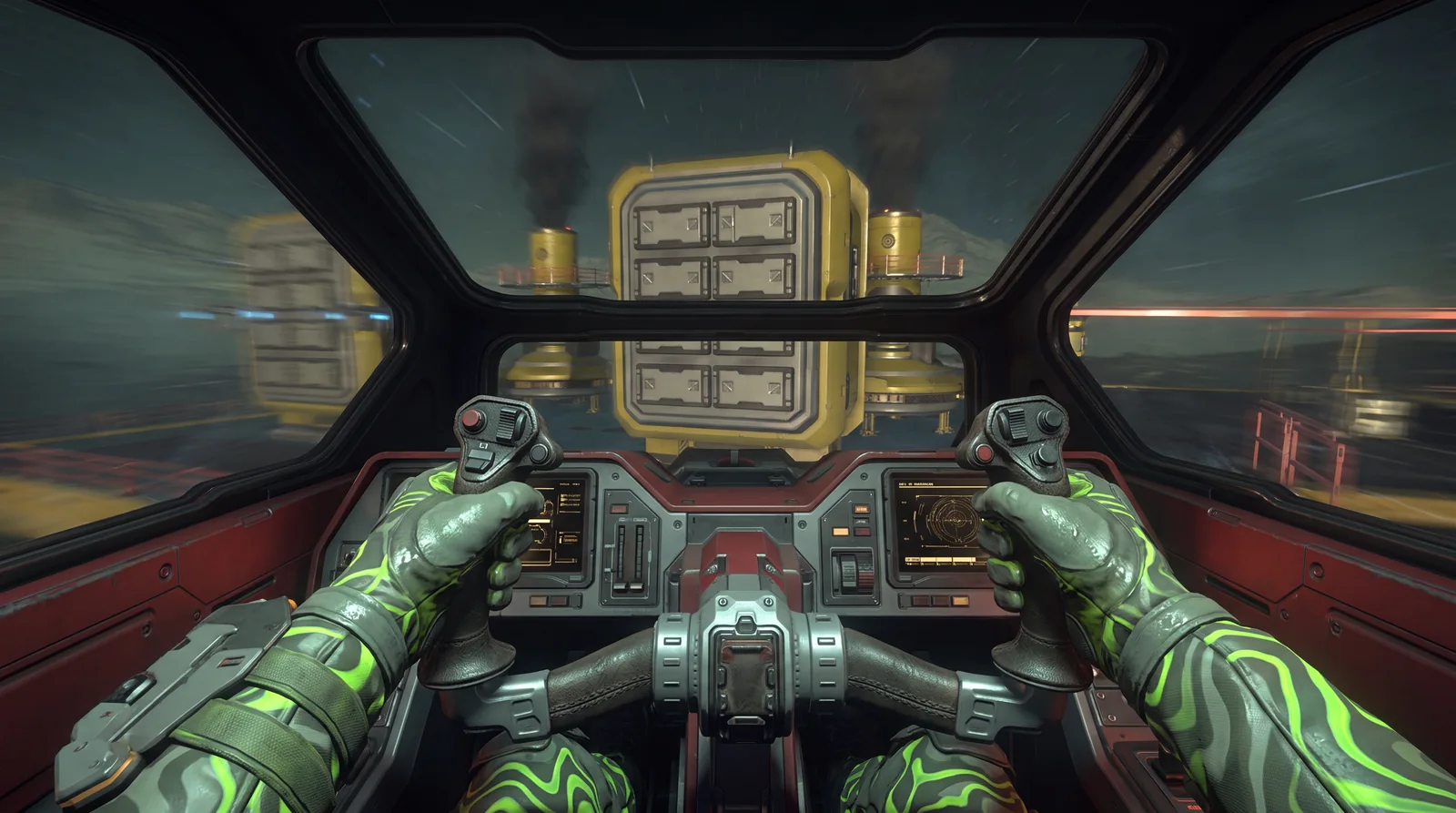
SpaceCraft controls are deliberately simple: the mouse sets your direction, and W and S raise or lower thrust. How fast and agile your ship actually is depends heavily on thrusters and build, though, and that's exactly what Major Update #1 changed in October 2026.
This guide explains the basic controls, the in-flight HUD, the camera and what the patches changed about flight behavior.
🎮 Basic SpaceCraft controls in flight
According to the developer blog "First Steps" from the pre-alpha, flying works like this:
- Mouse: sets the direction of flight.
- W and S: raise or lower thrust.
- Shift: activates the boost (called afterburner in the blog). It gets you there faster but draws power from the battery.
- E: gets you into the ship.
Undocking from the starting station is handled by an automatic sequence in the tutorial, after which you get full control. The blog dates from the pre-alpha, so individual keys may have changed since. If in doubt, check the key bindings in the options.
🖥️ The in-flight HUD
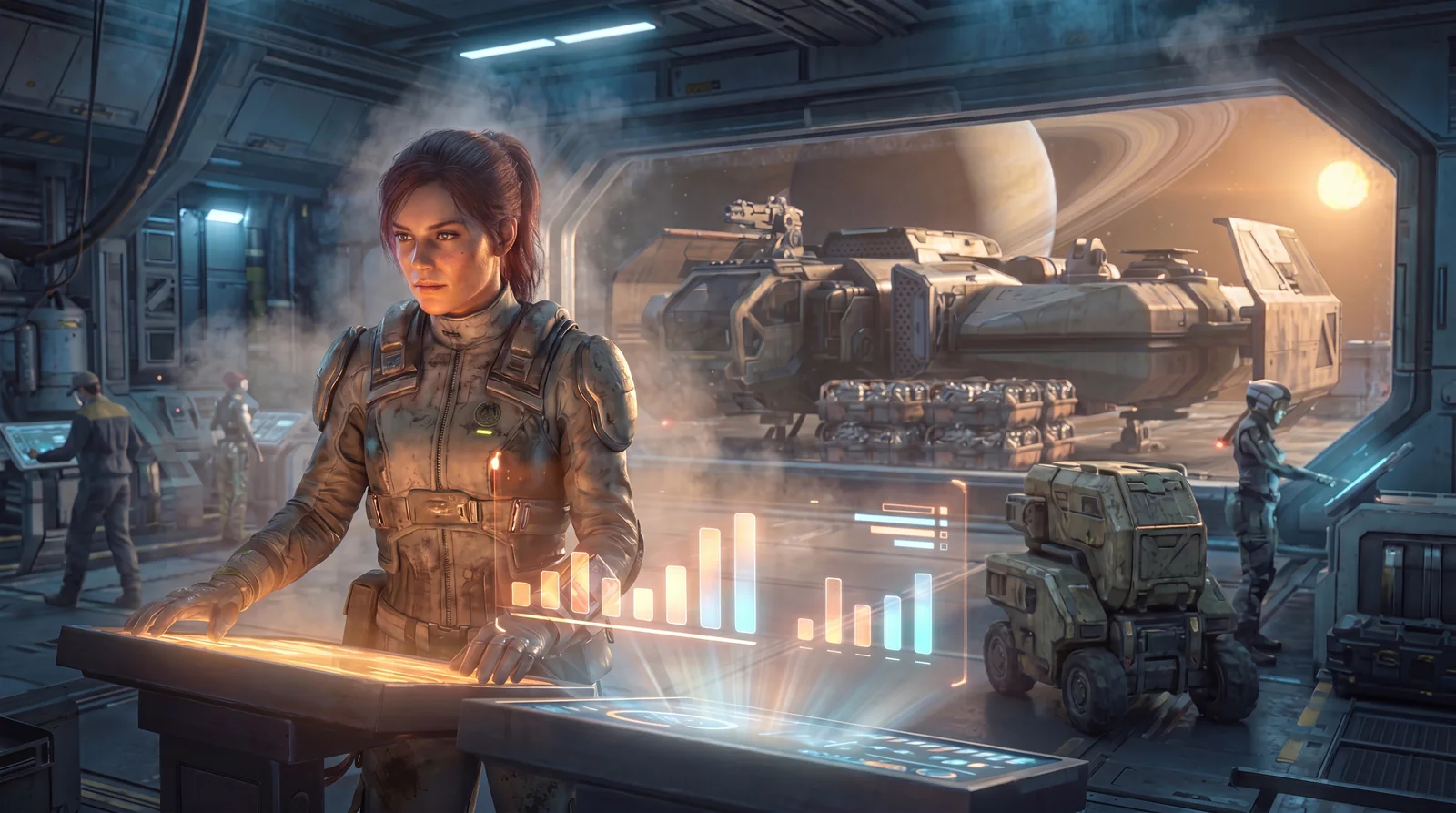
As soon as you leave the hangar, the pilot interface appears. According to the developer blog it shows:
| Display | Meaning |
|---|---|
| Skill slots | Skills come from modules. Some modules give none, some give several. |
| Thrust bar | shows how hard the thrusters are working, not your speed |
| Hull bar | your ship's health bar |
| Battery bar | drops when you use skills, recharges through solar panels in sunlight |
| Mag-Plasma tank | supply for FTL jumps |
The thrust bar is the important one: it doesn't show your speed. A full bar only means the thrusters are working at full power. How much Mag-Plasma a jump needs is covered in the FTL guide.
📷 Camera and perspective
According to the developer FAQ from December 2024, you play in first person on foot, inside buildings and on planets. In the ship, the camera is third person. A first-person cockpit view was an open question for Shiro Games at the time. The patch notes up to October 2026 don't mention it.
According to the developer blog, space has a fixed up and down so you don't lose your orientation. When entering an atmosphere, the ship aligns itself with the planet's gravity through a transition zone. On takeoff the same happens in reverse.
🚀 What Major Update #1 changed about flying
The biggest change came on October 8, 2026: the speed calculation was reworked.
- More thrusters, more speed: ships reach higher top speeds with more thrusters.
- Less agility: in return they're less agile and take longer to accelerate and brake.
- Stronger boost: the boost was improved. The "Speedster" Booster module strengthens it further.
- "Long Haul" Thruster: the fastest thruster, from Science level 6, is built for long distances and isn't very agile in return.
Two corrections followed: hotfix v0.5.25570 fixed acceleration and handling, and patch v0.5.25674 moderately lowered speed in orbit so ships handle better there. Boost speed stayed the same.
⚖️ Thrusters and build
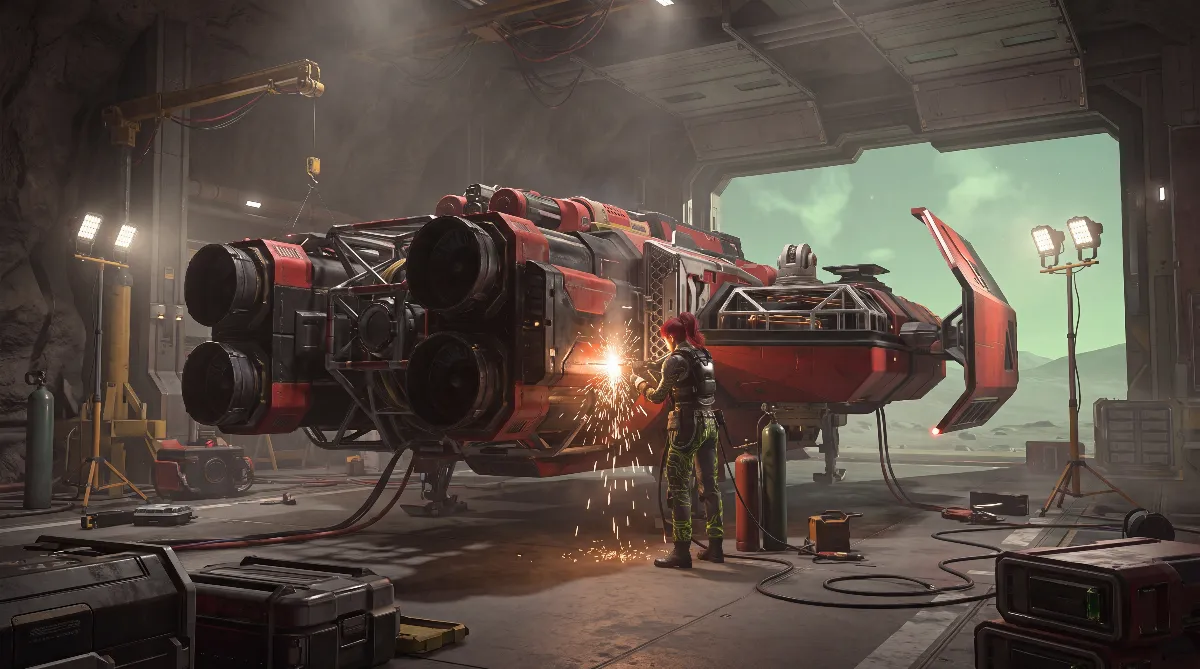
How your ship flies is decided in the ship editor at the Shipyard. According to spacecraft.tools, every thruster has several stats:
| Stat | "Cart Pusher" Thruster |
|---|---|
| Force | 300 t |
| Thrust | 50 np/s |
| Steering force | 8 |
| Power usage | 35 MA |
| Boost thrust | 100 |
| Boost power usage | 100 MA |
Since patch v0.3.22866 on July 21, the ship editor shows top speed and acceleration time directly. It also warns you when a ship is built so badly that it could hurt the experience. Since v0.3.22300, invalid ships can't be boarded at all. Use these readouts before you finish a ship. The basics are in the ship building guide, comparisons in the best ship guide.
🅿️ Landing and docking
- Stations: when leaving the station, an automatic undocking sequence helps you in the tutorial.
- Landing Pad: since Community Update #1 you can land ships manually on your base's Landing Pad.
- Menus: since Major Update #1, menus can also be opened during landing and takeoff.
According to the developer blog, you pay for damage to the "Scrappy Pioneer" starter ship yourself. Since patch v0.3.22243 you can also repair at your base's Shipyard.
💡 Practical tips
- Brake early: since Major Update #1, ships with many thrusters take longer to brake. Plan your braking distance before stations and bases.
- Use boost on purpose: it costs battery and, according to the thruster stats, also generates extra heat.
- Build two ships: an agile one for exploring and mining, a fast one for long hauls.
- Check editor values: top speed and acceleration time tell you how the ship will feel before you build it.
❓ FAQ: SpaceCraft controls
How do I steer my ship?
The mouse sets the direction, W and S the thrust. Shift activates the boost, which uses battery.
Is there a cockpit view?
According to the developer FAQ, you fly in third person. The patch notes up to October 2026 don't report a first-person cockpit view.
Why does my ship feel slower to respond since October?
Major Update #1 reworked the speed calculation: more thrusters give a higher top speed, but less agility and longer acceleration.
Why doesn't the thrust bar show my speed?
According to the developer blog, it shows how hard the thrusters are working. It doesn't tell you your speed directly.
As of October 2026, SpaceCraft Early Access v0.5.25674. Checked against the developer blog "First Steps" (pre-alpha), the developer FAQ of December 2024, patch notes v0.3.22243, v0.3.22300, v0.3.22866, Community Update #1, Major Update #1, hotfix v0.5.25570 and v0.5.25674, and spacecraft.tools (thruster stats). Keys and values can change with patches.