Enshrouded Dedicated Server and Co-op: Share Your World with up to 16 Players on PC (2026)
- 👥 Two ways to play Enshrouded co-op
- 💾 What Enshrouded saves in co-op
- 🔗 Adventure Sharing in Enshrouded is not co-op
- 🏠 Opening your own Enshrouded world for co-op
- 🖥️ Setting up an Enshrouded dedicated server
- ⚙️ What hardware do you need?
- 🎮 Co-op on PS5 in brief
- 💡 Common co-op mistakes in Enshrouded
- 📌 Current state and sources
- ❓ Frequently Asked Questions about the Enshrouded dedicated server and co-op
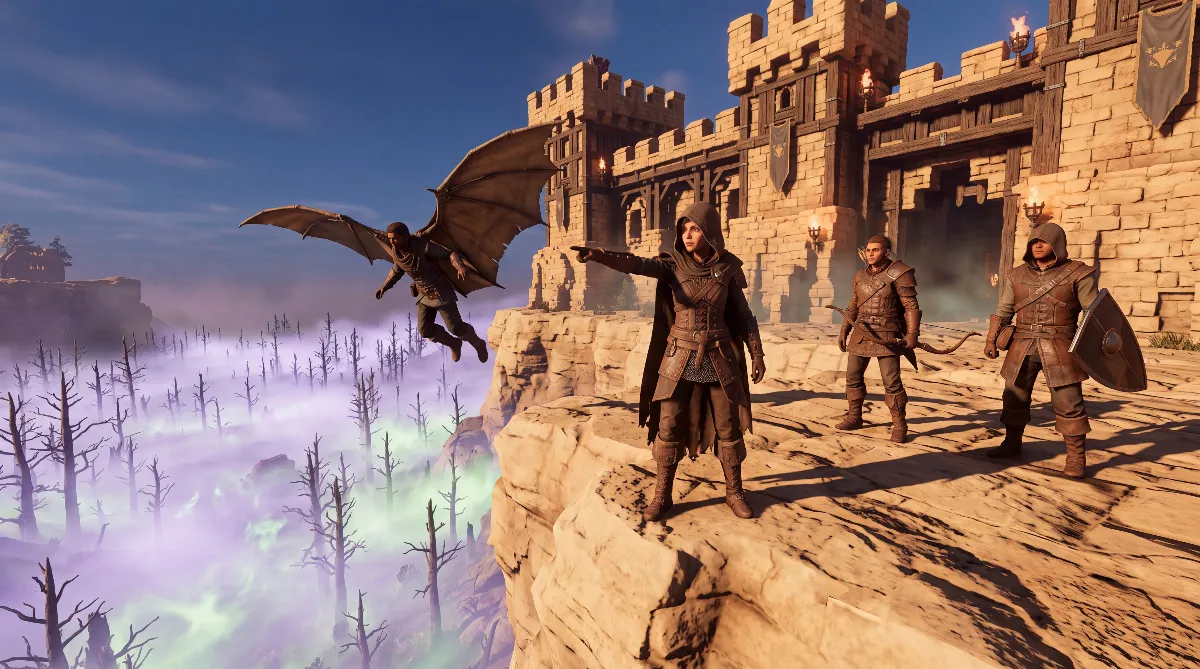
Enshrouded supports co-op with up to 16 players on PC (up to 8 on PS5), either in a host's world or on an Enshrouded dedicated server that you run yourself on PC. What matters most is what gets saved where: your character belongs to you, the world belongs to whoever hosts it.
This guide covers both options, explains roles and passwords, walks you through setting up your own server step by step, and clears up what Adventure Sharing has to do with all of this and what it doesn't. It's based on Keen Games' support articles.
👥 Two ways to play Enshrouded co-op
There are two models for a shared session in Enshrouded. In the first, one player opens their own world to others. In the second, the world runs in a separate program that works independently of any single player's game.
| Feature | Host's world | Dedicated server |
|---|---|---|
| Where does the world run? | in the host's game | in a separate program |
| Availability | only while the host is playing | as long as the program runs |
| Settings | in-game, Host Settings menu | enshrouded_server.json file |
| Platform | PC (up to 16 players), PS5 from version 1.0 (up to 8 players) | PC (Windows) |
| Effort | low | setup and a machine of your own |
For a regular group that plays at different times, a machine of your own is worth it. If you're always online together anyway, the host's world does the job.
💾 What Enshrouded saves in co-op
Character and world are separate, and that's the most important rule for any co-op session. Keen Games puts it plainly in its Dedicated Server FAQ: "Character progression is stored only on clients. The world progression is stored on the dedicated servers." Your character's progress stays with you, the world's progress stays with the host.
In practice, that means:
- With you stay your level, skills and everything your character wears and carries in the backpack. You take all of it to the next world.
- With the host stay the base, the Flame Altar, chests and their contents, explored areas and everything built in the world.
- Whatever you put into someone else's chest belongs to that world afterward. If you leave the session, it's gone for you.
What the altar does for your shared world is explained in our Enshrouded Flame Altar guide. If you're building a shared base, our guide to the Enshrouded craftspeople shows which survivors to rescue first.
Enshrouded saves world files in rotation: according to Keen, each world has ten numbered copies that get overwritten one after another. Using the matching index file, you can roll back to an older state. Back up all files before you try.
🔗 Adventure Sharing in Enshrouded is not co-op
The name is misleading. Adventure Sharing arrived with the "Forging the Path" update in April 2026 and doesn't share a live session, but a whole version of a world. You upload your version of Embervale with all your buildings to Keen's servers, and others download and visit it.
When you upload, you set a name, tags, a description and preview images. There's a craftable camera for that. You define the spawn point for visitors at the Flame Altar. The menu for it is in the reworked main menu.
Set your expectations: according to reports from launch, you can't progress in a downloaded world; it's there to look at. Playing with friends at the same time only works through co-op in a host's world or on a machine of your own.
🏠 Opening your own Enshrouded world for co-op
The fastest way is your own world. You start it as usual, set a password and invite friends via Steam, or let them find it through the join menu. The session only lives as long as you're in the game. Go offline, and the world is gone too.
You hand out permissions in-game through the Host Settings menu. Keen lists four roles for this:
| Role | What Keen describes |
|---|---|
| Visitor | no changes to bases, no chests or containers |
| Helper | fighting, looting, exploring and progression allowed, no chests |
| Friend | like Helper, plus chests and containers |
| Admin | like Friend, plus kicking and banning |
The Helper role fits guests who should fight along without touching your supplies. For unknown players from a community session in Enshrouded, it's the safe choice.
🖥️ Setting up an Enshrouded dedicated server
Your own server belongs on a Windows machine that keeps running as long as people play. Officially, Keen only supports Windows; the support article names Linux as a later goal. Community projects run it on Linux via Wine, but that's not an official path.
Step 1: Install
In your Steam library, enable the Tools filter and download the Enshrouded Dedicated Server there. If you use SteamCMD, community guides give the app ID 2278520. Right-click, choose Properties and Installed Files to open the folder.
Step 2: Run it once
Start the EXE in the install folder directly, not with Steam's Play button. On the first run, the program creates the file enshrouded_server.json. Then close it again.
Step 3: Configure
The JSON file holds the most important values:
- name: display name in the list
- saveDirectory and logDirectory: folders for saves and logs
- ip: stays at 0.0.0.0
- queryPort: default 15637
- slotCount: 1 to 16 slots
- gameSettingsPreset: Default, Relaxed, Hard, Survival or Custom
- userGroups: roles with their own password
The individual values under gameSettings only take effect when the preset is set to Custom. There you can adjust things like player health, enemy damage or the length of day and night. With any other preset, the program ignores these values.
Step 4: Roles and passwords
The old single password in line three of the file has been replaced. Now every role under userGroups gets its own password. Keen's example lists Admin, Friend and Guest with the permissions canKickBan, canAccessInventories, canEditBase and canExtendBase. With reservedSlots, you keep slots free for a role; the example reserves one for Admin and three for Friend.
Always replace the sample passwords. Anyone who knows a password gets the permissions of that role.
Step 5: Open the port and join
Keen names queryPort 15637 as the default, plus the ports Steam itself needs. Community guides list UDP as the protocol. Forward the port to your machine in your router and allow it in Windows Firewall.
In Enshrouded, you join through the join menu on the main screen and its list. Keen also describes a detour via Steam: in the Game Servers view under Favorites, enter the IP and queryPort separated by a colon, and the entry then shows up at the top of the in-game list.
⚙️ What hardware do you need?
Keen publishes two recommendations for the Enshrouded Dedicated Server. Both call for 16 GB of RAM, an SSD with at least 30 GB of free space and about 2 Mbit/s of upload per player.
| Group size | CPU according to Keen |
|---|---|
| 4 to 6 players | Intel Core i7 at 3.2 GHz or equivalent AMD, 6 cores, 12 threads |
| 16 players | Intel Core i7 at 3.7 GHz or equivalent AMD, 8 cores, 16 threads |
Upload is the most common bottleneck. By this math, a full 16-player session needs about 32 Mbit/s just for the game. If you want voice chat, you can turn it on in the file or use a separate solution.
🎮 Co-op on PS5 in brief
With version 1.0, Enshrouded also comes to PS5, but with a smaller group size: the PlayStation Store lists up to 8 online players with PS Plus, while 16 players remain a PC feature. Keen hasn't officially confirmed crossplay between PC and PS5 or a way to carry saves between the platforms.
If you've set up a dedicated server for another survival game before, you'll recognize the pattern in Enshrouded, even though the effort differs a lot from game to game.
💡 Common co-op mistakes in Enshrouded
- Versions don't match: the program and the game must be on the same version. After an update, update the machine first.
- World not in the list: check your port forwarding or go through Favorites.
- Items gone: if you put materials in chests in someone else's world, they stay there.
- Settings don't apply: gameSettings only work with the Custom preset.
- No backup: back up the save folder before big updates.
📌 Current state and sources
Enshrouded has been in Early Access since January 24, 2024. Version 1.0 is set to release on October 15, 2026, for PC via Steam and for PS5, and according to Keen, Xbox follows in spring 2027. Crossplay between PC and PS5 and cross-progression haven't been officially confirmed.
With 1.0, Keen is announcing an expanded version of Adventure Sharing. With the April update, the studio already named logic elements, puzzles, enemy spawners and traps as the next step. How that affects shared worlds will only become clear with the 1.0 patch notes.
Checked against Keen Games' support articles on installing, configuring, roles, saves and hardware for the dedicated server, against the official "Forging the Path" patch notes and the version 1.0 release announcement. Community information is marked as such. As of: October 8, 2026.
❓ Frequently Asked Questions about the Enshrouded dedicated server and co-op
How many players fit into an Enshrouded world?
Up to 16 on PC and up to 8 on PS5. On your own dedicated server, you set the number via slotCount between 1 and 16.
Do I keep my progress when I play with friends?
Yes, for your character. Level, skills and inventory stay with you. Bases, chests and world progress stay in the host's world.
Can friends play in my world while I'm offline?
Not in a host's world. For that, you need a dedicated machine that keeps the world available.
Does the dedicated server run on Linux?
Officially no, Keen only supports Windows. Community solutions use Wine, without support.
Is Adventure Sharing a co-op mode?
No. Adventure Sharing uploads a whole version of a world that others download and visit. Playing at the same time still works through host worlds and your own machine.
Is there a dedicated server for PS5?
So far, Keen only names dedicated servers for PC.