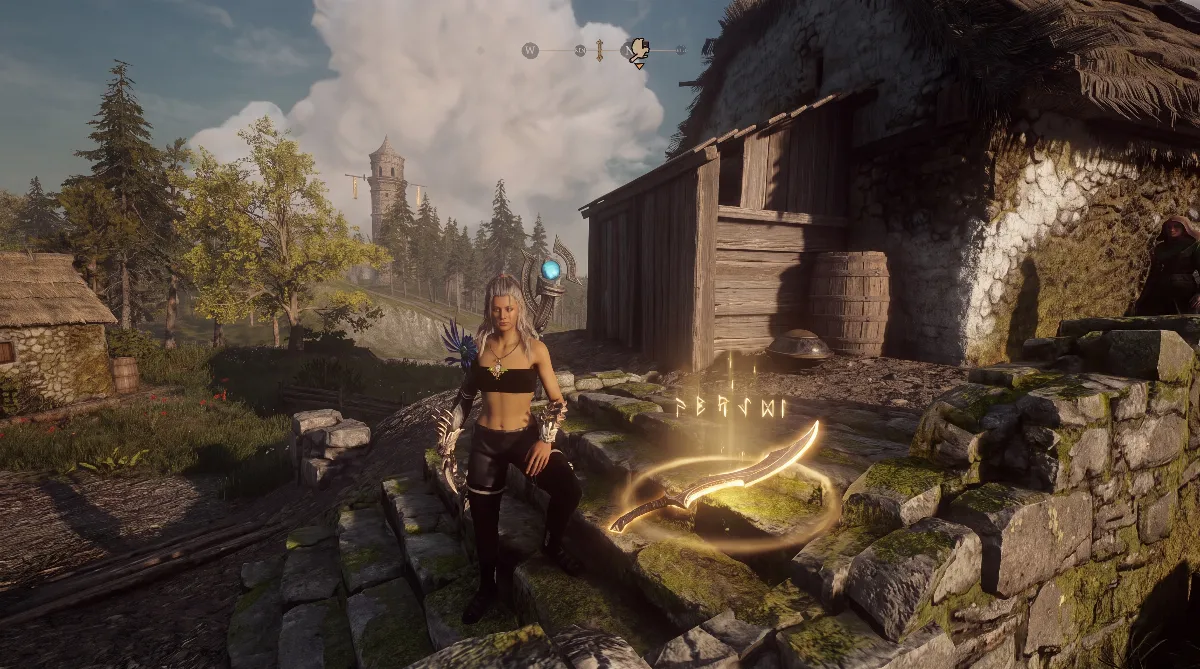
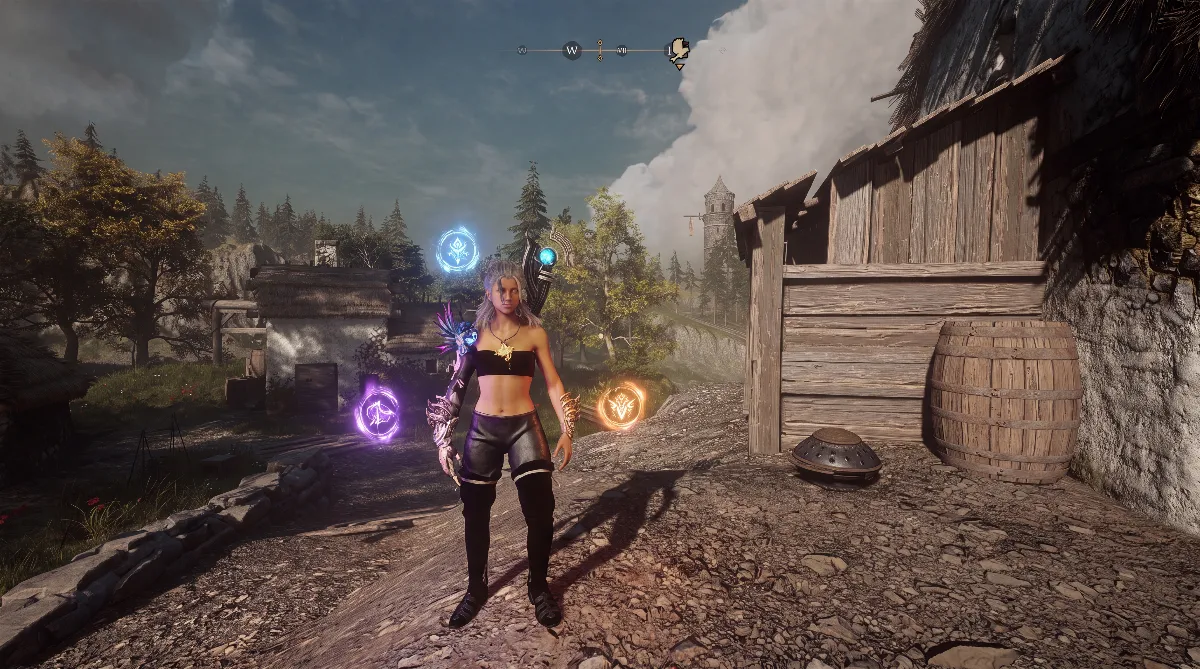
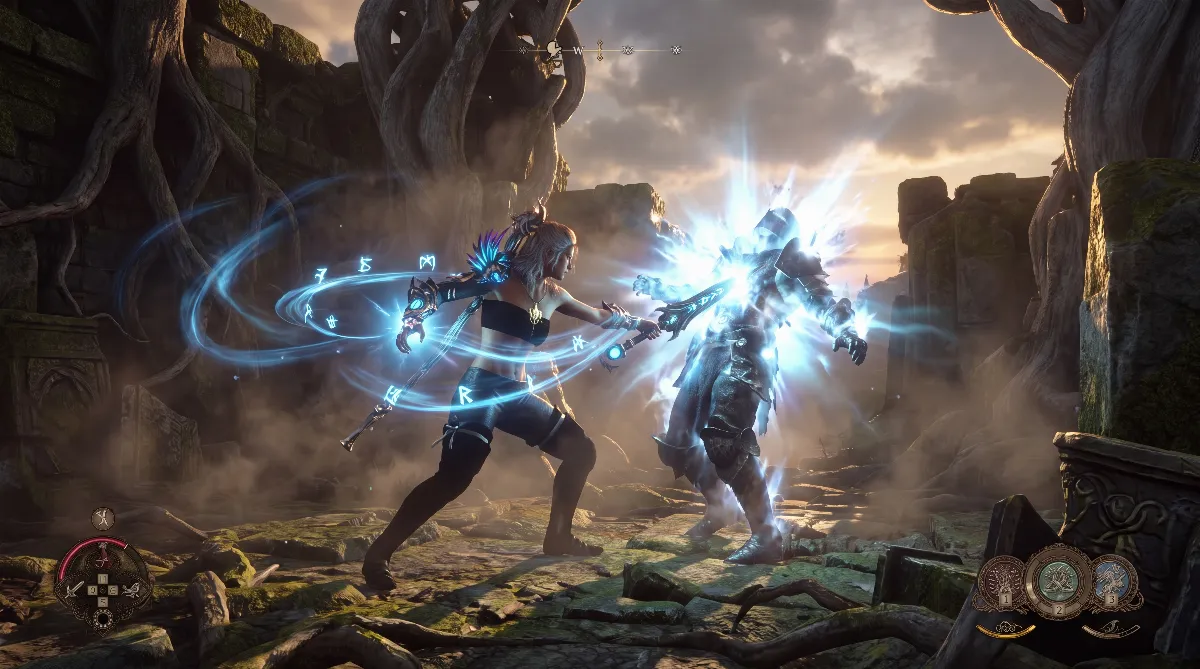
Soulframe System Requirements 2026: Will It Run on Your PC?

- 📊 The official Soulframe system requirements at a glance
- ⚠️ There's no official "recommended" column
- 🎯 What you realistically need: my take
- 💡 SSE 4.2: the clause old CPUs fail on
- 📦 50 GB of storage, and why you should plan for more
- 🗺️ Soulframe system requirements: Windows 7 vs. Windows 10 on Steam
- 🔗 Platform status in October 2026
- ❓ FAQ: Soulframe system requirements
The Soulframe system requirements are low: 64-bit Windows 7 or newer, an Intel Core i7 860, Core i5 750 or AMD FX-4100 with SSE 4.2 support, 8 GB of RAM, a DirectX 11 capable graphics card and 50 GB of free storage. You also need a broadband connection, because the game is online only.
The real catch is somewhere else. Digital Extremes officially lists only minimum specs and no recommended specs. Every "recommended" column you see anywhere is an estimate, including mine further down.
📊 The official Soulframe system requirements at a glance
These values appear word for word on the official download page at soulframe.com and in the support article "Soulframe System Requirements". It's the only list that counts as official.
| Component | Minimum (official) |
|---|---|
| Operating system | Windows 7 64-bit, 32-bit isn't supported |
| Processor | Intel Core i7 860, Intel Core i5 750 or AMD FX-4100, SSE 4.2 support required |
| Memory | 8 GB RAM |
| Graphics | DirectX 11 capable graphics card |
| Storage | 50 GB of free disk space |
| Internet | broadband connection, required |
That's hardware from 2009 to 2011. The Core i5 750 launched in September 2009, the FX-4100 in October 2011. By most accounts Soulframe runs on the same Evolution Engine as Warframe (Digital Extremes hasn't explicitly confirmed this), and that engine is known for still starting on old hardware.
⚠️ There's no official "recommended" column
This is where this guide differs from every database page. The official support article on the Soulframe system requirements has exactly one table, and it's labeled "Minimum". After that comes a single line, roughly: for optimal performance you should exceed the minimum, with a stronger CPU, a stronger GPU and more than 8 GB of RAM.
That's all it says. No target resolution, no target frame rate, no specific GPU model. If someone sells you a neat two-column table with "RTX 3060, 16 GB RAM, Ryzen 5 5600" as "recommended", those numbers didn't come from Digital Extremes. They're guesses, usually derived from the Warframe specs or pulled from thin air.
That's not a minor detail. Soulframe is still in closed Preludes access. There's no performance mode comparison, no benchmark database with thousands of entries and no official target values. A made-up recommended column suggests a certainty that simply doesn't exist.
🎯 What you realistically need: my take
The Soulframe system requirements say nothing about resolution or frame rate. Since there's no official recommendation, here's a clearly labeled assessment of my own. It's based on the minimum, on how the Warframe engine behaves and on community reports from the Soulframe forum, not on manufacturer specs.
| Component | My take for 1080p and smooth frame rates |
|---|---|
| Operating system | Windows 10 or 11, 64-bit |
| Processor | 4 cores from 2017 or newer, such as a Ryzen 5 1600 or Core i5-8400 and up |
| Memory | 16 GB, since 8 GB is enough to start but not to alt-tab |
| Graphics | a card with at least 4 GB VRAM, DirectX 12 capable |
| Storage | SSD instead of HDD, 60 GB to leave room for updates |
The 16 GB of RAM is the point I'd defend most. Soulframe support has a dedicated article on the "Out of Memory" error that names background programs and a manually limited page file as causes. With 8 GB and a browser open, that's exactly where you end up.
💡 SSE 4.2: the clause old CPUs fail on
The most important half-sentence in the requirements is "SSE 4.2 support required". SSE 4.2 is an instruction set extension, not a performance figure. Your CPU either supports it or it doesn't. Clock speed, core count and overclocking won't help.
In practice, Intel CPUs support SSE 4.2 from the Nehalem generation onward, so from the first Core i CPUs in late 2008. AMD added it with the Bulldozer architecture, the FX series from 2011. That's why the minimum lists the i5 750 and the FX-4100, two early models of those generations.
That rules out, among others:
- Intel Core 2 Duo and Core 2 Quad, all of them
- AMD Phenom II and Athlon II, all of them
- older Pentium and Celeron models based on Core 2
A Phenom II X6 1100T has six cores at 3.3 GHz. On paper it looks stronger than an FX-4100. It still won't start Soulframe, because it lacks the instruction set. Microsoft drew the same line with Windows 11 version 24H2, which is why Core 2 and Phenom II dropped out there as well.
How to check in one minute if your CPU supports SSE 4.2
- CPU-Z (free, from CPUID): "CPU" tab, "Instructions" line. If it lists "SSE4.2", you're fine.
- Coreinfo from Microsoft Sysinternals: run it in a command prompt and look for the "SSE4.2" line. An asterisk means supported, a dash means not supported.
- No extra tools: read your CPU model in Task Manager under "Performance" and look it up on the manufacturer's spec page. On Intel's site the entry is called "Instruction Set Extensions".
📦 50 GB of storage, and why you should plan for more
Officially, Soulframe needs 50 GB of free disk space. That's what the install takes, not what an update needs. The launcher downloads packages and unpacks them, and support explicitly names too little free space as a cause of the "Out of Memory" and "IO Failure" errors.
Two tips from the official documentation that save you trouble. For IO errors, support recommends installing on the system drive C instead of an external drive. And if you already have Warframe installed, give Soulframe its own folder. If both games share a directory, they force each other to reinstall.
🗺️ Soulframe system requirements: Windows 7 vs. Windows 10 on Steam
Windows 7 is officially in the requirements, and through the in-house launcher that makes sense. Soulframe is currently distributed only as Soulframe.msi from soulframe.com, with Preludes access required.
Once the game launches on Steam, that effectively changes. The Steam page (app 4095380) is already up but listed as "Coming soon" and isn't playable.
It also notes that since January 1, 2024, the Steam client only supports Windows 10 and later. If you're on Windows 7 today, you can play through the DE launcher, but not through Steam.
🔗 Platform status in October 2026
Soulframe is currently PC only and runs only through Digital Extremes' own launcher. Steam and Epic have been announced but aren't live yet. There's no commitment for consoles: according to Devstream 17, Digital Extremes doesn't have contracts with console makers yet. The latest big update is Preludes 16 "Of Hook and Hound", live since September 18, 2026 and PC only as well.
Everything about it is in our Soulframe Preludes 16 overview, and the outlook on launch dates is in the guide to the Soulframe release date.
If your PC meets the Soulframe system requirements but the game still crashes or won't start, the problem is your configuration, not your hardware. The official launcher fixes in the support articles named below cover those cases.
New to the game? The Soulframe beginner guide is your next step, and all English guides are on our Soulframe overview.
❓ FAQ: Soulframe system requirements
How many GB does Soulframe need?
Officially 50 GB of free disk space. Plan for a bit more, since the launcher unpacks update packages on top of that.
Does Soulframe run on 8 GB of RAM?
Yes, 8 GB is the official minimum. Support does name background programs and a limited page file as causes of memory errors, though, so 16 GB is the safe choice. That's my assessment, not a manufacturer spec.
Are there official recommended system requirements for Soulframe?
No. Digital Extremes only publishes minimum specs plus the general advice to exceed them. Every specific recommendation you find online is an estimate.
Does Soulframe run on a Core 2 Quad or Phenom II?
No. Both lack SSE 4.2, and that instruction set is mandatory. Clock speed doesn't matter here.
Do I need Windows 10 for Soulframe?
For the in-house launcher, Windows 7 64-bit is officially enough. For the future Steam version you'll need Windows 10 or later, because the Steam client no longer supports older systems.
Can I play Soulframe on PS5 or Xbox?
No. Soulframe is PC only through its own launcher. A console version hasn't been promised, and according to Devstream 17 there are no contracts with console makers yet.
Everything in this guide was checked against Digital Extremes' official support database (support.soulframe.com, articles "Soulframe System Requirements", "Out of Memory Error", "IO Failure" and "I'm having trouble installing Soulframe"), the download page on soulframe.com and the Soulframe Steam store page. Checked against Preludes 16 as of October 2026, with the minimum specs last compared against the download page in October 2026.